









GeeksModo Story Archive - October 2026
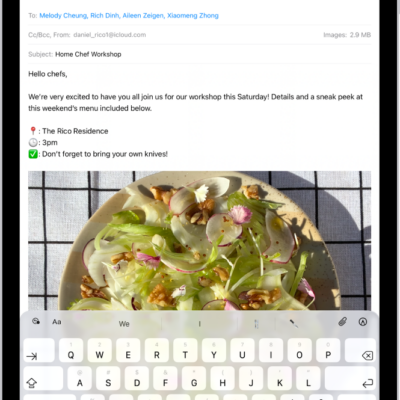
How to get started with Mail on iPad
You can get started with Mail on iPad, add email accounts like iCloud or Gmail, send and reply to email, and organize your inbox.
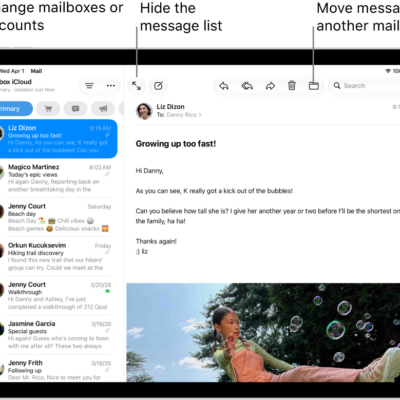
How to reply to and forward emails in Mail on iPad
You can reply to and forward emails in Mail on iPad, quote text, follow up, set up an automatic reply, and use Smart Reply.
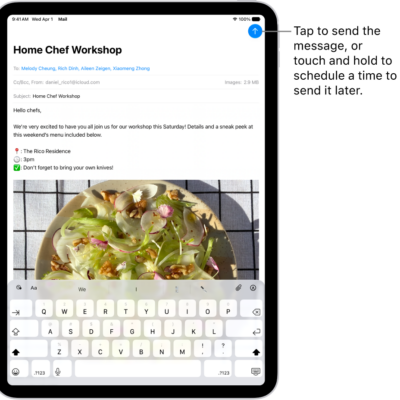
How to send email in Mail on iPad
You can send email in Mail on iPad, add recipients and hyperlinks, format text, and schedule messages from any account.
How to check your email in Mail on iPad
You can check your email in Mail on iPad, read or summarize messages, use Remind Me, and mark multiple emails as read.
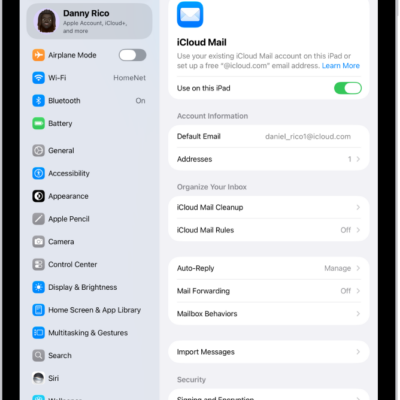
How to set up a custom email domain with iCloud Mail on iPad
You can set up a custom email domain with iCloud Mail on iPad, add up to five domains, and import existing email.
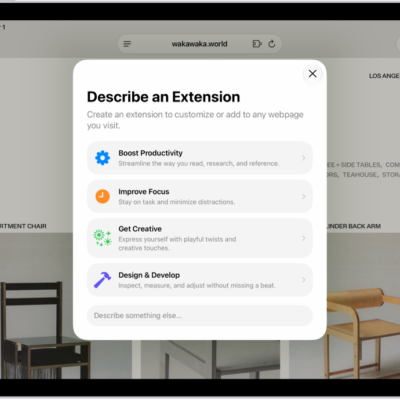
How to get extensions to customize Safari on iPad
You can get extensions to customize Safari on iPad, add and manage them, and create your own extension with Apple Intelligence.

How to set up shortcuts for Live Recognition on iPad
You can set up shortcuts for Live Recognition on iPad with a VoiceOver gesture or the Accessibility Shortcut.
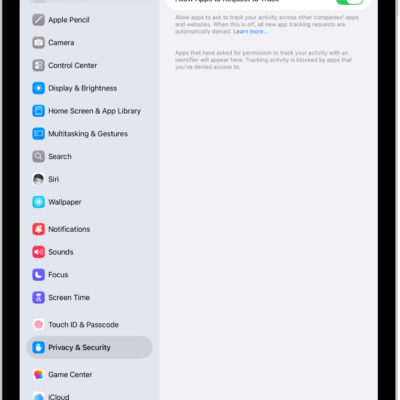
How to control app tracking permissions on iPad
You can control app tracking permissions on iPad, change an app's permission to track you, and stop all apps from asking.
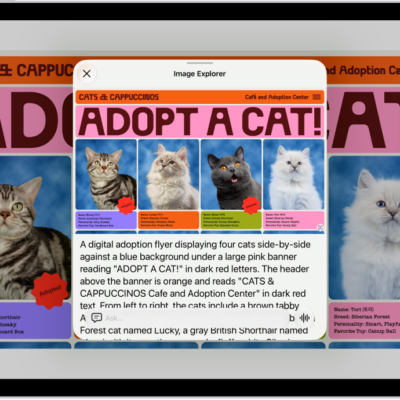
How to hear what’s on your screen and around you with VoiceOver on iPad
You can hear what's on your screen and around you with VoiceOver on iPad, get live descriptions, and ask questions with Live Recognition.
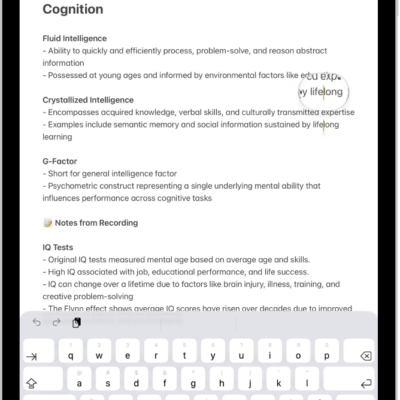
How to view a larger version of text you’re reading or typing on iPad
You can view a larger version of text you're reading or typing on iPad with Hover Text and Hover Typing.