









GeeksModo Story Archive - October 2026
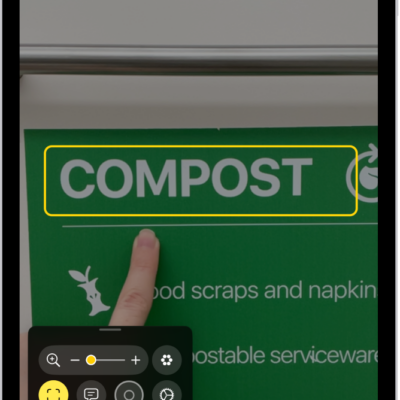
How to detect text around you and have it read out loud using Magnifier on iPad
You can detect text around you and have it read out loud using Magnifier on iPad, or point your finger at text to hear it.

How to customize visual accessibility settings for specific apps on iPad
You can customize visual accessibility settings for specific apps on iPad, like color, text size, and motion, in Per-App Settings.
How to change display colors on iPad to make it easier to see what’s onscreen
You can change display colors on iPad to make the screen easier to see, invert colors, use color filters, and make transparent items solid.
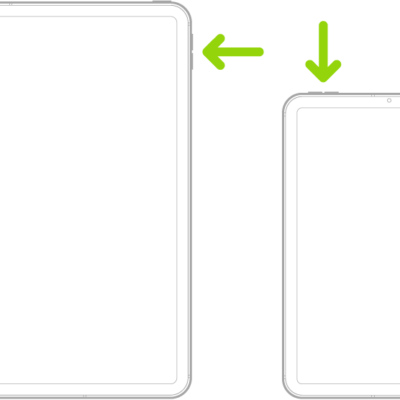
How to adjust the volume and silence on iPad
You can adjust the volume and silence iPad with the volume buttons or Control Center, lock the alert volume, and use Siri.
How to turn on and set up iPad
You can turn on and set up iPad with an internet connection or your computer, and transfer data from another iPhone, iPad, or Android device.
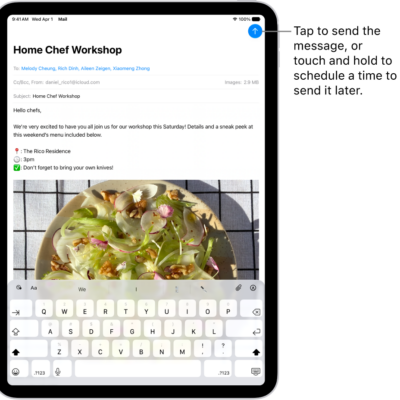
How to use Hide My Email in Mail on iPad
You can use Hide My Email in Mail on iPad with iCloud+ to send and reply to email while keeping your real address private.
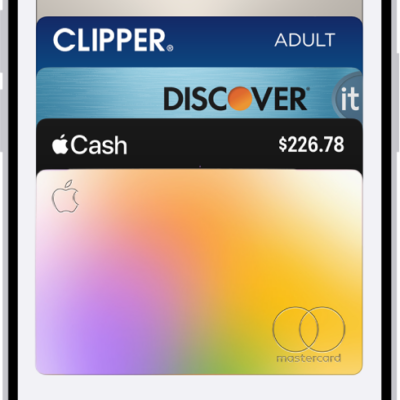
How to make purchases with Apple Pay on iPad
You can make purchases with Apple Pay on iPad in apps, App Clips, and online, and use it in third-party browsers.

How to subscribe to iCloud+ on iPad
You can subscribe to iCloud+ on iPad, or to Apple One, for more storage plus premium features like iCloud Private Relay and Hide My Email.
How to protect your web browsing with iCloud Private Relay on iPad
You can protect your web browsing with iCloud Private Relay on iPad, turn it on or off, and turn it off for a specific network.
How to create and manage Hide My Email addresses in Settings on iPad
You can create and manage Hide My Email addresses in Settings on iPad, deactivate them, and choose where they forward.