









GeeksModo Story Archive - October 2026
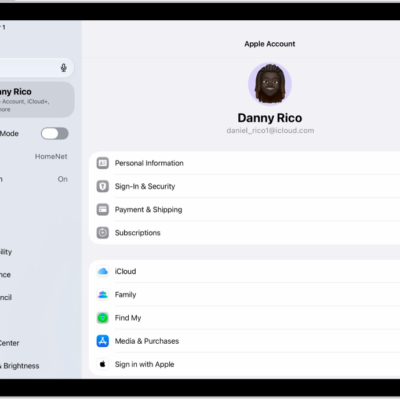
How to sign in and manage your Apple Account on iPad
You can sign in and manage your Apple Account on iPad, change your account settings, and add or update a payment method.
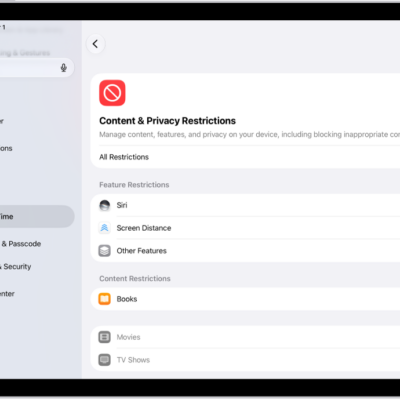
How to change settings and restrictions in the App Store on iPad
You can change settings and restrictions in the App Store on iPad, set content restrictions, prevent in-app purchases, and set Screen Time limits.
How to see your purchases and subscriptions in the App Store on iPad
You can see your purchases and subscriptions in the App Store on iPad, view your purchase history, and change or cancel a subscription.
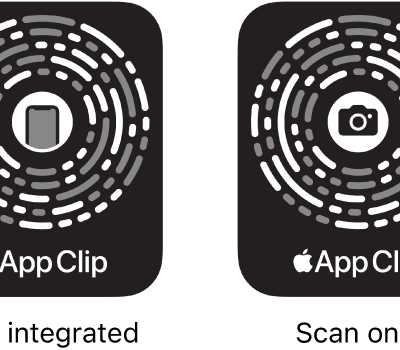
How to use App Clips on iPad
You can use App Clips on iPad to do a task quickly, like rent a bike, pay for parking, or order food.
How to sign in with Apple on iPad
You can use Sign in with Apple on iPad to sign in to websites and apps with your Apple Account, and set up or upgrade accounts.
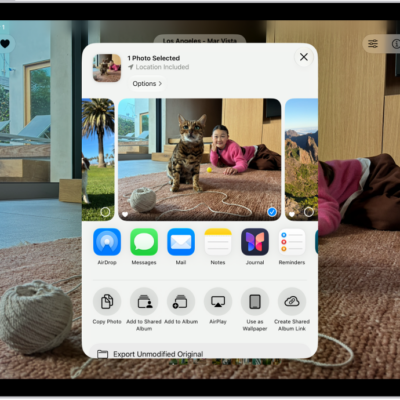
How to print from iPad
You can print from iPad with AirPrint to an AirPrint-enabled printer, print a document, and check or cancel a print job.
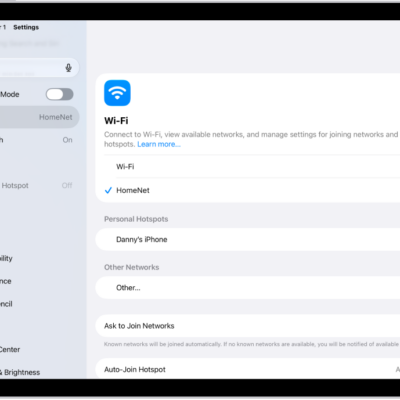
How to connect iPad to the internet
You can connect iPad to the internet with Wi-Fi, a Personal Hotspot, or a cellular network on Wi-Fi + Cellular models.
How to manage Wi-Fi settings on iPad
You can manage Wi-Fi settings on iPad, use Low Data Mode or a private Wi-Fi address, forget a network, and share a Wi-Fi password.
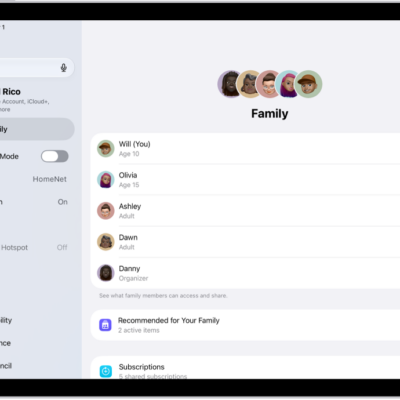
How to share App Store, Apple TV, and Apple Books purchases with Family Sharing on iPad
You can share App Store, Apple TV, and Apple Books purchases with Family Sharing on iPad, and turn Purchase Sharing on or off.
How to share Apple and App Store subscriptions with family members on iPad
You can share Apple and App Store subscriptions with family members on iPad through Family Sharing.