









GeeksModo Story Archive - October 2026

How to turn off and restrict access to Apple Intelligence features on iPad
You can turn off and restrict access to Apple Intelligence features on iPad, like Siri AI, summaries, and priority notifications.
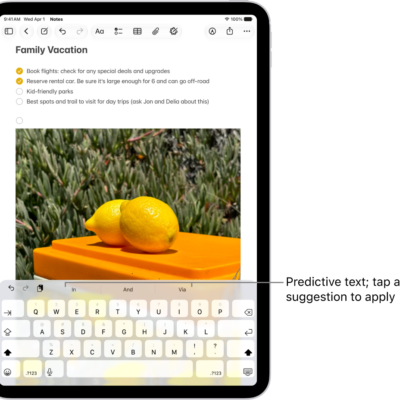
How to use shortcuts on an Apple external keyboard with iPad
You can use shortcuts on an Apple external keyboard with iPad, including the Shortcuts bar and keyboard shortcuts.

How to explore maps with immersive views on iPad
You can explore maps with immersive views on iPad, see cities in 3D detail, and look around locations with 360-degree views.
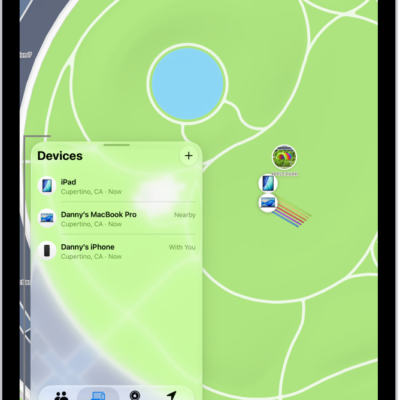
How to adjust map settings in Find My on iPad
You can adjust map settings in Find My on iPad, switch between explore and satellite views, use 2D or 3D, and change distance units.
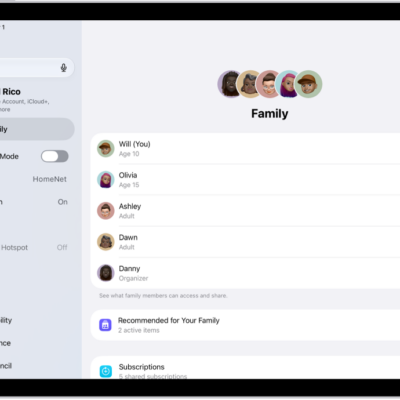
How to add a member to a Family Sharing group on iPad
You can add a member to a Family Sharing group on iPad, invite people with AirDrop, Messages, or Mail, or create a Child Account.
How to leave or remove a member from a Family Sharing group on iPad
You can leave or remove a member from a Family Sharing group on iPad, or stop Family Sharing as the organizer.
How to set up Family Sharing on iPad
You can set up Family Sharing on iPad to share Apple services, purchases, and iCloud+ storage with up to five family members.
How to share locations with family members and locate their lost devices on iPad
You can share locations with family members on iPad through Family Sharing, and locate a family member's lost device.
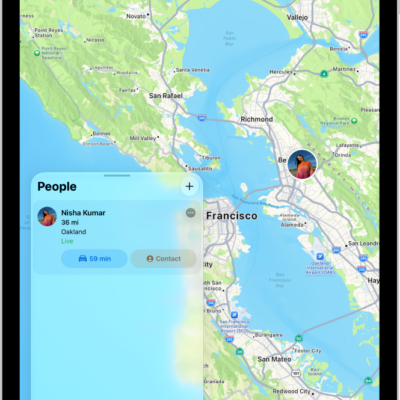
How to share your location in Find My on iPad
You can share your location in Find My on iPad, set up location sharing, set a label, and share with a friend.
How to add or remove a friend in Find My on iPad
You can add or remove a friend in Find My on iPad, ask to see their location on a map, and remove them from your People list.