









GeeksModo Story Archive - October 2026
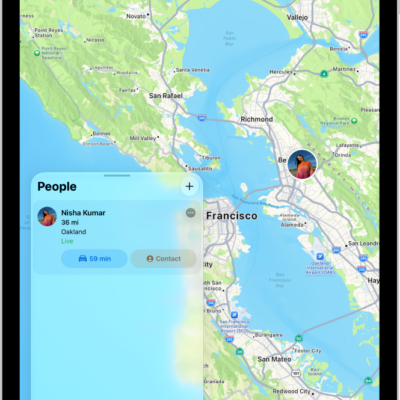
How to locate a friend in Find My on iPad
You can locate a friend in Find My on iPad, see them on a map, contact them, get directions, and set a label.
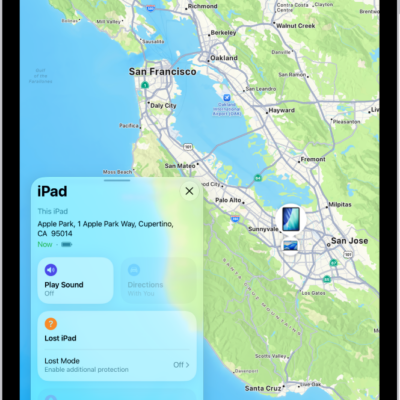
How to get started with Find My on iPad
You can get started with Find My on iPad to locate lost devices, find items with AirTag, and keep track of friends.
How to notify a friend when your location changes in Find My on iPad
You can notify a friend when your location changes in Find My on iPad, see who's notified about you, and turn off notifications.
How to get notified when a friend’s location changes in Find My on iPad
You can get notified when a friend's location changes in Find My on iPad, when they arrive, leave, or aren't at a location.

How to share passwords and passkeys with people you trust on iPad
You can share passwords and passkeys with people you trust on iPad with shared password groups, and manage a group.
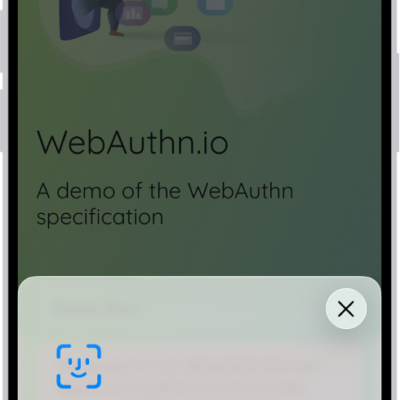
How to use passkeys to sign in to websites and apps on iPad
You can use passkeys to sign in to websites and apps on iPad, replacing passwords with more secure, uniquely generated keys.
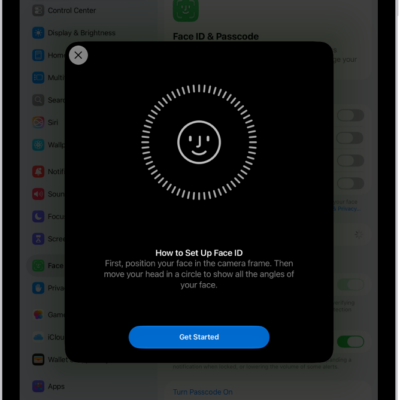
How to set up Face ID on iPad
You can set up Face ID on iPad to unlock it, authorize purchases, and sign in to apps, and add an alternate appearance.
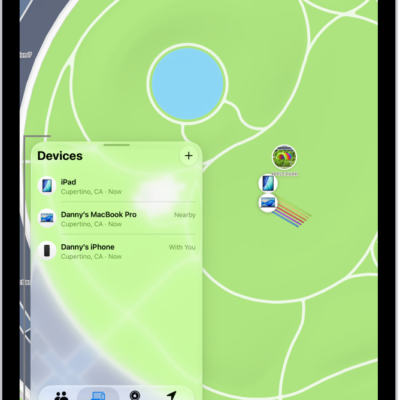
How to mark a device as lost in Find My on iPad
You can mark a device as lost in Find My on iPad, show a message with your contact info, and change or turn off Lost Mode.
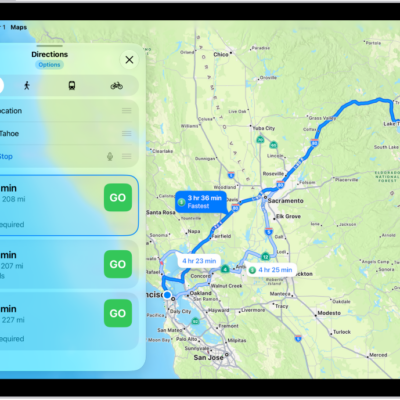
How to delete recent directions in Maps on iPad
You can delete recent directions in Maps on iPad, one item at a time or all at once from Recents.
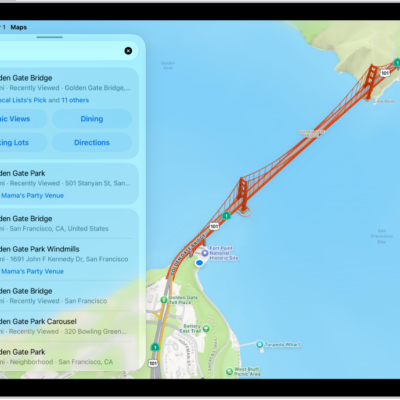
How to get started with Maps on iPad
You can get started with Maps on iPad, save your go-to addresses, get directions, discover places nearby, and explore in 3D.