









GeeksModo Story Archive - October 2026
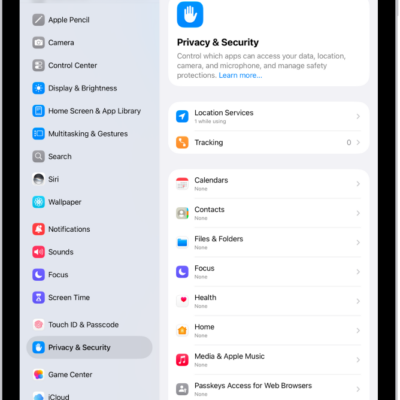
How to clear your location history in Maps on iPad
You can clear your location history in Maps on iPad by deleting your significant locations, which resets predictive traffic routing.
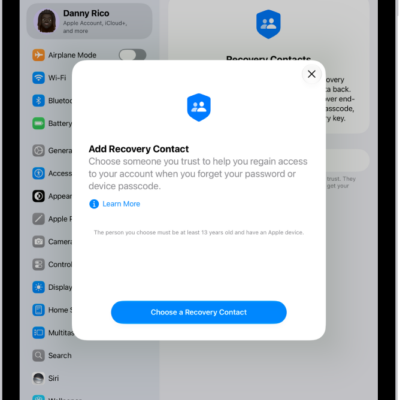
How to keep your Apple Account secure on iPad
You can keep your Apple Account secure on iPad with best practices, Account Recovery Contacts, and Family Sharing instead of shared accounts.
How to use security keys to sign in to your Apple Account on iPad
You can use security keys to sign in to your Apple Account on iPad for extra protection from targeted attacks.

How to make your passwords and passkeys available across devices with iPad and iCloud Keychain
You can make your passwords and passkeys available across devices with iCloud Keychain on iPad, set it up, and approve new devices.
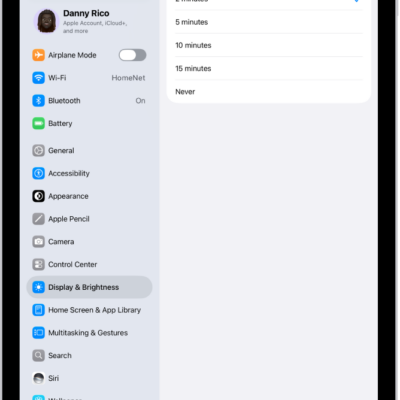
How to set a passcode on iPad
You can set a passcode on iPad, change when it locks automatically, and erase data after 10 failed passcode attempts.
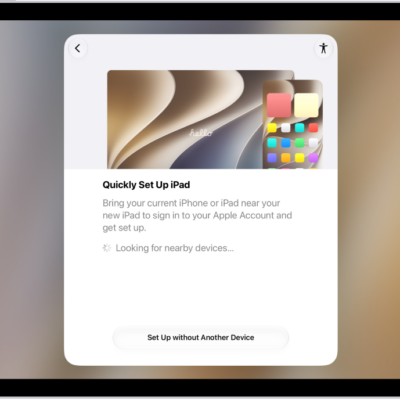
How to restore all content to iPad from a backup
You can restore all content to iPad from an iCloud backup or a computer backup, on a new or newly erased iPad.
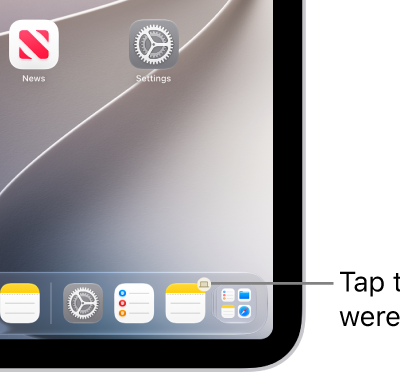
How to hand off tasks between iPad and your other devices
You can hand off tasks between iPad and your other devices with Handoff, from Safari and Mail to FaceTime and Maps.
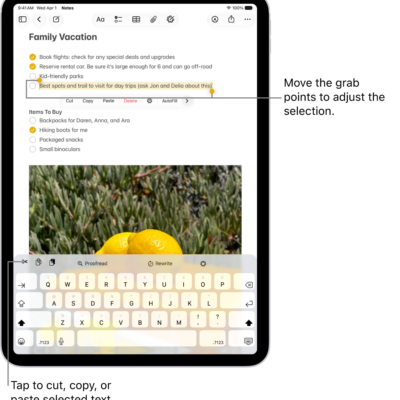
How to copy and paste between iPad and other Apple devices
You can copy and paste between iPad and other Apple devices with Universal Clipboard, as long as Wi-Fi, Bluetooth, and Handoff are on.
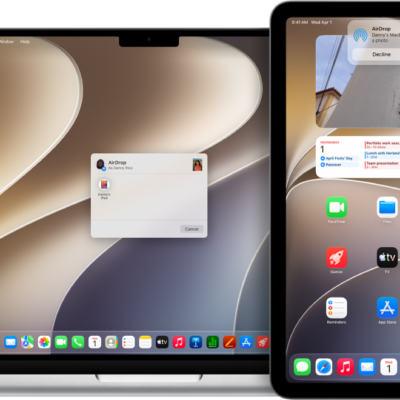
How to use AirDrop on iPad to send items to nearby Apple devices
You can use AirDrop on iPad to wirelessly send photos, videos, documents, and more to nearby Apple devices.
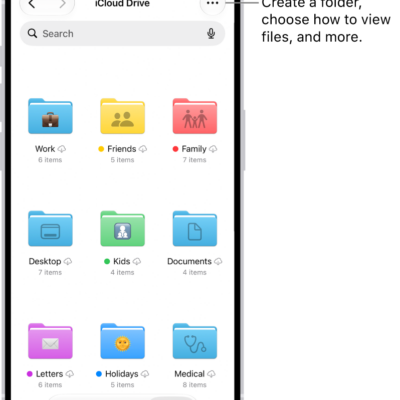
How to transfer files from iPad to a storage device, a server, or the cloud
You can transfer files from iPad to a storage device, a server, or the cloud, using services like iCloud, Box, or Dropbox.