









GeeksModo Story Archive - October 2026
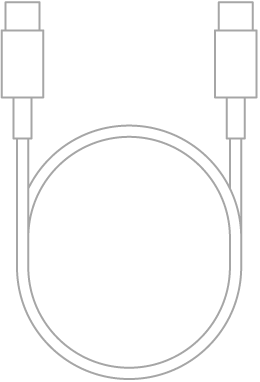
How to connect iPad and your computer with a cable
You can connect iPad and your computer with a cable to set up iPad, share your internet connection, update it, or sync content.
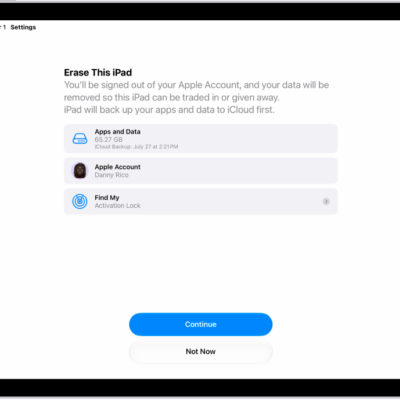
How to reset iPad settings to their defaults
You can reset iPad settings to their defaults without erasing your content, and back up first to keep your settings.

How to back up iPad
You can back up iPad using iCloud or your Mac or Windows device, view and manage iCloud storage, and use a backup on a new iPad.
How to erase iPad
You can erase iPad to restore it to factory settings using Settings or your computer, and choose whether to keep your eSIM.
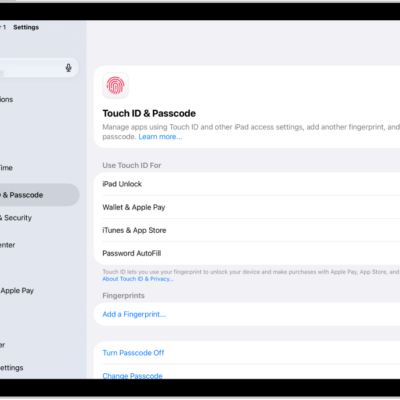
How to set up Touch ID on iPad
You can set up Touch ID on iPad to unlock it, authorize purchases, and sign in to apps, and add or delete fingerprints.

Which power adapter and charge cable to use with iPad
You can learn about the power adapter and charge cable for iPad, the included USB-C adapter, and recommended specifications.
Which Magic Keyboard or Smart Keyboard works with your iPad
You can find the right iPad Magic Keyboard or Smart Keyboard for your iPad, with each keyboard and the iPad models it works with.
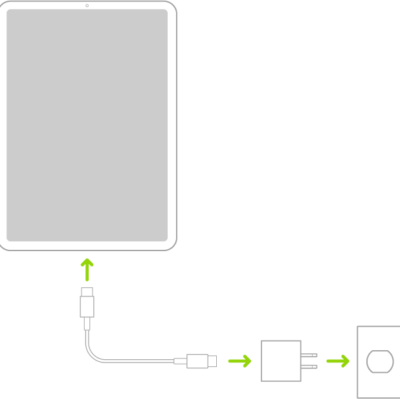
How to charge the iPad battery
You can charge the iPad battery with the included cable and power adapter, check the battery level, and improve charging speed.
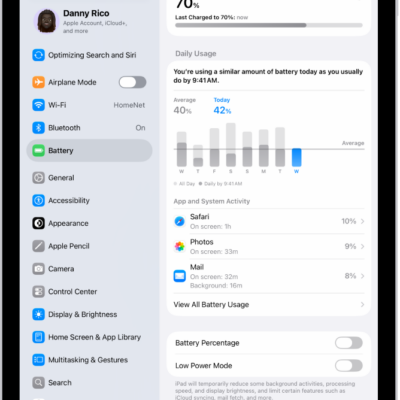
How to show the iPad battery percentage
You can show the iPad battery percentage in the status bar, check it in Control Center, and add a Batteries widget.
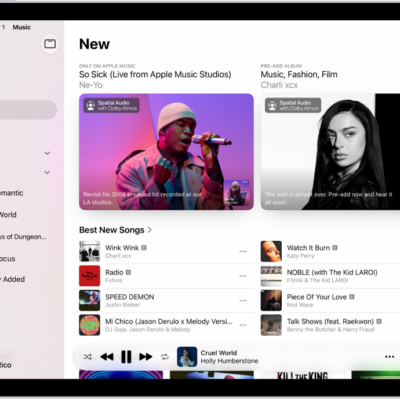
How to find new music with Apple Music on iPad
You can find new music with Apple Music on iPad, browse new releases and playlists by music experts, and discover your most-played music.