









GeeksModo Story Archive - October 2026
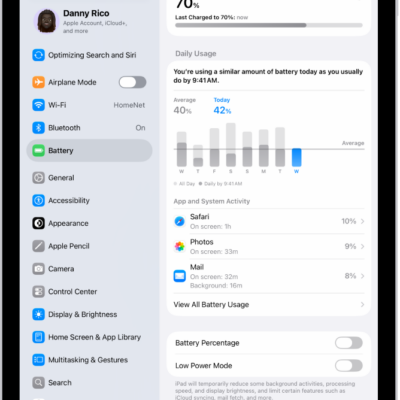
How to use Low Power Mode to save battery life on iPad
You can use Low Power Mode to save battery life on iPad, reducing the power your iPad uses when the battery gets low.
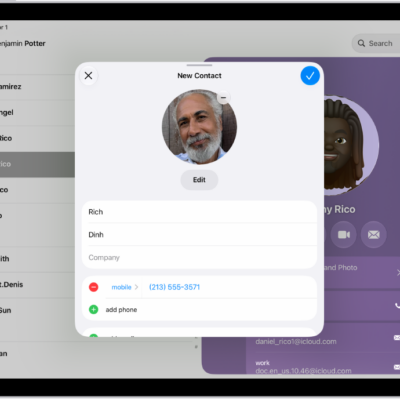
How to add and use contact information on iPad
You can add and use contact information on iPad to create, find, share, and delete contacts, and quickly reach a contact.
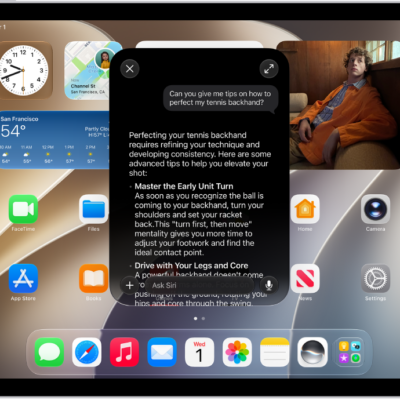
How to use Siri to get answers from ChatGPT on iPad
You can use Siri to get answers from ChatGPT on iPad with Apple Intelligence, after you set up the ChatGPT extension.
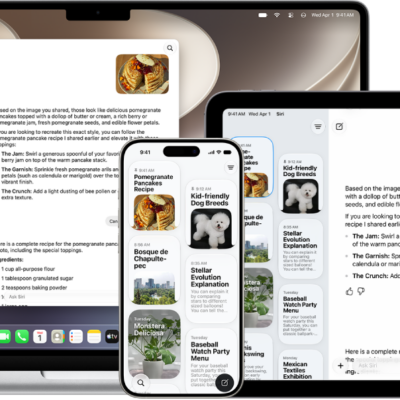
How to use the Siri app with Siri AI on iPad
You can use the Siri app on iPad with Siri AI to keep your conversations in one place, search and pin them, and continue them later.
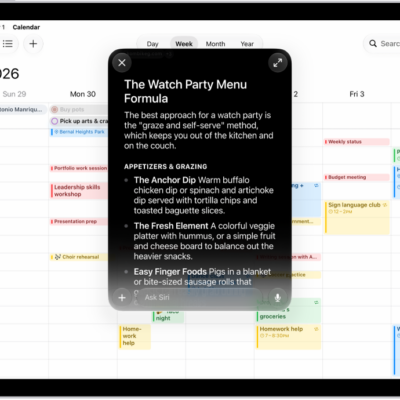
How to change Siri settings on iPad
You can change Siri settings on iPad, customize how you activate Siri, and change Siri's language, voice, and responses.
How to turn on and activate Siri on iPad
You can turn on and activate Siri on iPad to get answers, find what you need, and get things done with your voice or buttons.
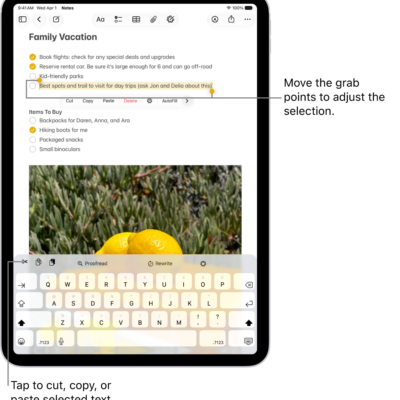
How to select, edit, and move text on iPad
You can select, edit, and move text on iPad with gestures, fix mistakes, use proofreading features, and place the insertion point.

How to move the iPad onscreen keyboard
You can move the iPad onscreen keyboard, use a floating keyboard, or split or undock the keyboard, depending on your model.
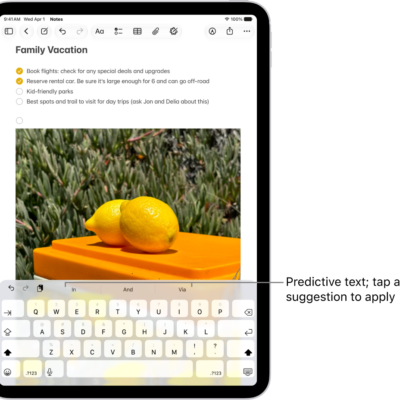
How to use predictive text on iPad
You can use predictive text on iPad to write and complete sentences with a few taps, with inline predictions as you type.
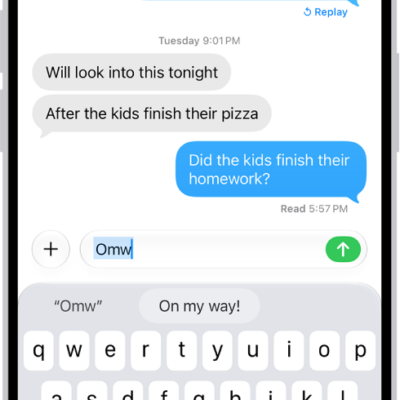
How to set up shorthand for frequently used text on iPad
You can set up shorthand for frequently used text on iPad with text replacements, so a few keys enter a full phrase.