









GeeksModo Story Archive - October 2026
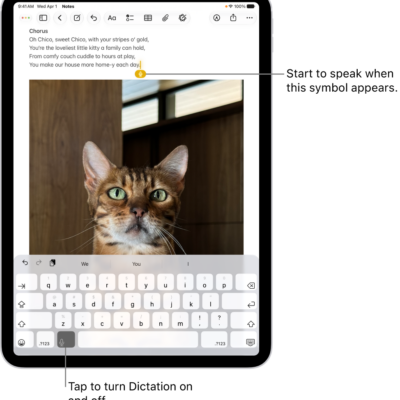
How to dictate text on iPad
You can dictate text on iPad anywhere you can type, switch between speaking and typing, and edit text with your voice.
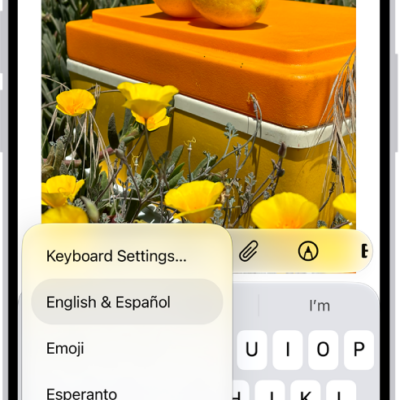
How to add or change keyboards on iPad
You can add or change keyboards on iPad for other languages, use a bilingual keyboard, and assign an alternative layout.

How to screen and block calls on iPad
You can screen and block calls on iPad, turn on call identification, screen or silence unknown numbers, and filter spam calls.
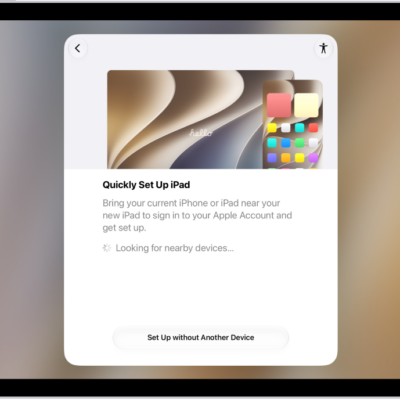
How to change the language and region on iPad
You can change the language and region on iPad, add or remove a language, and change regional settings like the measurement system.
How to turn on ChatGPT on iPad
You can turn on ChatGPT on iPad so Apple Intelligence can work with ChatGPT from OpenAI, and choose when requests are sent.
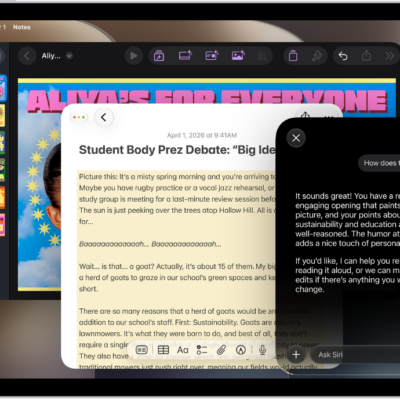
How to write and edit text with Siri AI on iPad
You can write with Siri on iPad when Siri AI is on, to compose drafts, proofread, rewrite, get feedback, and summarize text.
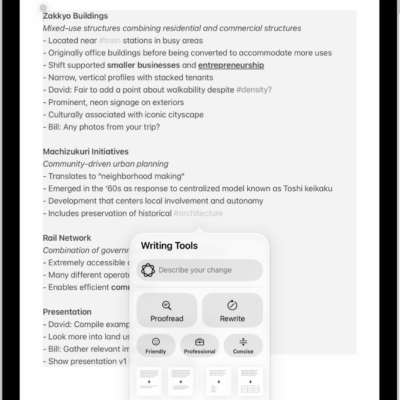
How to use Writing Tools to write, improve, and summarize content on iPad
You can use Writing Tools to write, improve, and summarize content on iPad with Apple Intelligence, in most places you write.
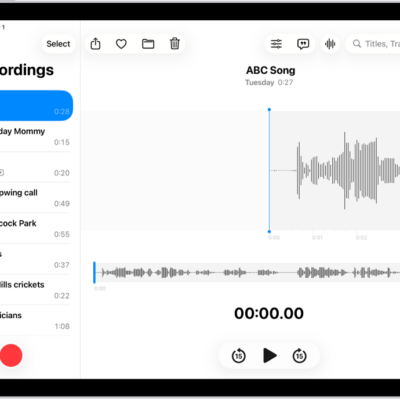
How to view a Voice Memos transcription on iPad
You can view a Voice Memos transcription on iPad while you're recording or after, and search for text in transcriptions.
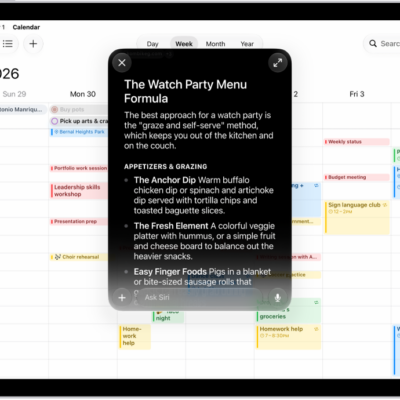
How to get started with Apple Intelligence on your iPad
You can get started with Apple Intelligence on iPad, try Siri AI (Beta), get writing help, and make your photos frame-worthy.
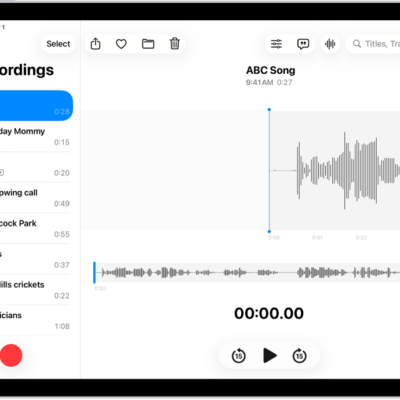
How to play a recording in Voice Memos on iPad
You can play a recording in Voice Memos on iPad, change the playback speed, turn on Studio Sound, and skip over gaps.