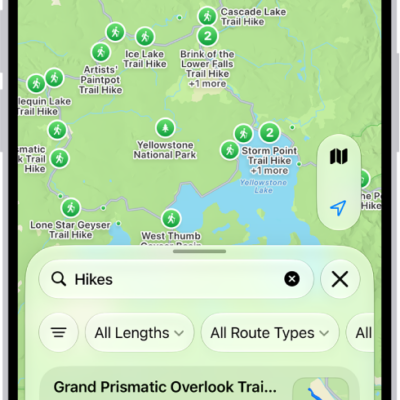
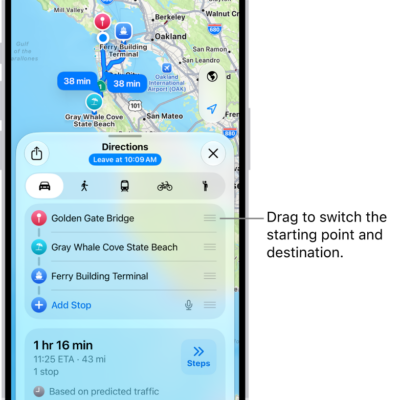
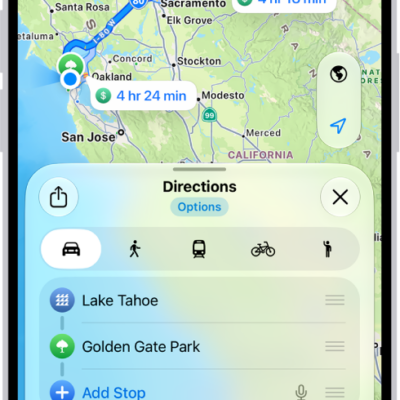
You can delete directions that you recently viewed. There are two ways to do it: delete a single item, or delete all recent directions. Both are in Recents, in the card in the Maps app on your iPhone, and the list only keeps what you want.
- Start the Maps app on your iPhone.
- Scroll down in the card to Recents. Do one of the following:
- Delete a single item: Tap the More button and then tap Clear.
- Delete all recent directions: Tap Recents, then tap Clear.
Tag: Maps