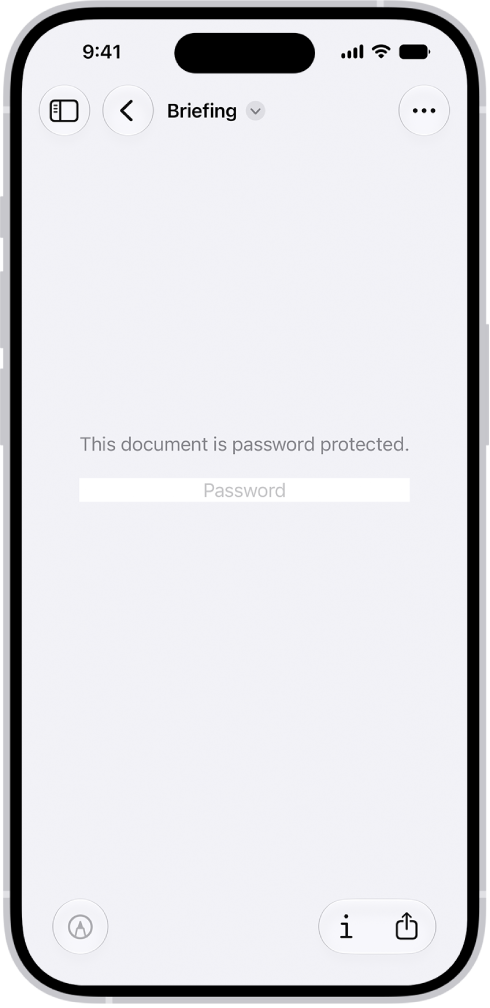
You can lock a PDF document with a password to prevent others from editing or deleting your work. Once you set a password, the Require Password toggle turns on by itself. To keep a copy that’s not password-protected, you’ll want to duplicate it first.
- Start the Preview app on your iPhone.
-
Open a PDF.
Important: To keep a copy that’s not password-protected, tap the Actions Menu button, then tap Duplicate.
- Tap the Actions Menu button next to the filename and tap Lock.
- Enter the same password in the Password and Verify fields. The Require Password toggle turns on automatically.
- Tap the Done button to apply the change, or tap the Close button to cancel.
Tag: Preview