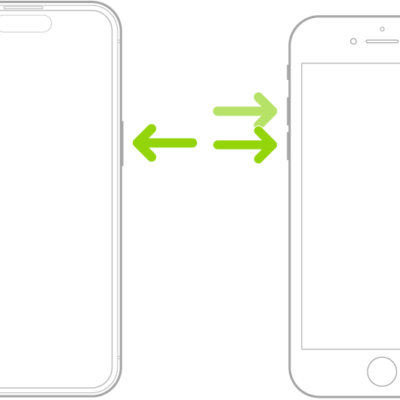
If an app isn’t responding, you can quit it and then reopen it to try and resolve the issue. It’s quick. You quit it from the App Switcher, then reopen it from the Home Screen or App Library. If the app is still unresponsive after that, restarting your iPhone may help.
Note: Quitting apps you’re not using won’t prolong battery life, since iPhone automatically manages how apps run in the background.
- To quit the app, open the App Switcher and swipe right to find the app. Swipe up on the app.
- To reopen the app, go to the Home Screen (or App Library). Tap the app.
Note: If quitting and reopening the app doesn’t help, try restarting your iPhone.
Tag: iPhone