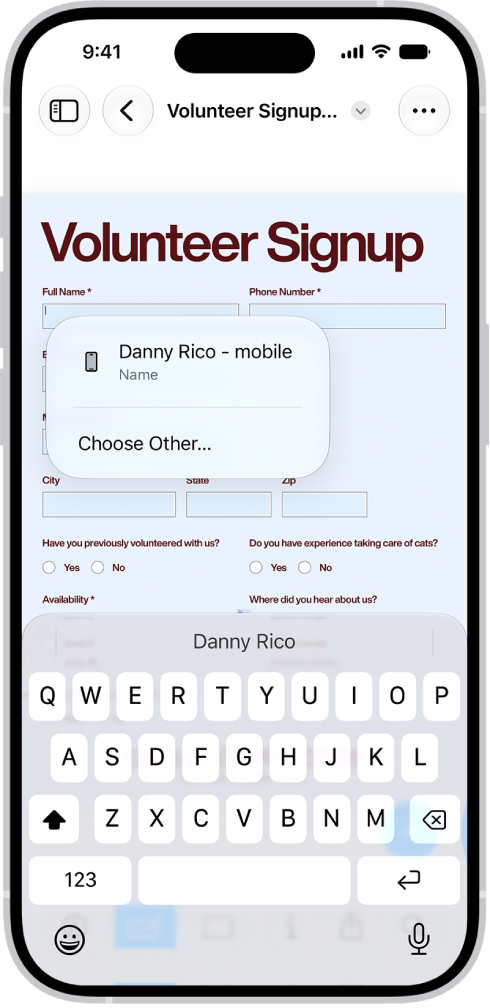
In the Preview app on your iPhone, you can fill out and sign PDF forms. You can enter information in a field, or use the AutoFill suggestion above the onscreen keyboard to add that information. You can also add a signature or a text form box.
- Start the Preview app on your iPhone.
- Open a PDF form.
- Tap the Form Filling button.
- Tap a field and enter information (or tap the AutoFill suggestion above the onscreen keyboard to add that information).
- To add a signature or a text form box, tap the Add button.
Tag: Preview