You can have supported webpages read aloud in the Safari app on your iPhone. Listen to Page is in the Page Menu, and while you’re listening to a webpage, you can pause listening, then start listening again from the same menu.
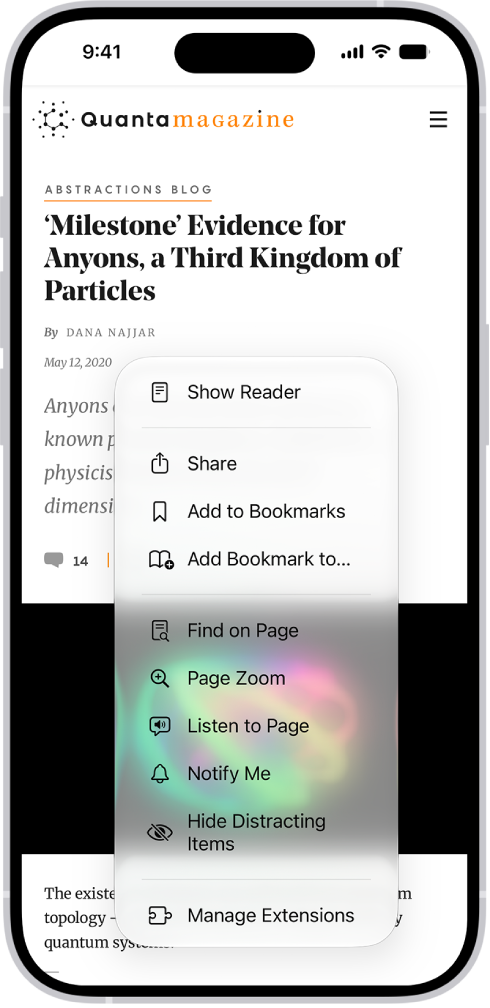
Listen to a webpage
- Start the Safari app on your iPhone.
- Open the page you want to listen to.
- Tap the Page Menu button. Then tap Listen to Page.
Pause listening
While listening to a webpage, tap the Page Menu button, then tap the Pause button. To start listening again, tap the Page Menu button, then tap the Play button.
Tag: Safari