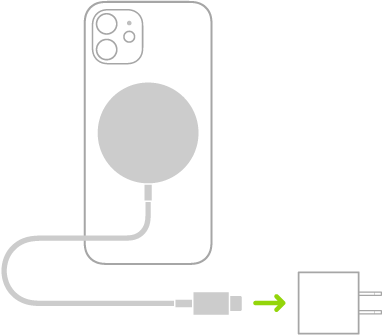
With Clean Energy Charging, iPhone uses a forecast of the carbon emissions in your local energy grid to charge during times of cleaner energy production. This feature is available only in the U.S. and is turned on by default. iPhone learns from your daily charging routine so it can reach full charge before you need to use it.
That means charging may sometimes be delayed when you plug in. If you need a full charge sooner than scheduled, you can temporarily override it.
What to expect
- Charging may be delayed: When you connect your iPhone to a charger, it may wait to begin charging. iPhone does this automatically when cleaner energy is forecasted to be available soon. iPhone does this only when it knows your device will finish charging before you unplug it.
- It isn’t always active: Clean Energy Charging happens only when a forecast for cleaner energy is available from your local grid. If a forecast isn’t available, your iPhone charges normally.
Temporarily override Clean Energy Charging
Need your iPhone charged to full sooner than scheduled? You can temporarily override Clean Energy Charging.
- Open the Settings app on your iPhone.
- Tap Battery and tap Resume Charging.
Turn off Clean Energy Charging
Clean Energy Charging is on by default when you set up your iPhone. To turn off the feature:
- Open the Settings app on your iPhone.
- Do one of the following:
- On iPhone 14 or earlier: Tap Battery, then tap Battery Health & Charging. Turn Clean Energy Charging on or off.
- On iPhone 15 or later: Tap Battery and then tap Charging. Turn Clean Energy Charging on or off and then choose an option.
Tag: Battery