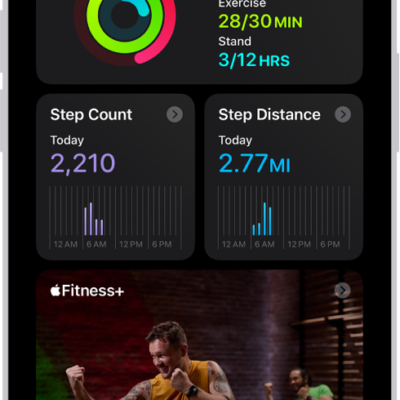
Use the Fitness app on iPhone to help you meet your fitness goals. You can track your progress, view completed workouts, change your goals, and share your activity with others.
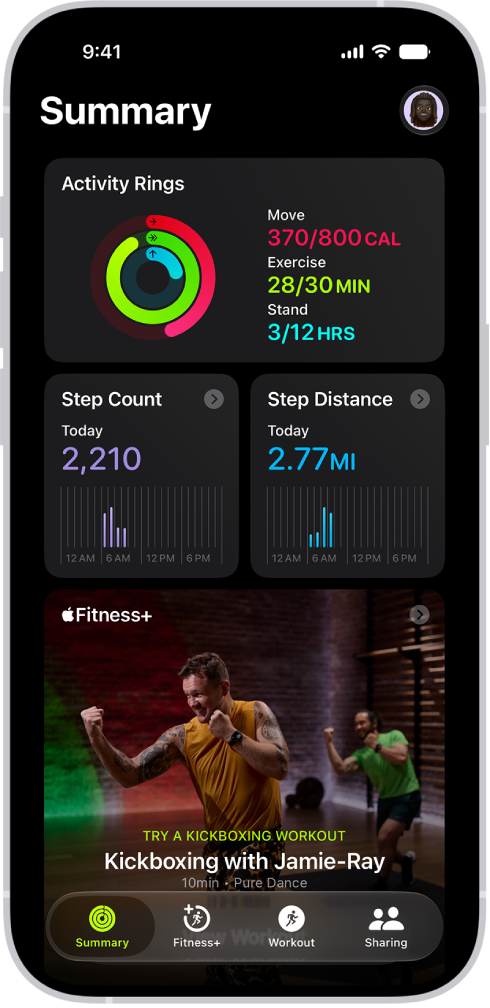
The Summary tab shows your Activity rings, steps, distance traveled, trends, and more, and you can customize it to include the metrics you want to see. You can also change your goals and start a workout.
Here’s how to get started with Fitness on iPhone.
See your summary
Open the Fitness app to see a summary of your Activity rings, the number of steps you’ve taken, distance traveled, trends, and more. You can also customize the Summary tab to include the metrics that you want to see. Tap Summary , scroll down, then tap Edit Summary.
Change your goals
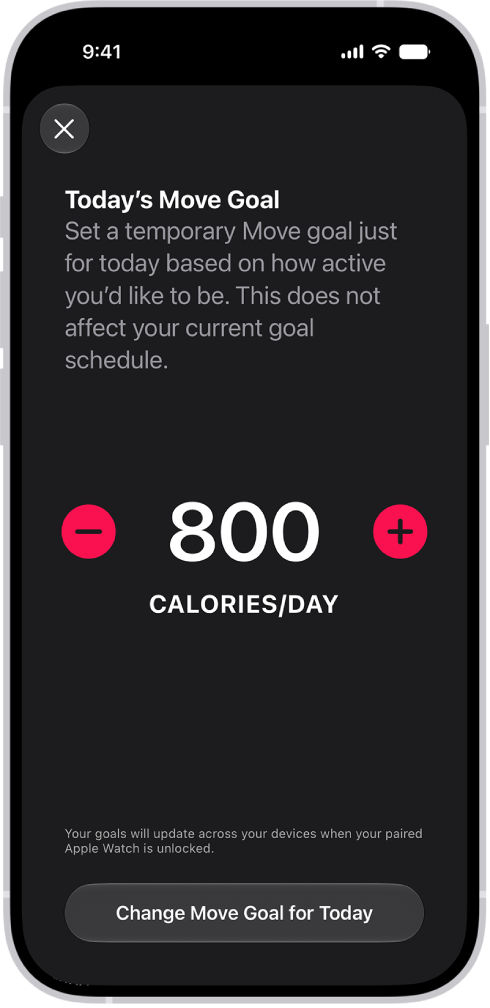
You can change your daily goals for each of your Activity rings. You can also customize your Activity ring goals by the day of the week. In the Summary tab, tap the Activity rings, scroll down, then tap Change Goals.
Start a workout
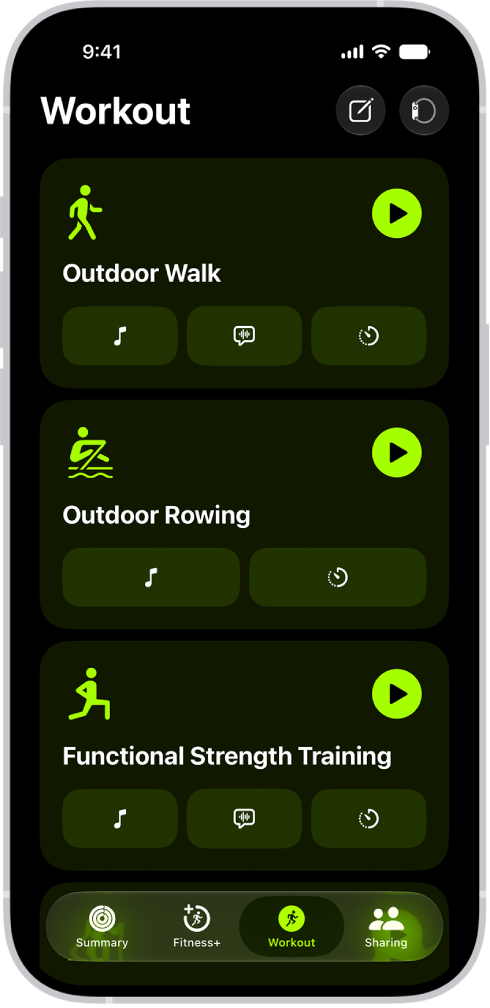
You can start individual workout sessions—from cardio-focused activities such as High Intensity Interval Training (HIIT), Outdoor Run, and Outdoor Cycle, to strength-based workouts like Functional Strength Training, Core Training, and Kickboxing. Tap Workout , then tap the Start button next to a workout type.
With a compatible Bluetooth® enabled third-party heart rate monitor, Powerbeats Pro 2, AirPods Pro 3, or an Apple Watch connected, you can do a workout with your workout metrics on the screen.
Share your activity with friends
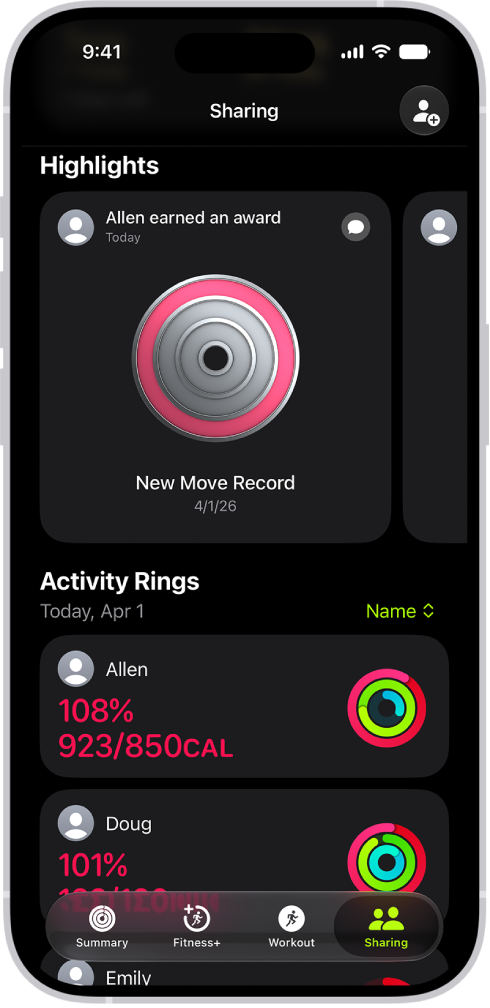
Tap Sharing , then tap Invite a Friend to share the progress you’re making toward your fitness goals. You can view highlights of your friends’ activity and get notifications when they meet their goals, finish workouts, and more.