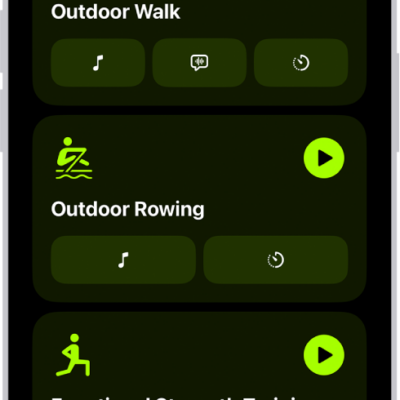
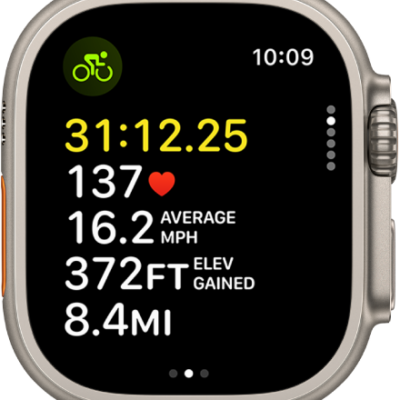
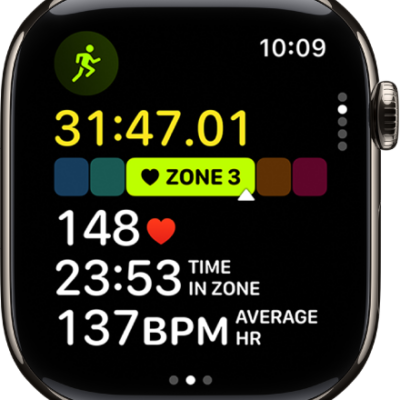
You can sync a compatible third-party workout app to the Fitness app on iPhone to help you meet your fitness goals. Fitness suggests workout apps that you can download from the App Store. Once it’s synced, any workout you complete in that app shows up in your activity summary and counts toward closing your Move ring.
- Open the Fitness app on your iPhone.
-
Tap the Activity rings, then scroll down to Add To Your Rings.
Note: You can also browse apps in the App Store.
- Choose an app. Then download it from the App Store.
- Open the app and if prompted, grant permission to share data with the Health app.
When you complete a workout in a compatible third-party app, it appears in your activity summary and adds to your progress toward closing your Move ring in the Fitness app.
Tag: Fitness