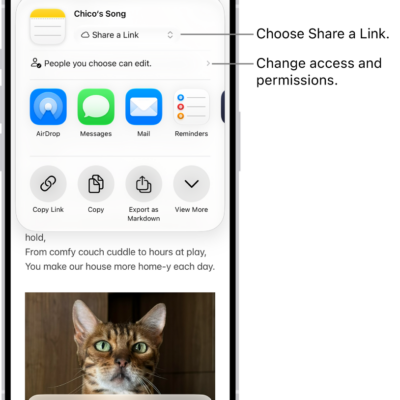
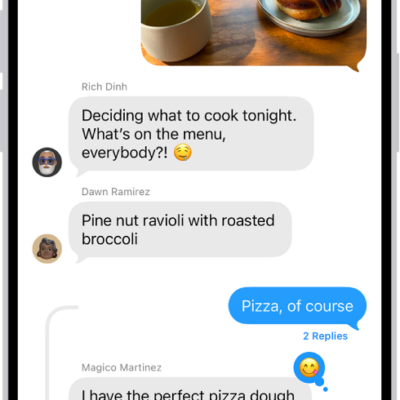
In the Messages app, you can exchange texts, photos, videos, and more, with individuals, businesses, and groups. With iMessage, you and a friend can send each other unlimited messages from anywhere in the world, and you can also express yourself with backgrounds and animations, share TV shows and music, and collaborate with others.
You can chat as a group with your family or a work group, add media, polls, and location sharing, and even schedule a message to deliver later. And you can sync your messages across your devices.
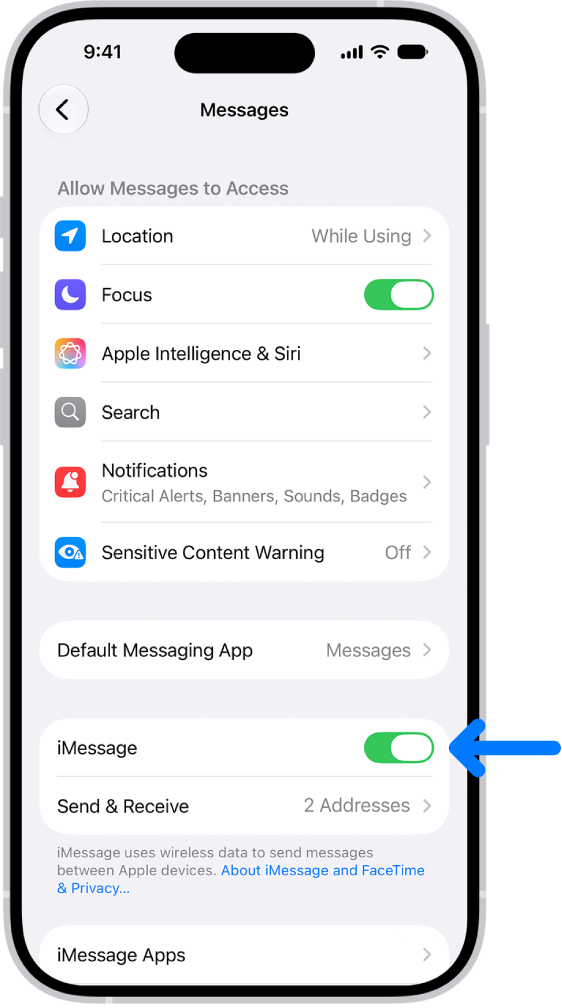
Set up iMessage and sync across devices
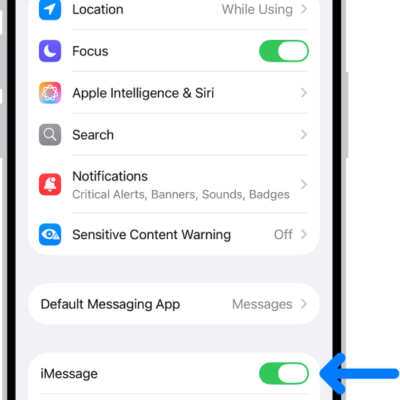
When you and a friend both sign in to iMessage, you can send each other unlimited messages, no matter where you are in the world. Go to Settings > Apps > Messages, then turn on iMessage. To see the same messages you get on your iPhone on your other Apple devices, tap Text Message Forwarding, then turn on your other devices in the list. Be sure to sign in to the same Apple Account on the other devices, too.
Chat as a group
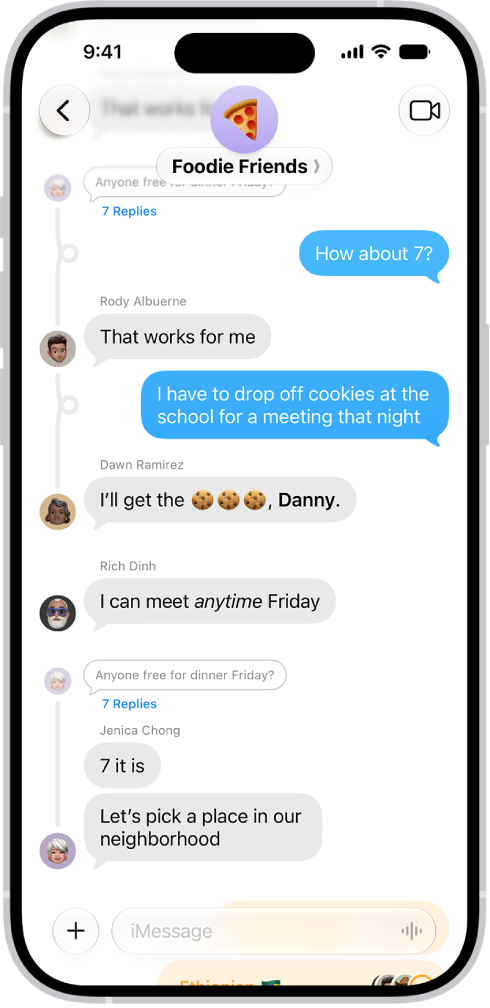
You can chat with several people at once—like your family or a work group. Tap the Compose button, enter the names of the people in the group, then enter your message, or tap the Dictate button to dictate it. To name the group, tap the group icons at the top of the conversation, tap Edit, then tap Edit Name & Photo.
Go beyond texting
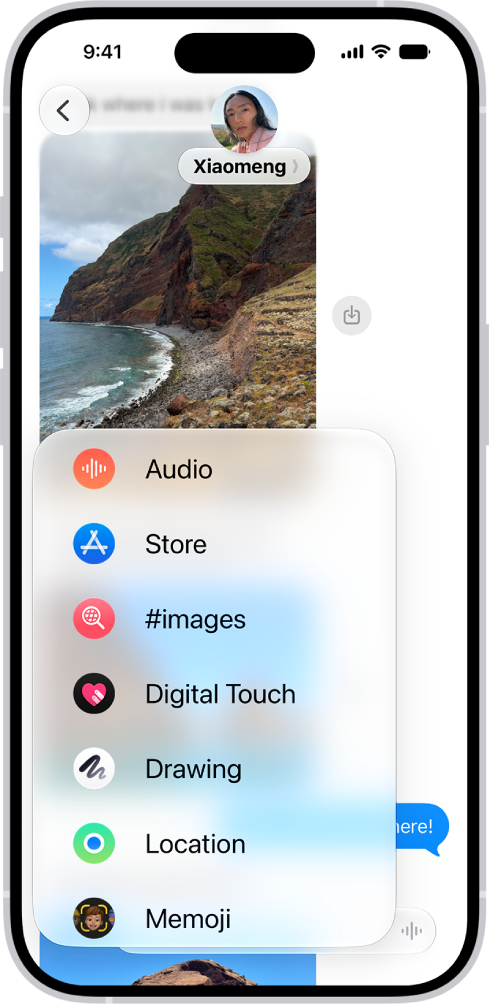
You don’t have to limit your communication to text. To add emoji, tap the Emoji key or the Next Keyboard key on your keyboard. To add media, polls, location sharing, and more, tap the Add button next to the text field.
Schedule a message to deliver later
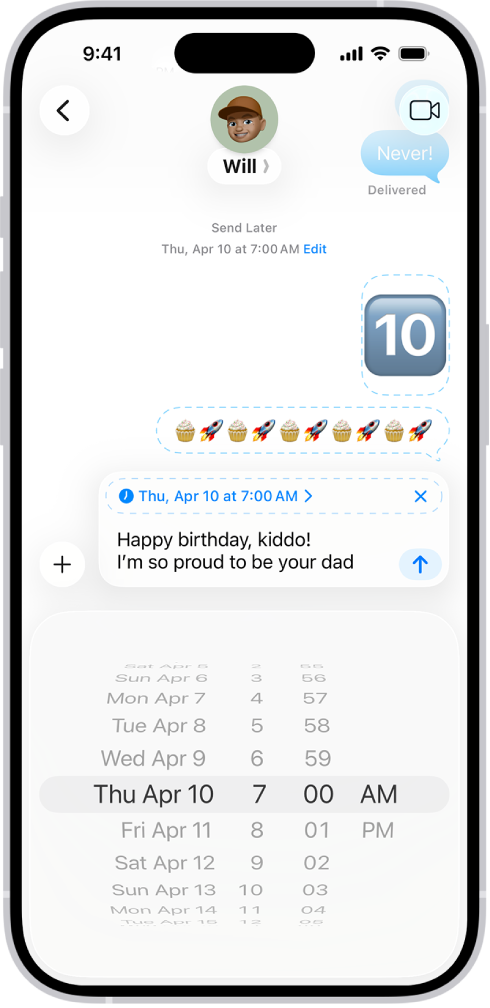
If it’s too late at night or too important to forget, schedule your message for a future time, instead of sending it as soon as you finish it. Tap the Add button, tap Send Later, choose a time, then tap the Send button.
According to Apple, availability of Messages features may depend on your carrier, country, or region.