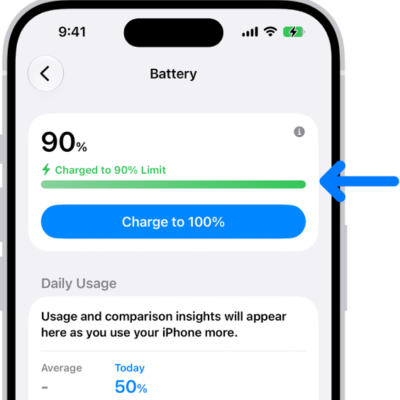
You can view how much charge remains in your iPhone battery in the status bar. You can also add a widget to the Home Screen to monitor the battery levels of your iPhone and connected accessories, including AirPods and other devices.
On an iPhone with Face ID, you’ll see the percentage inside the battery symbol, and Control Center can quickly show it, too.
See the iPhone battery percentage in the status bar
- Start the Settings app on your iPhone.
- Tap Battery and then turn on Battery Percentage.
On an iPhone with Face ID, you’ll see the battery percentage inside the battery symbol in the status bar.
Quick tip: On iPhone models with Face ID, the battery percentage also shows in Control Center, so you can swipe down from the top-right corner for a quick look.
Tag: Battery