How to print a list in Reminders on iPhone
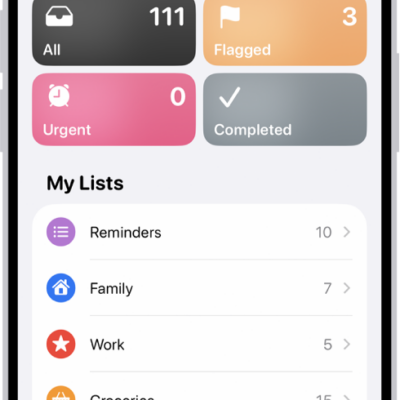
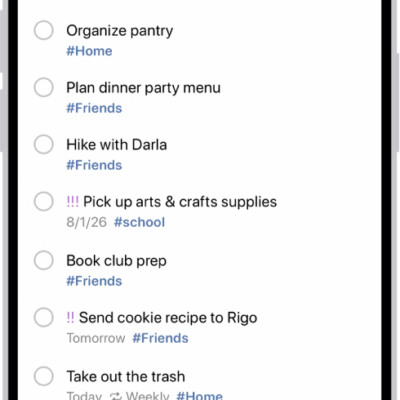
You can print a grocery list, checklist, to-do items, project tasks, and more. It works right from the Reminders app on your iPhone, so any list you’ve made there, from a grocery list to your project tasks, can end up on paper.
- Start the Reminders app on your iPhone.
- View the list you want to print.
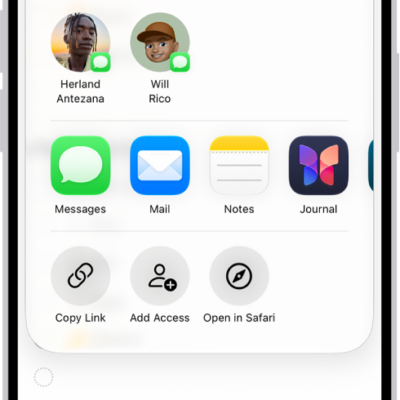
- Tap the More button and tap Print.
Read Next
You can save a Reminders list as a template on iPhone to reuse it, make new lists from it, and share templates with others.
You can create reminders on iPhone in Reminders or Calendar, from any app, or from a description with Apple Intelligence.
You can share Reminders lists on iPhone with people who use iCloud, assign tasks, and turn notifications for shared lists on or off.