How to block pop-ups in Safari on iPhone
You can block pop-ups in Safari on iPhone. That way, pop-up windows don’t open while you’re browsing websites. Block Pop-ups is just one setting in the Settings app on your iPhone, which you can switch off again later if you change your mind.
- Start the Settings app on your iPhone.
- Tap Apps, then tap Safari.
- Turn on Block Pop-ups.
Read Next
You can clear your cache and cookies on iPhone by clearing your Safari browsing history and data, for a timeframe you choose.
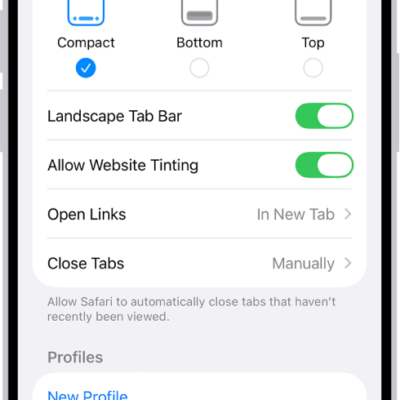
You can choose a Compact, Bottom, or Top tab bar layout for Safari on iPhone in the Safari section of the Settings app.
You can save, organize, and sync Safari bookmarks on iPhone, and add a website icon to the Home Screen for quick access.