How to show user names and passwords in large text on iPhone
You can show user names, passwords, and verification codes in large text on your iPhone. It’s built into the Passwords app, where Show in Large Type makes the user name, password, or verification code for an account bigger and easier to read.
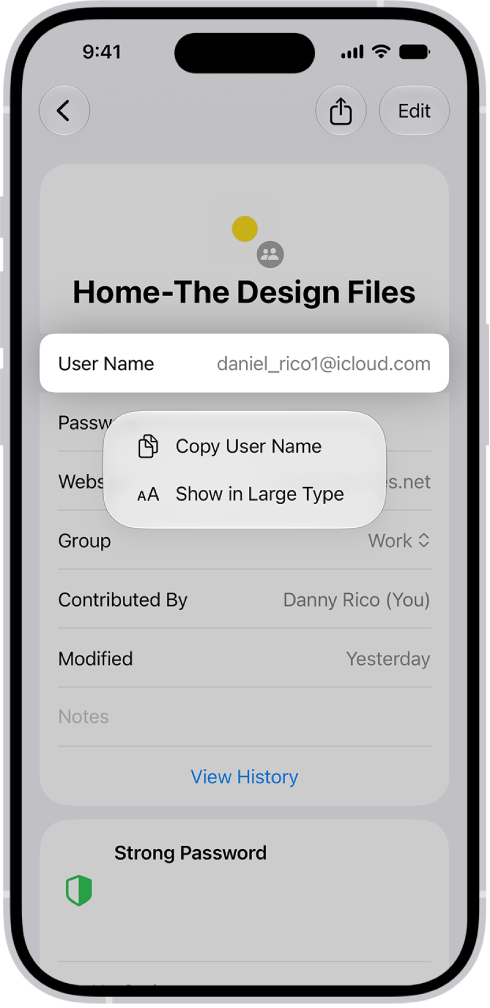
- Start the Passwords app on your iPhone.
- Tap All, then tap an account.
- Touch and hold your user name, password, or verification code. Then tap Show in Large Type.
Read Next
You can create a shared password group on iPhone to share passwords, passkeys, and Sign in with Apple credentials with people you trust.
You can delete a password for a website or app from the Passwords app on iPhone, which also removes it from iCloud Keychain.
You can have iPhone create strong passwords for your accounts, save them in the Passwords app, and fill them in automatically when you sign in.











