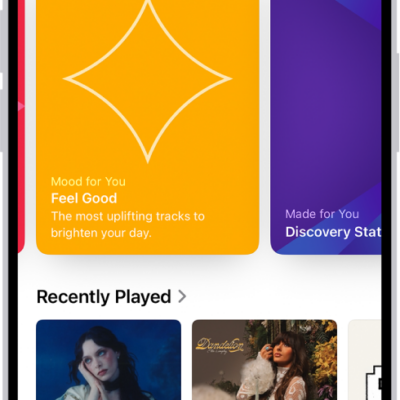
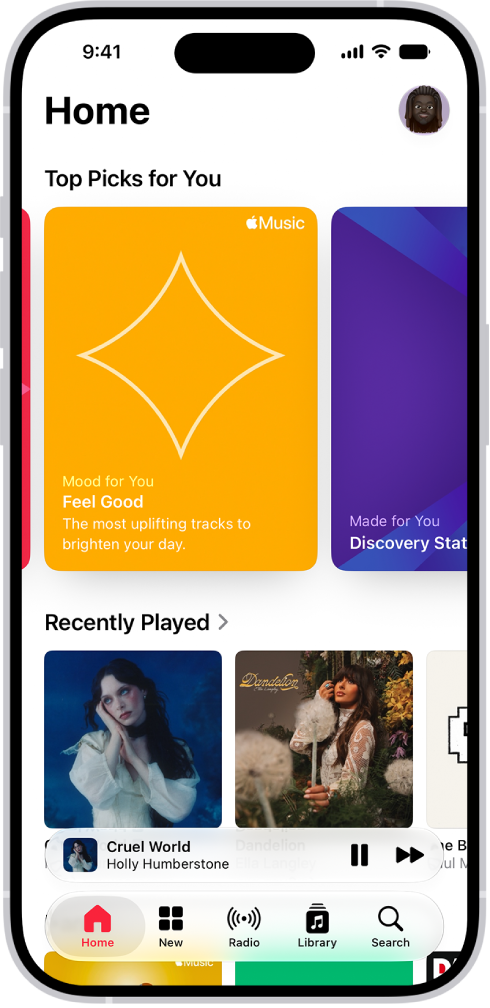
Listen to songs from your iPhone music library with the Music app. Stream music from the Apple Music catalog when you subscribe to Apple Music, and access all your music on all your devices when you sign in to the same Apple Account.
Subscribing to Apple Music lets you choose from millions of songs to stream or download, and select artists as favorites to receive notifications about them. After you become an Apple Music subscriber, you can also view song lyrics.
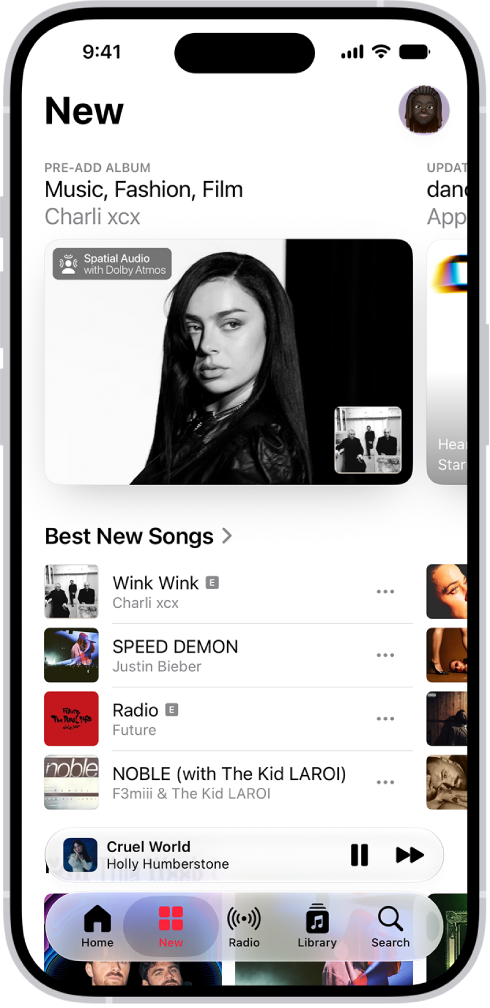
Subscribe to Apple Music
Subscribe to Apple Music to get the most from the Music app, with millions of songs to stream or download.
Go to Settings > Apps > Music, then tap Join Apple Music.
As an Apple Music subscriber, you can view song lyrics, select artists as favorites and receive notifications about them, and more.
Find music
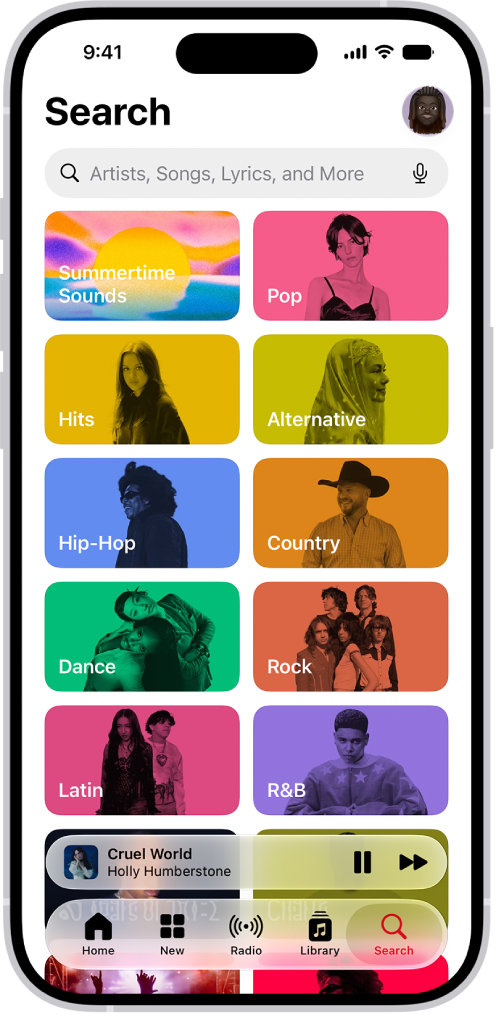
Use the Search feature to quickly find music. Tap Search to browse music by category or enter an artist, lyric, or other keyword in the field to find songs, albums, and playlists.
Create a playlist
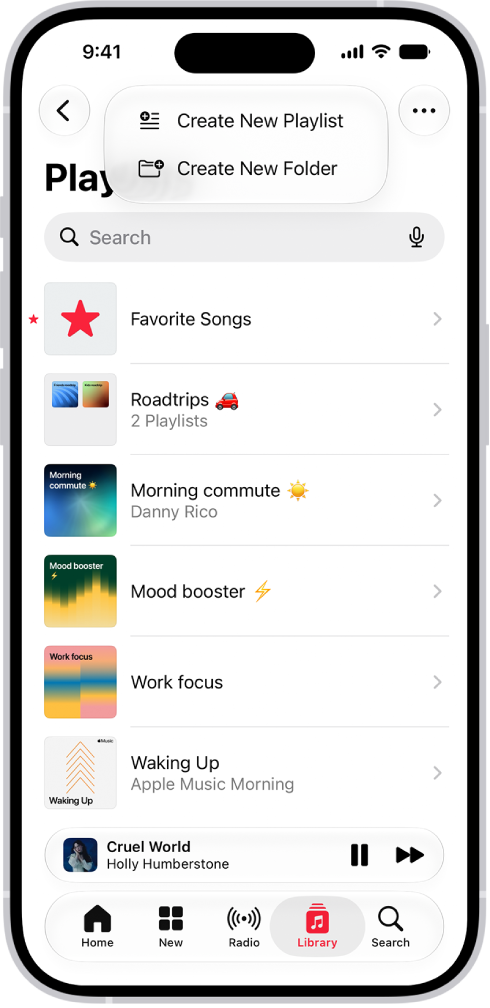
With a playlist, you can organize songs for a specific theme, mood, or occasion.
Tap Library , tap Playlists, tap the New Playlist button, then tap Create New Playlist.
To add a song to the playlist, tap the More button next to a song, then tap Add to a Playlist.
Build your library
You can add music to your library in a variety of ways. For example, subscribe to Apple Music or buy your favorite albums from the iTunes Store. If you’re already using a Mac, go to Settings > Apps > Music, then tap Sync Library—your entire music library is then available on your iPhone.