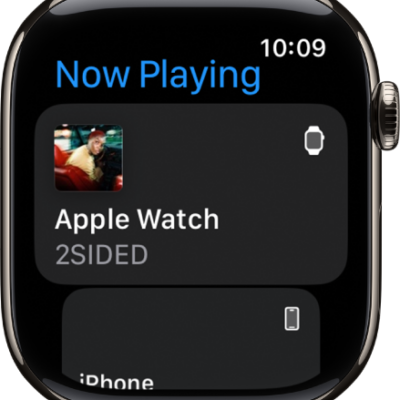
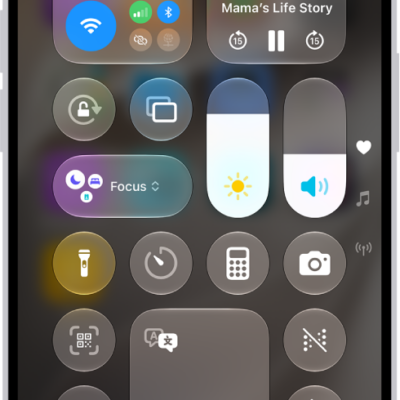
When playing music, podcasts, or other media on Apple Watch, you can hear the audio output on your paired iPhone, paired Bluetooth headphones or speakers, or the Apple Watch speaker.
The AirPlay setting is in Control Center, and it’s also on the play screens in Audiobooks, Music, Now Playing, and Podcasts.
Note: 10 minutes of media playback through the Apple Watch speaker may reduce battery life by 1 hour. Media playback through the Apple Watch speaker isn’t supported when Apple Watch is charging or on Apple Watch Series 9.
Choose an audio output
- Press the side button to open Control Center.
- Tap the AirPlay button. Then choose one of the following destinations:
- Your iPhone speaker
- Paired Bluetooth headphones or speakers
- The Apple Watch speaker
You can also tap the More Actions button on the play screens of the Audiobooks, Music, Now Playing, and Podcasts apps to open the AirPlay setting.
For important information about avoiding hearing loss, see Important safety information.
See also