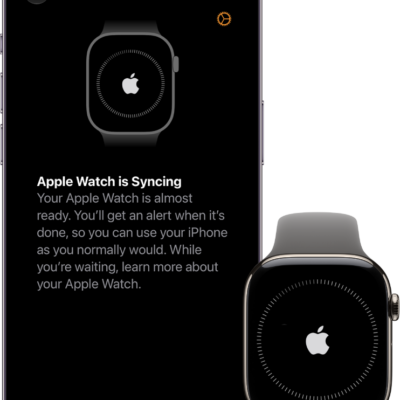
Apple Watch turns on and off with the side button, and the watch face appears when it’s on. If it won’t turn on, it may need to be charged, and sometimes you need to force it to restart. You can also learn how to wake and unlock Apple Watch.
Turn on Apple Watch
- Press and hold the side button until the Apple logo appears.
- The watch face appears when Apple Watch is on.
An Apple Watch that won’t turn on may need to be charged, or you may need to force it to restart.
Turn off Apple Watch
- If Apple Watch is charging, disconnect it from the charger.
-
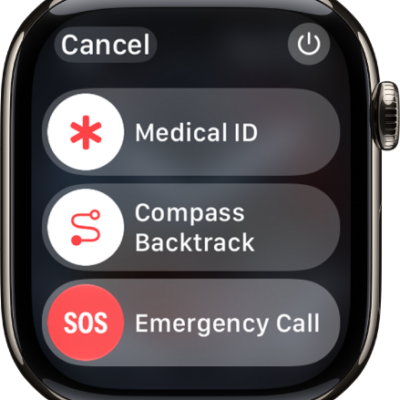
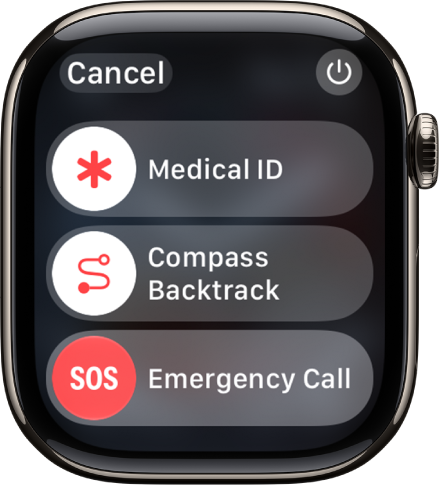
Press and hold the side button until the sliders appear.
-
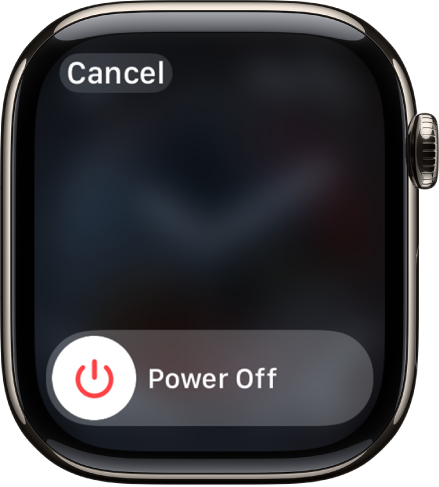
Tap the Power button at the top right. Drag the Power Off slider to the right.
See also
Tag: Setup