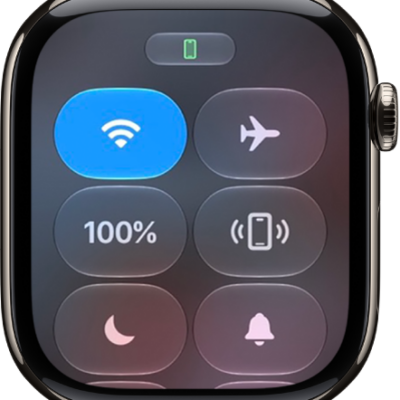
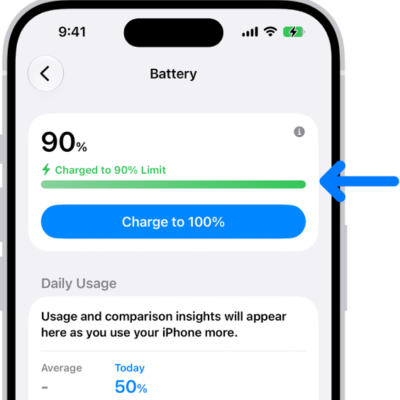
Apple Watch has an internal lithium-ion rechargeable battery. Compared with traditional battery technology, lithium-ion batteries are lighter, charge faster, and have a higher power density for longer battery life.
For best results, you charge it with the included magnetic charger, though the MagSafe Duo Charger and compatible third-party chargers work, too. When Apple Watch needs to be charged, a low battery symbol appears on the screen. You can also optimize battery charging and use fast charging.
Set up the charger
The included magnetic charger gives the best results when you charge your Apple Watch, though a compatible third-party charger or the MagSafe Duo Charger, sold separately, works too.
- In a well-ventilated area, place your charger on a flat surface.
- Plug the charger into a power adapter (sold separately).
- Plug the adapter into a power outlet.
Begin charging Apple Watch
When Apple Watch needs to be charged, you see the low battery symbol on the screen.
-
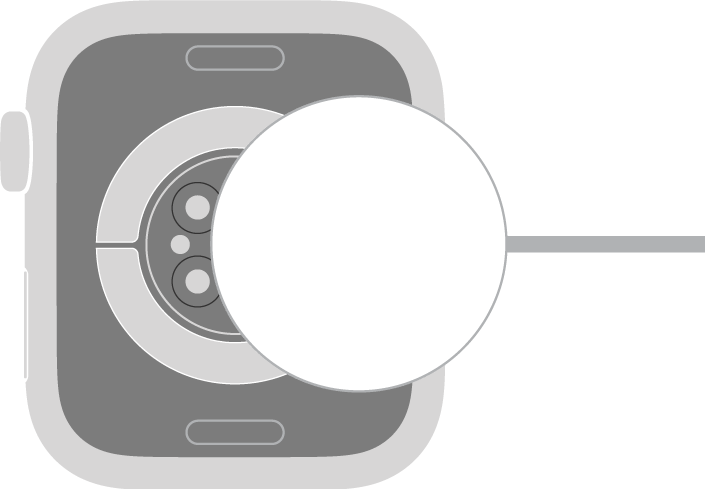
Position the back of your Apple Watch on the charger. The concave end of the charger magnetically snaps to the back of your Apple Watch and aligns it properly.
-
When charging begins, a charging symbol appears on the watch face and a chime plays (unless your watch is in Silent Mode).
Note: If the charging symbol is yellow, Apple Watch is in Low Power Mode. Low Power Mode turns off when the battery is charged to 80 percent.
Optimize battery charging
To reduce battery aging, Apple Watch learns your daily charging routines with on-device machine learning and holds off on charging past 80 percent until you need to use it.
- Start the Settings app on your Apple Watch.
- Tap Battery, then tap Battery Health.
- Turn on Optimized Battery Charging or Optimized Charge Limit.
About fast charging
For fast charging, you need an 18W or greater USB-C Power Adapter and a compatible charger.
Note: Fast charging isn’t available in all countries or regions. The specifications of the included magnetic charger may vary depending on your country or region.
WARNING: For important safety information about the battery and charging Apple Watch, see Important safety information.
See also