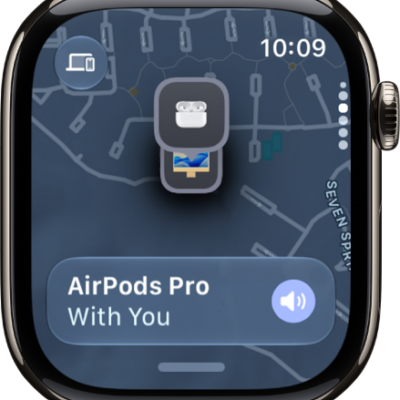
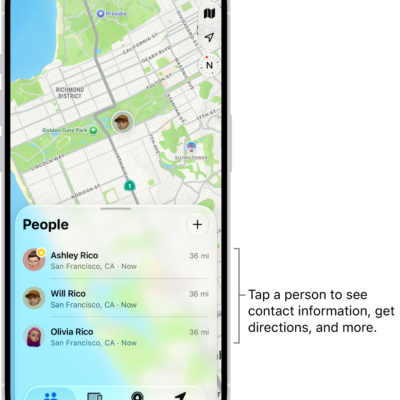
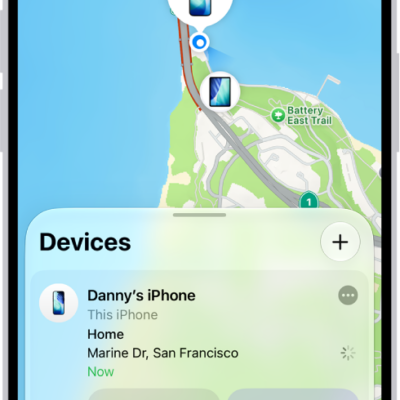
When someone shares their location with you, you can use Find My to locate them on a map.
You can get directions to their location, call or message them, and send notifications when you leave your current location or arrive at their location. You can also receive notifications when your friend leaves or arrives, and see a list of all your friends.
Here’s how to locate people in Find My on Apple Watch.
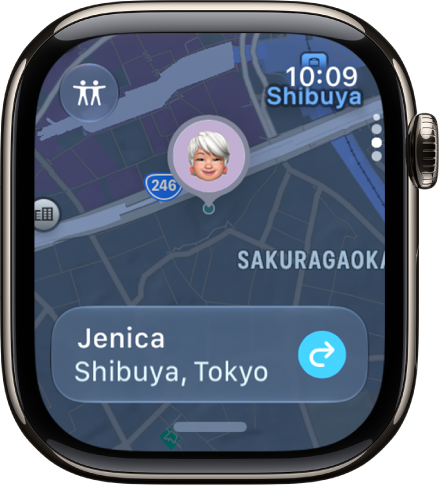
Find a friend’s location
- Start the Find My app on your Apple Watch.
- Tap the button at the top left and tap People.
-
Turn the Digital Crown to scroll through your friends and see their locations on a map.
Note: If your friend is wearing an Apple Watch with cellular service and is sharing their location, but they don’t have their iPhone or iPad with them, Find My shares the location of their Apple Watch.
-
Tap the name of the person you’re looking for and then do any of the following:
- Get directions to their location: Tap Directions to navigate in the Maps app.
- Call or message your friend: Tap their name, then tap Contact.
Send and receive location alerts
When you leave your current location or arrive at a friend’s location, you can send notifications to that friend. Notifications can also come to you when your friend leaves their current location or arrives at yours.
- Start the Find My app on your Apple Watch.
- Tap the button at the top left and tap People.
- Turn the Digital Crown until you see your friend. Then tap their name.
- Scroll down to Notify Me or Notify [friend’s name] and then tap Add Location Alert.
See a list of all your friends in Find My
- Start the Find My app on your Apple Watch.
- Tap the button at the top left and tap People.
- Swipe up from the bottom of the screen to see the list of friends.
See also
- Add people to Find My
- Use Check In on Apple Watch to let friends know you’ve arrived
- Set up location sharing via satellite