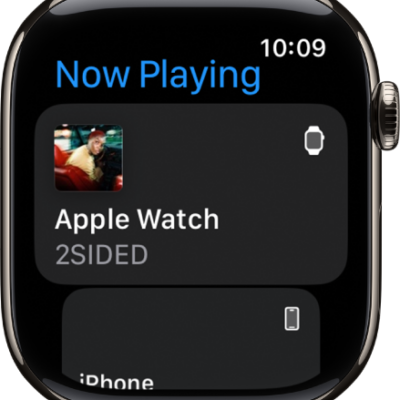
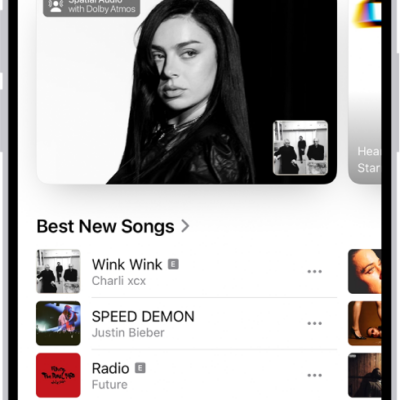
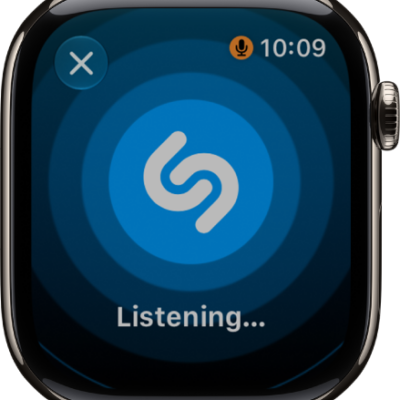
In the Music app on Apple Watch, you can find Radio. It features Apple Music 1, Apple Music Hits, Apple Music Country, Apple Music Club, Apple Música Uno, and Apple Music Chill.
These six stations offer the latest music from various genres and exclusive interviews, and you don’t need a subscription to enjoy them. You just need your Apple Watch near your iPhone or connected to a Wi-Fi or cellular network.
Siri: You can also use Siri to listen to broadcast radio and curated stations by music experts. For example, ask Siri something like, “Play Apple Music 1” See Use Siri to listen to broadcast radio.
Listen to Apple Music radio
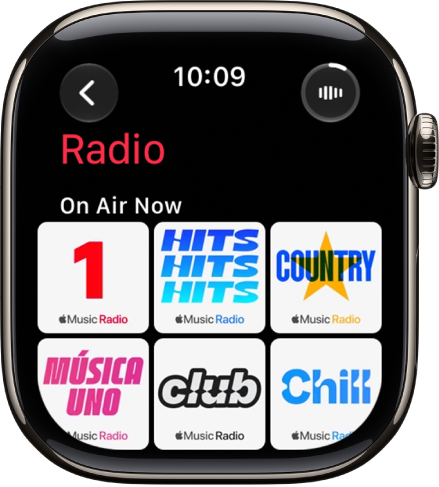
To listen to Apple Music radio, your Apple Watch needs to be near your iPhone or connected to a Wi-Fi network. A cellular network works too, if your Apple Watch has a cellular plan.
- Open the Music app on your Apple Watch.
- From the Home screen, tap the Back button, tap Radio, and then tap an Apple Music station.
Listen to a featured or genre station
- Open the Music app on your Apple Watch.
- From the Home screen, tap the Back button and tap Radio. Turn the Digital Crown to scroll through stations and genres created by music experts.
- Tap a genre to see its stations. Tap a station to play it.
Explore radio options
When playing a radio station, you can see what’s playing next, add music to your library or a playlist, share songs and stations, mark what you do and don’t like, and go to an artist or album screen.
- Open the Music app on your Apple Watch.
- Tap Radio and tap a station to play it.
- Tap the More Options button, then choose an option.
See also
- Play music on Apple Watch
- Listen to audiobooks on Apple Watch
- Play podcasts on Apple Watch
- Control media playback on other devices using your Apple Watch