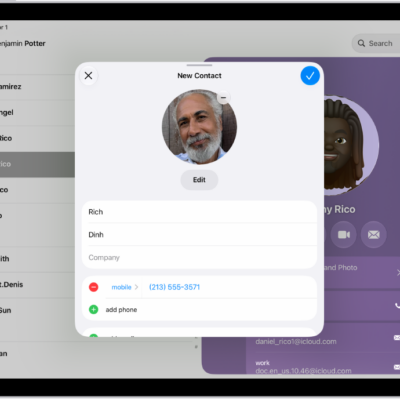
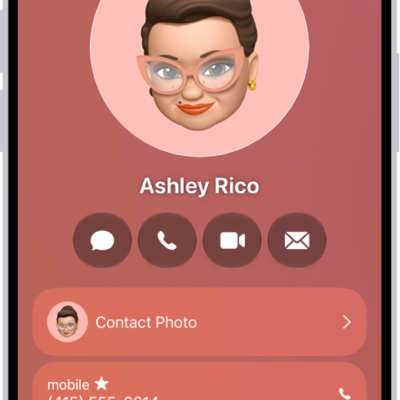
You can use the Contacts app to share your own contact information, or another person’s, with someone else using Messages, Mail, or another sharing option. You just choose the contact and the fields you want to include, and send it. You can also add or remove accounts in Contacts.
- Start the Contacts app on your iPad.
- Select the contact you want to share.
- Tap Share Contact, select the fields you want to include, and tap Done.
- Select a method to share the contact, then tap Send.
See also
Tag: Contacts