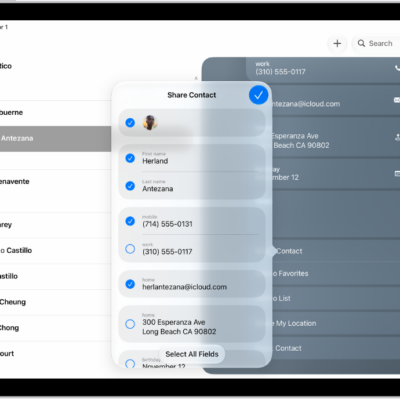
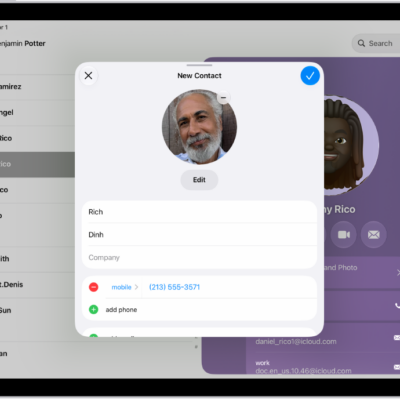
In the Contacts app, you can assign a photo to a contact, add a pronunciation and pronouns, change a label, add a birthday, and more. You just open a contact, then enter or update the contact’s information. You can also add or edit your own contact info and photo.
- Go to the Contacts app on your iPad.
- Tap a contact, then tap Edit.
- Enter or update the contact’s information.
- When you’re finished, tap the Done button.
To change how your contacts are sorted and displayed, go to Settings > Apps > Contacts.
See also
Tag: Contacts