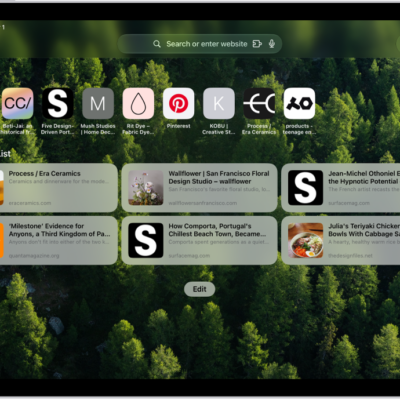
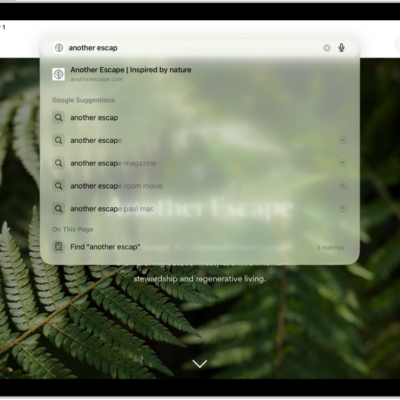
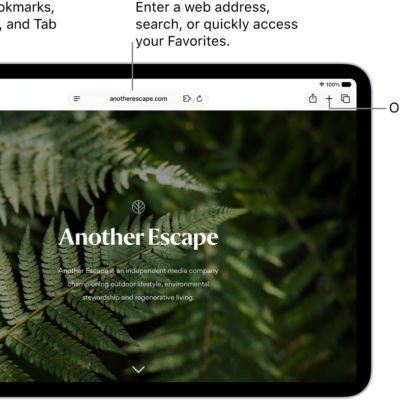
You can choose the tab bar layout that works best for you in the Safari app. You can pick either Separate Tab Bar or Compact Tab Bar, and moving between layouts as much as you want won’t close the tabs you have open.
- Open the Settings app on your iPad.
- Tap Apps, then tap Safari.
-
Scroll down to Tabs and then select either Separate Tab Bar or Compact Tab Bar.
You can move between layouts as much as you want without losing the tabs you have open.
Note: If you’re using the Compact Tab Bar layout, the menus and layout may look different from what’s described in this guide.
See also
Tag: Safari