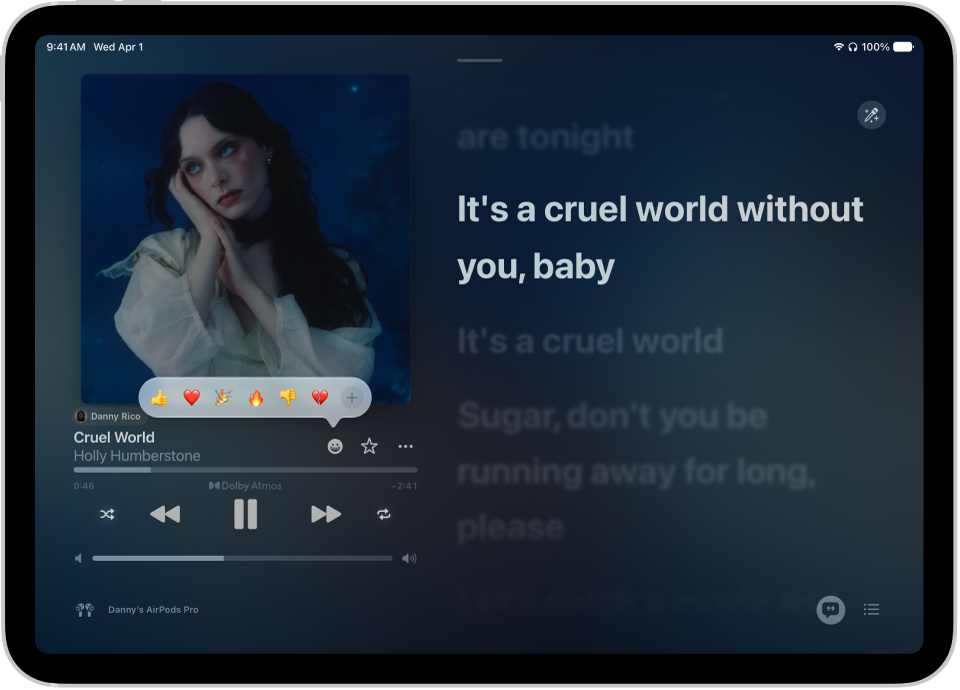
If you subscribe to Apple Music and you join a collaborative playlist, you can react to songs in the playlist with emoji. You just choose a reaction on the Now Playing screen. That might be a thumbs up emoji, for example, or you can find a specific emoji you’d rather use.
Note: Apple Music isn’t available in all countries or regions.
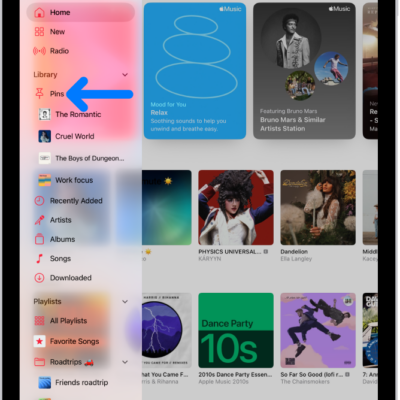
- Open the Music app on your iPad.
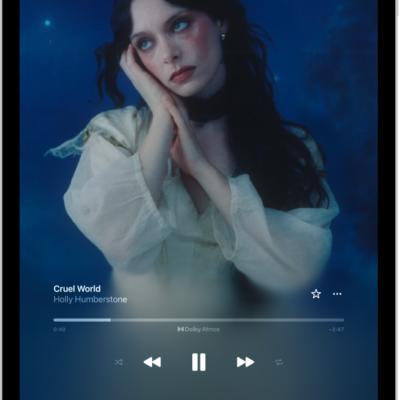
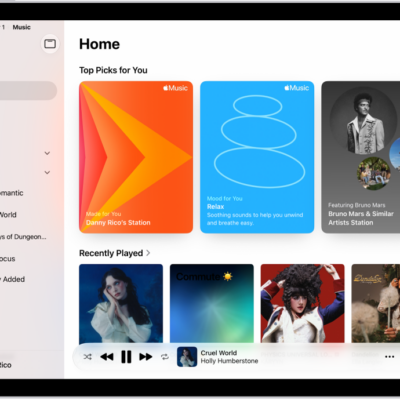
- Tap a collaborative playlist. Tap the MiniPlayer to open the Now Playing screen.
-
Tap the Reaction button and choose a reaction (for example, a thumbs up emoji) or tap the Add button to find a specific emoji.
See also
Tag: Music