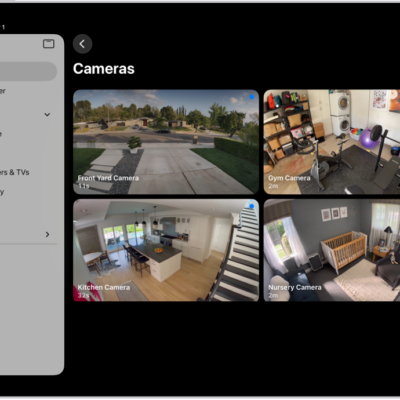
If members of your home use HomePod for Intercom messages, iPad can transcribe the messages for you. It takes just two settings. Show Audio Transcriptions handles the captions, and the Home app lets you choose when you receive Intercom notifications. You can also get live captions of spoken audio and display subtitles and captions on iPad.
- Open Settings, tap Accessibility, tap Subtitles & Captioning, and turn on Show Audio Transcriptions.
- In the Home app, tap the More button and tap Home Settings.
- Tap Intercom, then choose when you receive notifications.
See also
- Get live captions of spoken audio on iPad
- Display subtitles and captions on iPad
- Accessibility features for hearing on iPad
Tags: accessibility, Home