In the Calculator app, you can solve math problems in basic or scientific mode, convert units, or handwrite problems and generate graphs using Math Notes. You can change units of length, weight, currency, and more, and evaluate expressions and assign variables in Math Notes.
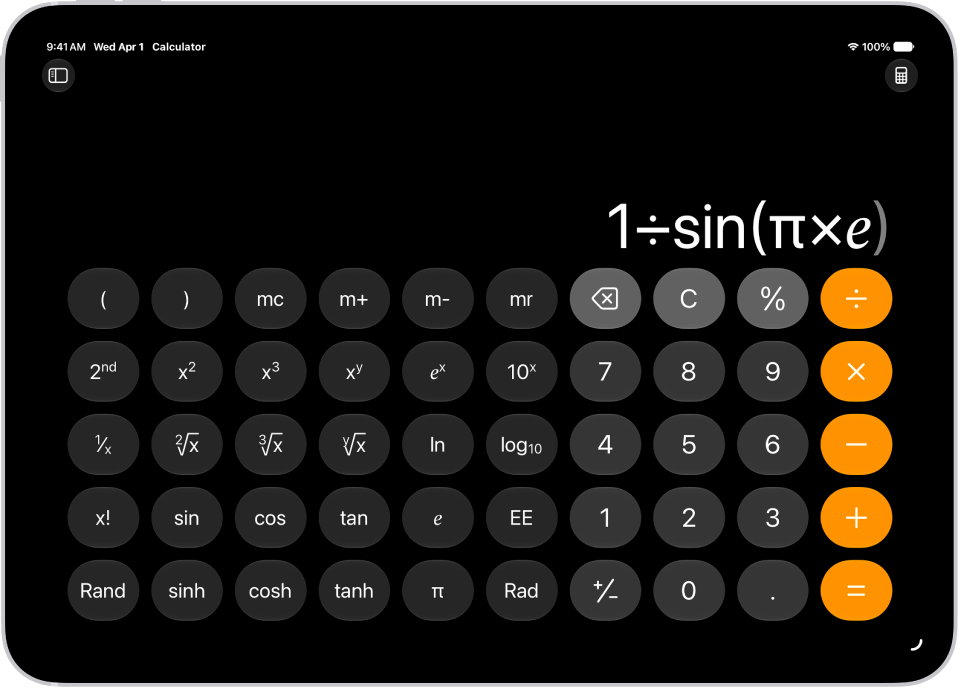
Choose the calculator for the task
Do basic math, or switch to the scientific calculator where you can perform advanced calculations involving powers, roots, exponents, fractions, logarithms, trigonometry, and more. Tap the Change Mode button, tap Basic or Scientific, then enter your expression.
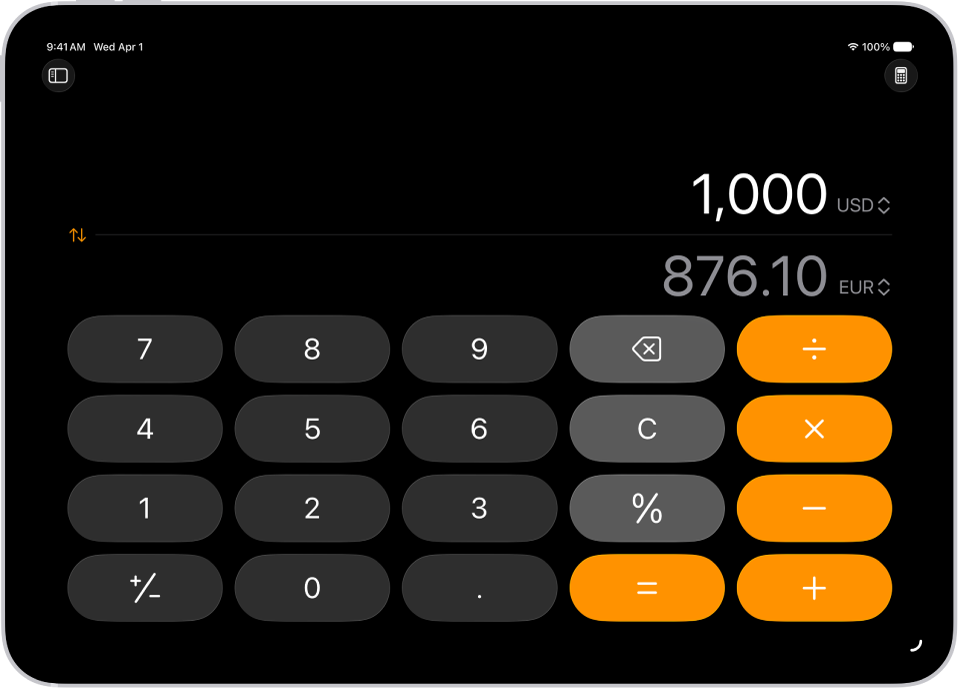
Convert units easily
Miles to millimeters? Yen to euros? Change units of length, weight, power, pressure, speed, currency, and more with the unit conversion mode. Tap the Change Mode button, tap Convert, then tap the Unit button to choose the units or currencies.
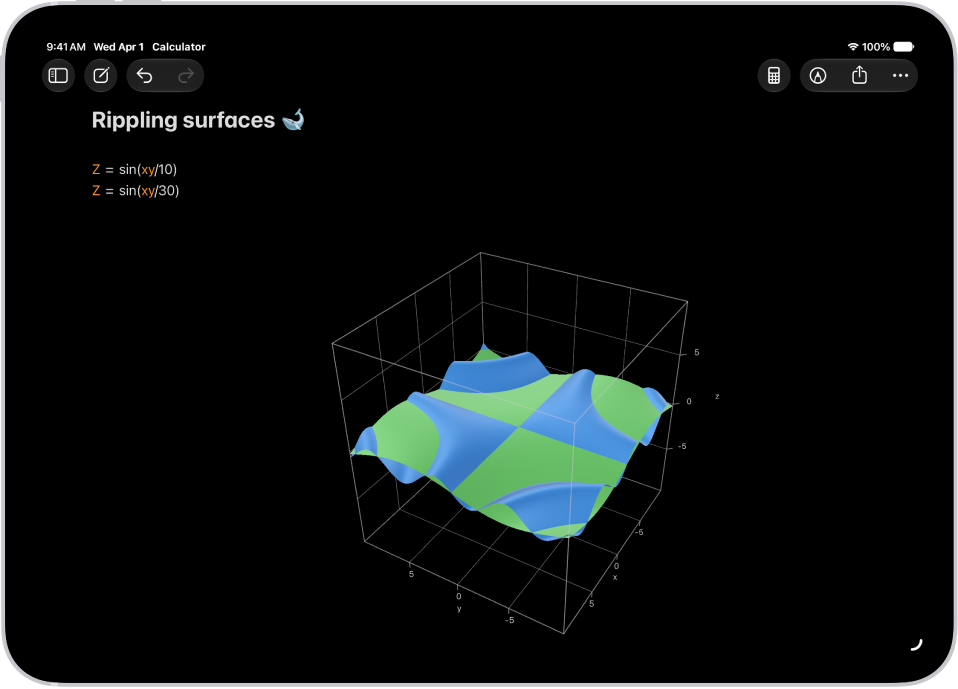
Visualize your expressions with graphs
Evaluate expressions, assign variables, and plot graphs in Math Notes. Tap the Change Mode button, tap Math Notes, then write an equation with two or three variables. Tap the equal sign of the equation to design your graph.
There’s more to Calculator than the basics, so start with these guides:
- Use the basic calculator on iPad
- Use the scientific calculator on iPad
- Convert units or currency in Calculator on iPad
- Solve math with Math Notes in Calculator on iPad
- Work with graphs in Math Notes in Calculator on iPad
- See previous calculations in Calculator on iPad