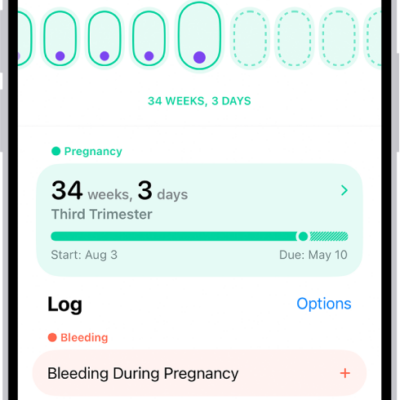
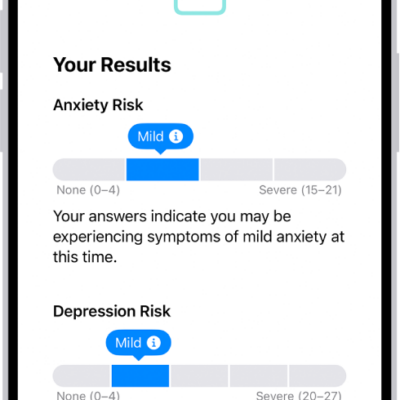
The Health app on iPhone keeps health data from your iPad, iPhone, Apple Watch, and compatible apps and third-party devices in one place. You can fill out your Health Details and schedule your medications. You can also check your headphone levels and track your menstrual cycle.
iPhone automatically stores and analyzes health details, including health records from your medical providers, and you can manually add information about medications you’re taking. With Cycle Tracking, you can log your period and record symptoms like cramps.
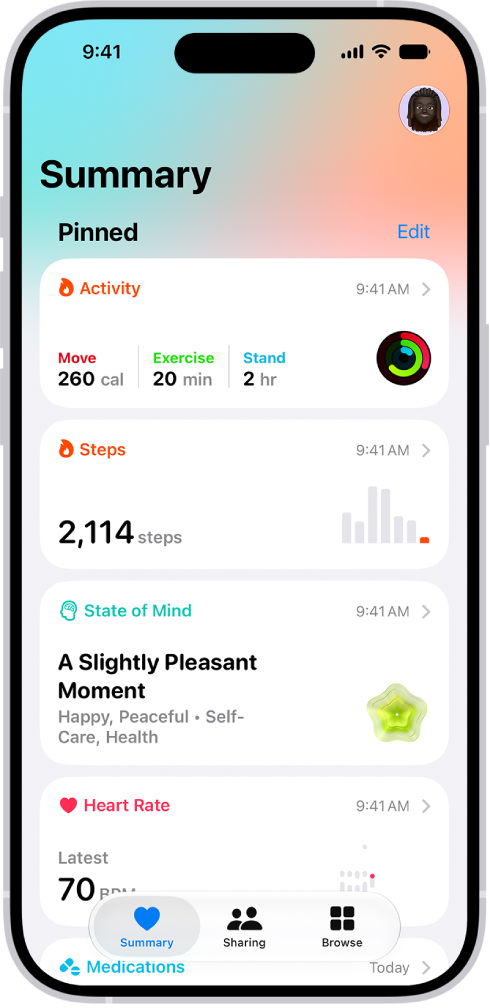
Find your health data in one place
iPhone automatically stores and analyzes valuable health details, including mobility data, sleep history, and even health records from your medical providers. You can also manually add information about medications you’re taking, your menstrual cycle, and more. To display all of your health data, go to the Health app and scroll down to see highlights.
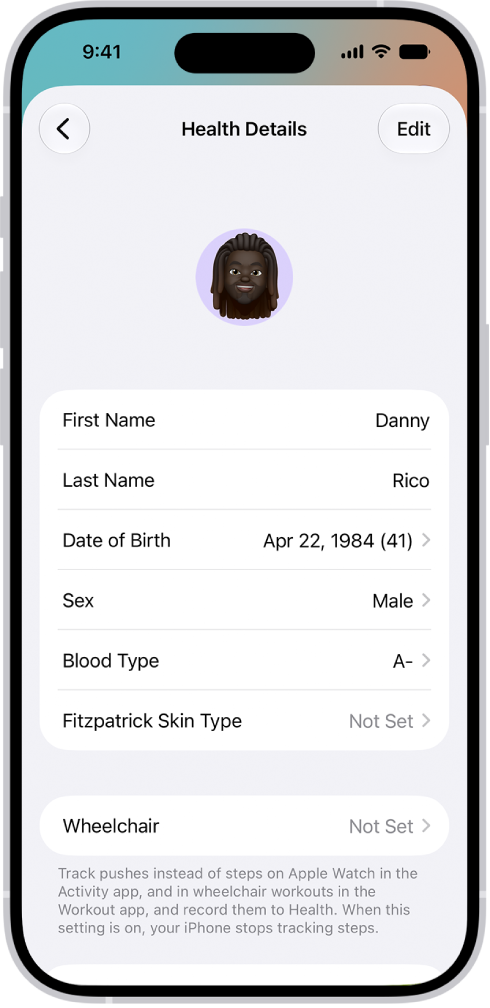
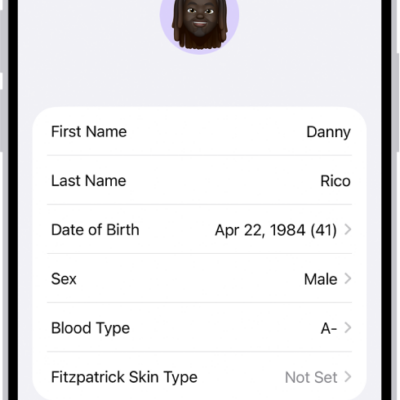
Fill out your health details
To personalize your experience, add your name, date of birth, sex, and other basic information to Health Details. To edit your health details, tap Summary, tap your picture or initials, tap Health Details, then tap Edit.
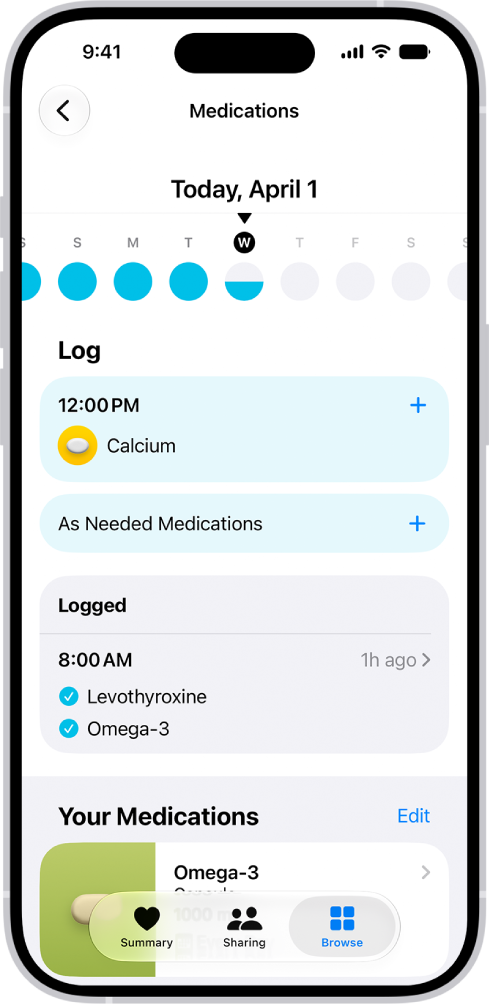
Schedule your medications
Create a list of the medications you’re taking, schedule when to take them, and log when you do. To add a new medication, tap Browse, tap Medications, then tap Add a Medication.
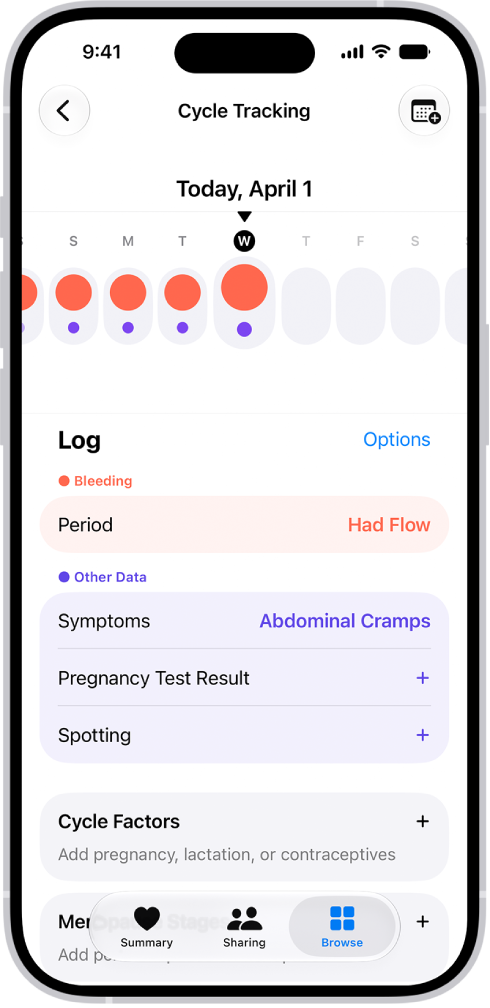
Track your menstrual cycle
With Cycle Tracking, you can log your period, record symptoms like cramps, and track cycle factors like lactation. You can also use it to help predict when your next period or fertile window will begin. To set up Cycle Tracking, tap Browse, tap Cycle Tracking, then tap Set Up Cycle Tracking.