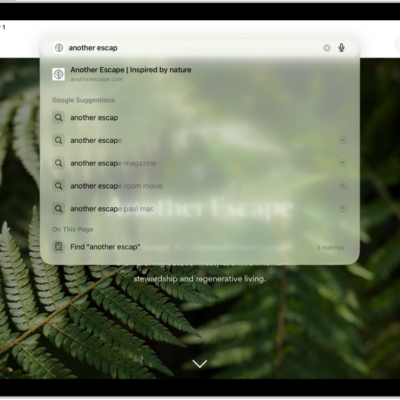
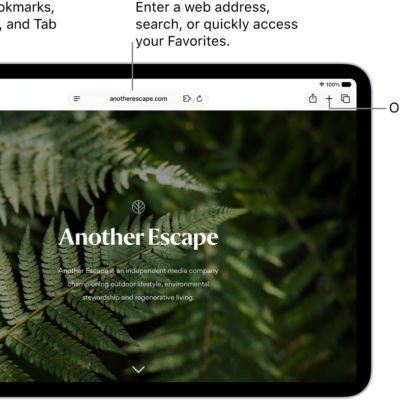
You can have supported webpages read aloud in the Safari app. You just open the page you want to listen to and choose Listen to Page, and you can pause listening and start listening again. You can also search for websites using Safari, and use Siri to find information.
Listen to a webpage
- Start the Safari app on your iPad.
- Open the page you want to listen to.
- Tap the Page Menu button. Then tap Listen to Page.
Pause listening
While listening to a webpage, tap the Page Menu button, then tap the Pause button.
To start listening again, tap the Page Menu button, then tap the Play button.
See also
Tag: Safari