









The Photos app automatically identifies people in your Photos to curate People albums for each of them. However, Apple’s artificial intelligence isn’t perfect, and oftentimes, your Apple devices will make an error and save the wrong person in someone else’s album. This can happen due to the poor quality of a picture, the similarities of someone’s face, or various other reasons.
Here’s how you can review photos of identified people in the Photos app and fix any cases of mistaken identity, where your iPhone 18 Pro Max has tagged one person as someone else.
How to Fix Misidentified People in Photos on iPhone
If your iPhone 18 Pro or iPhone 18 Pro Max has misidentified someone in a photo, they won’t show up when you search for them and instead Photos will save pictures of them in someone else’s album. What’s more, that person—who might be a stranger—will show up in the People album for whoever your iPhone thinks they are! See Same Person Twice in Photos on iPhone 18 Pro Max. Here’s how to fix it:
-
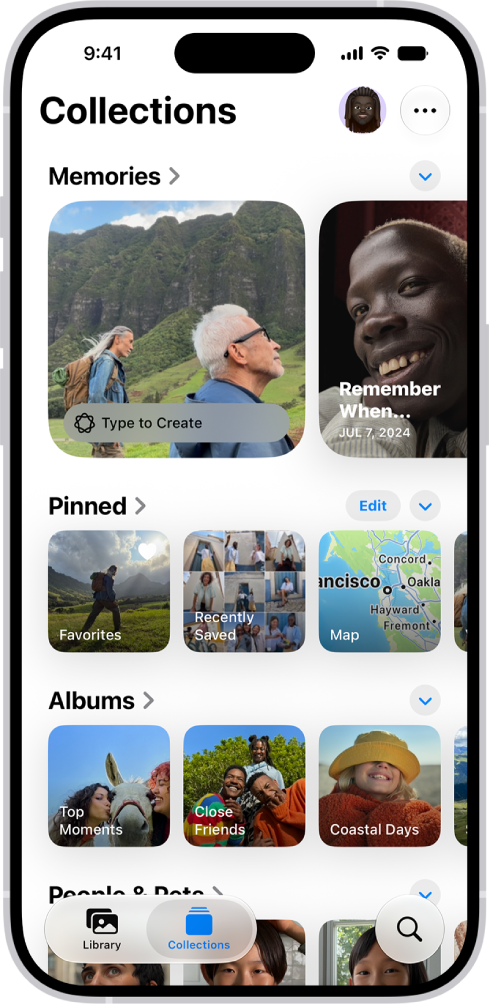
In Photos, go to Collections > People & Pets (or People) and tap the profile you want to remove a misidentified picture from.
- Tap Select and select the misidentified photos you want to remove.
- Tap the More button at the top of the screen.
- Choose This is Not X, and the selected photos will be removed from that album.
Easily Sort Pictures With the People & Pets Collection
The People & Pets collection in Photos is a great way to view your photo library in an organized way. You can easily look back at all your memories with a particular person without needing to scroll past a sea of unrelated pictures.
However, having misidentified photos in the wrong albums can be quite a nuisance to deal with. Fortunately, the problem has a relatively quick and easy fix. You can remove any mismatched pictures you stumble across.


