









Abigail Shilets
Abigail Shilets's Articles

How to use Zoom on Apple Watch
You can use Zoom on Apple Watch to magnify what's on the display, zoom in or out with two fingers, and pan with the Digital Crown.
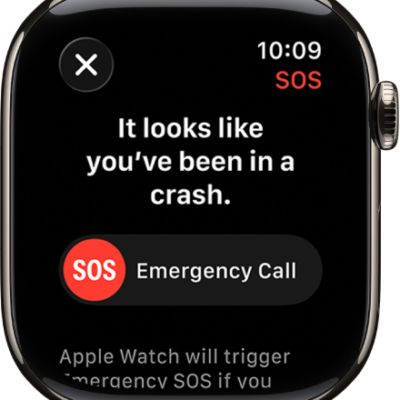
How to manage Crash Detection on Apple Watch
You can manage Crash Detection on Apple Watch so it can call emergency services and notify your emergency contacts after a severe car crash.
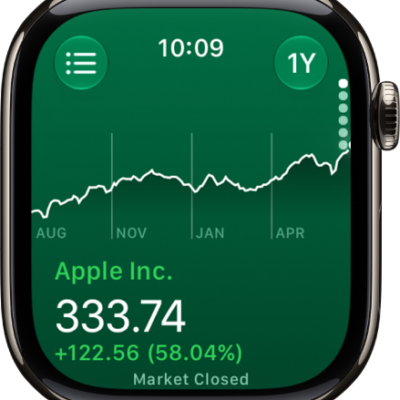
How to track stocks on Apple Watch
You can track stocks on Apple Watch, see stock data from your iPhone, add, remove, or reorder stocks, and choose data metrics.
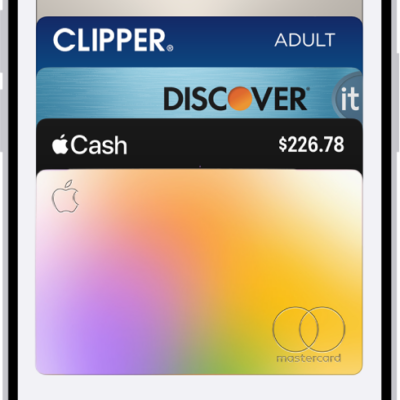
How to manage cards and passes in Wallet on Apple Watch
You can manage cards and passes in Wallet on Apple Watch, view their details, show or remove expired passes, and remove a card.
How to use the Tips app on Apple Watch
You can use the Tips app on Apple Watch to view collections of tips, discover new watchOS features, and quickly access the latest tips.
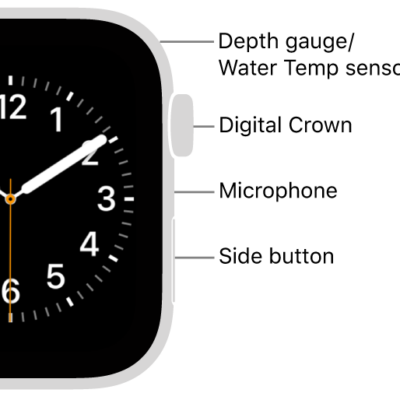
How to change the language and orientation on Apple Watch
You can change the language and region on Apple Watch, and switch wrists or the Digital Crown orientation.
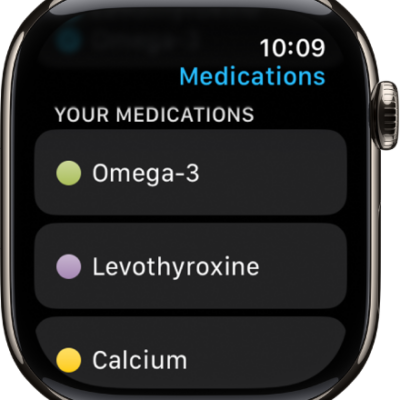
How to track your medications on Apple Watch
You can track your medications on Apple Watch, log them with reminders, and turn on Follow Up Reminders and Critical Alerts.
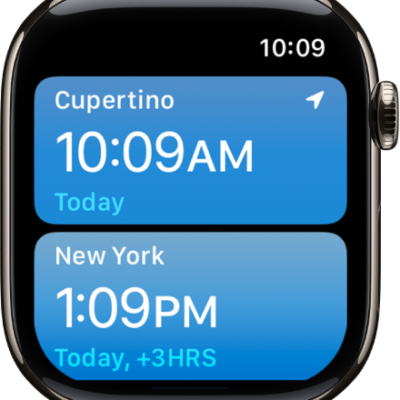
How to use World Clock on Apple Watch to check the time in other locations
You can use World Clock on Apple Watch to check the time in other locations, add and remove cities, and change city abbreviations.
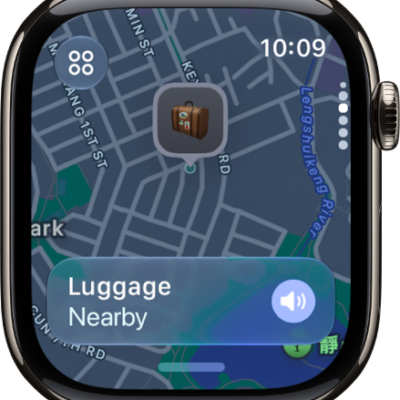
How to locate items in Find My on Apple Watch
You can locate items in Find My on Apple Watch, use Precision Finding with AirTag, and get notified when you leave an item behind.
How to locate devices in Find My on Apple Watch
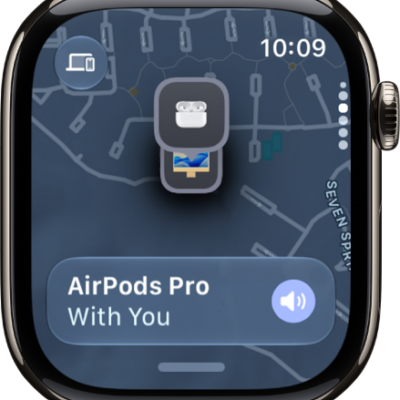
You can locate devices in Find My on Apple Watch, get directions to them, and get notified when you leave a device behind.