









Abigail Shilets
Abigail Shilets's Articles
How to reset iPhone settings to their defaults
You can reset your iPhone settings to their defaults without erasing your content, and back up first to keep your current settings.
How to select your favorite Podcasts categories and channels on iPad
You can select your favorite Podcasts categories and channels on iPad to get better show recommendations.
How to buy books and audiobooks on iPad
You can buy books and audiobooks on iPad in the Books app, browse top charts and series, and search by title, author, or genre.
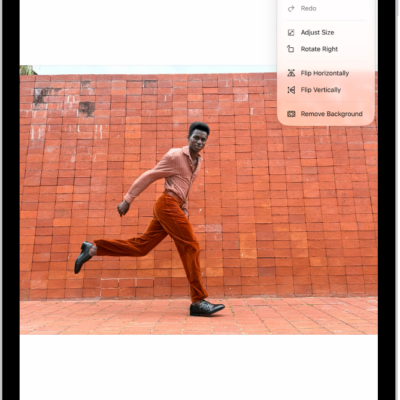
How to edit an image in Preview on iPad
You can edit an image in Preview on iPad, crop, rotate, or flip it, remove the background, and adjust its size.
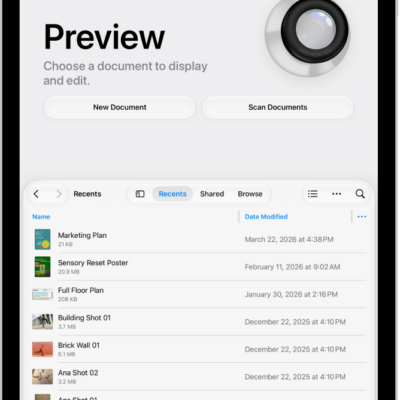
How to manage PDFs and images in Preview on iPad
You can manage PDFs and images in Preview on iPad, rename files, save them, and return to the main menu.
How to scan text and documents in Preview on iPad
You can scan text and documents in Preview on iPad to create a PDF, with automatic or manual capture.
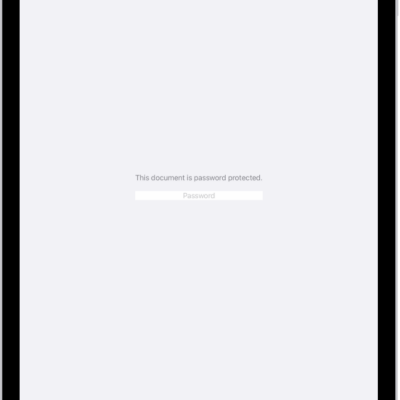
How to lock PDFs in Preview on iPad
You can lock PDFs in Preview on iPad with a password to keep others from editing or deleting your work.
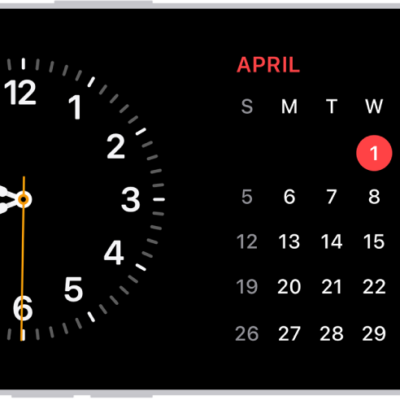
How to use iPhone for your daily routines
You can use iPhone for your daily routines, from StandBy and directions to Wallet, Home controls, Focus, and reminders.
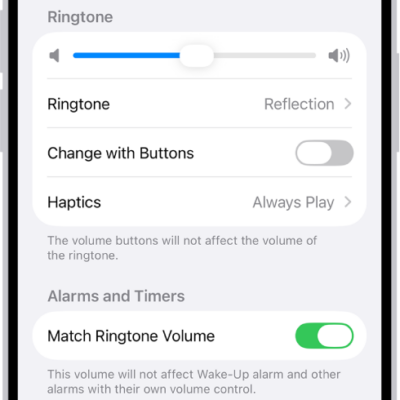
How to get ringtones, text tones, and alert tones in the iTunes Store on iPad
You can get ringtones, text tones, and alert tones in the iTunes Store on iPad, and redownload tones you bought on another device.
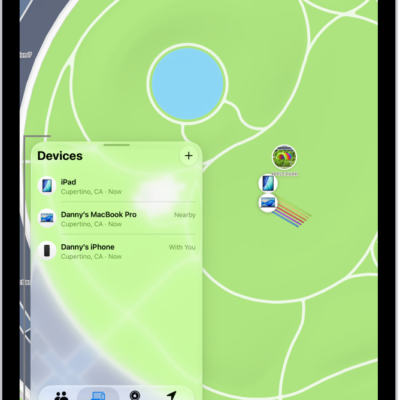
How to locate a device in Find My on iPad
You can locate a device in Find My on iPad, see it on a map, play a sound on it, and get directions to it.