









Abigail Shilets
Abigail Shilets's Articles
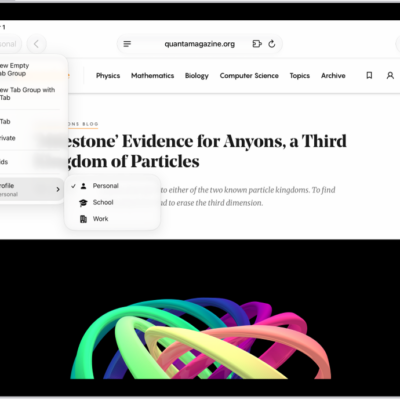
How to create multiple Safari profiles on iPad
You can create multiple Safari profiles on iPad, like Work and Personal, with separate favorites, history, tabs, and Tab Groups.
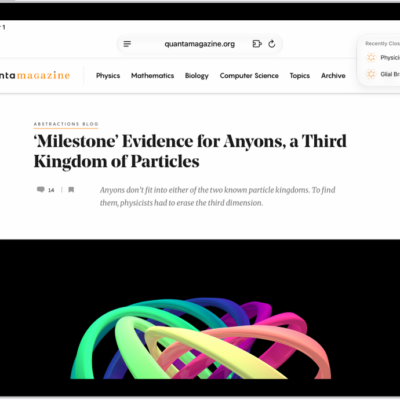
How to open and close tabs in Safari on iPad
You can open and close tabs in Safari on iPad, open a link in a new tab, view a tab's history, and reopen a closed tab.

How to see the websites you’ve excluded from automatically filling in passwords on iPad
You can see the websites you've excluded from automatically filling in passwords on iPad in Passwords settings.
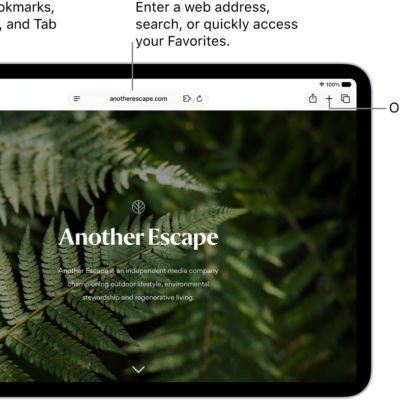
How to change the layout in Safari on iPad
You can change the layout in Safari on iPad, choosing Separate Tab Bar or Compact Tab Bar without losing your open tabs.
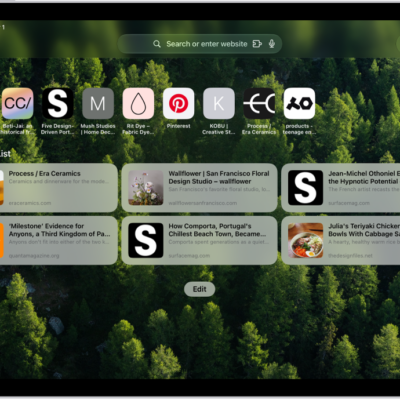
How to customize your Safari settings on iPad
You can customize your Safari settings on iPad, change your start page and text size, and adjust display and privacy settings.
How to browse the web using Safari on iPad
You can browse the web using Safari on iPad, preview links, translate webpages, and keep bookmarks and history up to date on all your devices.
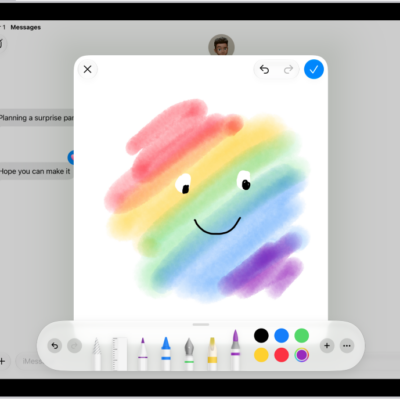
How to draw and create images in Messages on iPad
You can draw and create images in Messages on iPad, send drawings and Digital Touch effects, and create images with Image Playground.
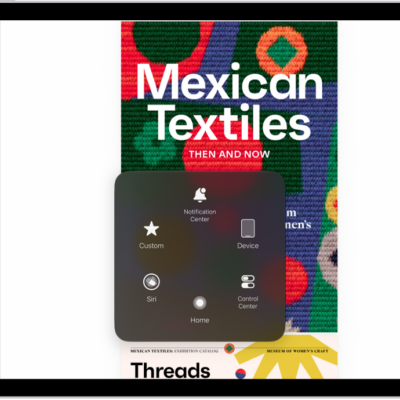
iPad mobility accessibility features: Eye Tracking, Voice Control, and more
You can use accessibility features for mobility on iPad to control it with your eyes, voice, assistive devices, or an external keyboard.
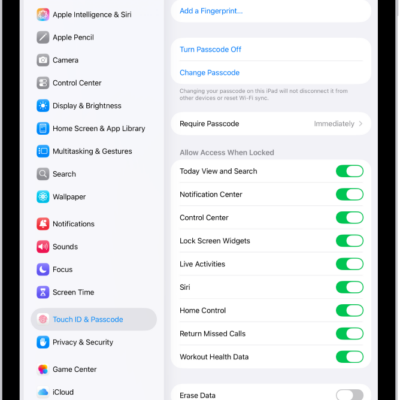
How to change Face ID and attention settings on iPad
You can change Face ID and attention settings on iPad, set up Face ID with Accessibility Options, and turn off attention checks.
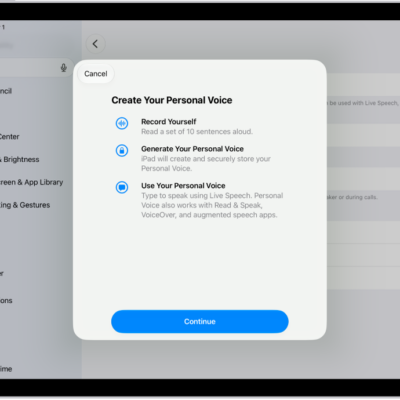
How to record your Personal Voice on iPad
You can record your Personal Voice on iPad to create a synthesized voice that sounds like you, and use it with Live Speech.