Got a tip for us?

Chris Smith

Chris Smith is a senior editor at GeeksModo based in Canada. He likes to think of himself as a jack of all trades (and a master of at least a few), though he mainly focuses on iPhones and Macs. Often covering both at the same time. When not surrounded by various Apple devices while putting them through their paces, Chris can be found streaming the latest movies or series, gaming on his PS5, or getting fresh air on a hike in the beautiful wilderness of British Columbia.

Chris Smith's Articles

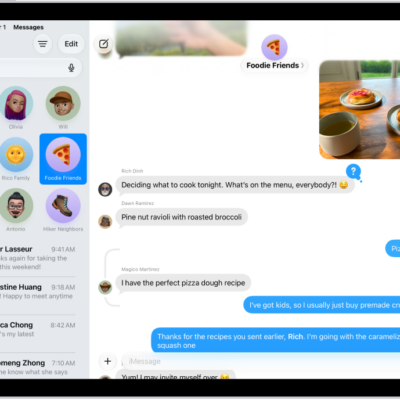
A group conversation in Messages.

How to get started with Messages on iPad

You can get started with Messages on iPad, set up iMessage, chat in groups, send emoji and more, and schedule messages.
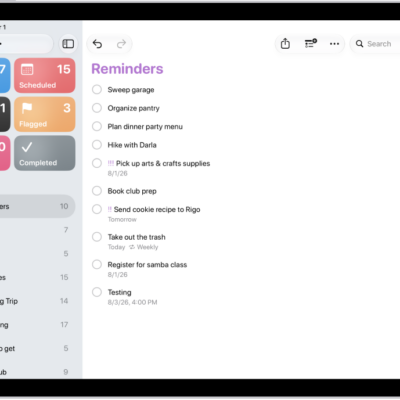
The Reminders app, showing a new task being added to the Reminders list.

How to organize multiple lists in Reminders on iPad

You can organize multiple lists in Reminders on iPad, pin up to nine lists, and create groups like work or shopping.
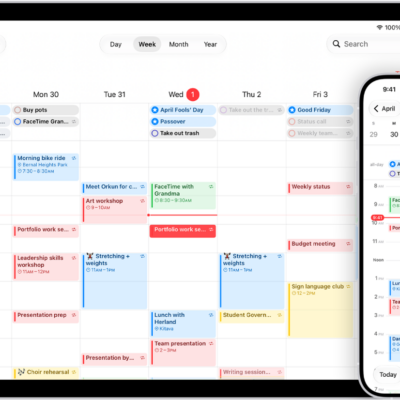
A calendar on iPad in Week view and the same calendar on iPhone in Day view.

How to keep track of events in Calendar on iPad

You can keep track of events in Calendar on iPad, customize notifications, and keep your calendar up to date with iCloud.
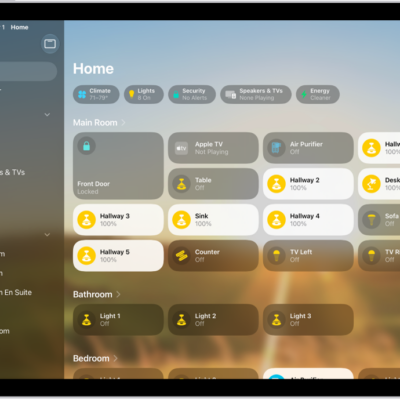
The Home app with the sidebar on the left, showing Home, Automation, and Discover tabs near the top left. Categories and Rooms in the home appear below. To the right of the sidebar, at the top, are the Intercom, Add, and More Options buttons. Category buttons appear near the top. Below that are scenes, camera images, and a room with its accessories.

Getting started with the Home app on iPad

You can use the Home app on iPad to add, control, and automate HomeKit and Matter accessories, and control your home remotely.
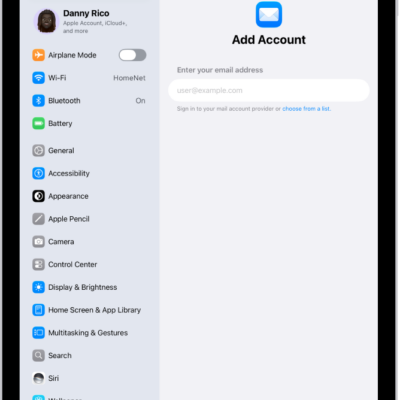
The Add Account screen showing a field to enter your email address.

How to add and remove email accounts on iPad

You can add and remove email accounts on iPad, set a fetch schedule, and temporarily stop using an email account in Mail.
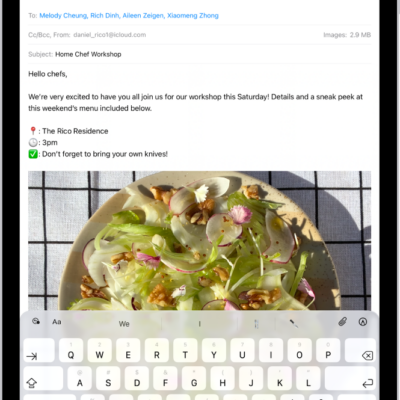
An email draft is open in the Mail app. The button to send the message is in the top-right corner. Tap to send the message, or touch and hold to schedule a time to send it later.

How to get started with Mail on iPad

You can get started with Mail on iPad, add email accounts like iCloud or Gmail, send and reply to email, and organize your inbox.

A Settings screen showing Accessibility options such as VoiceOver, Live Recognition, and Audio Descriptions.

How to use VoiceOver gestures on iPad

You can use VoiceOver gestures on iPad to move around the screen and control individual items with taps and swipes.
A Settings screen showing Accessibility options such as VoiceOver, Live Recognition, and Audio Descriptions.

How to change your VoiceOver settings on iPad

You can change your VoiceOver settings on iPad, including volume, language, speaking voice, speaking rate, and verbosity.
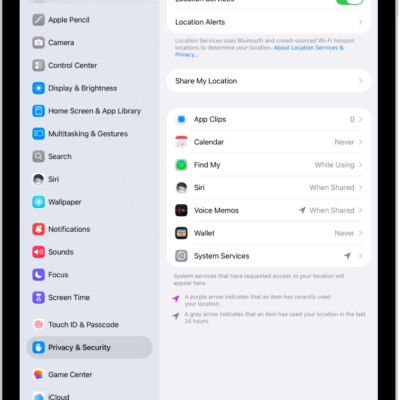
The Location Services screen, with settings to share the location of your iPad with apps.

How to set up Maps on iPad

You can set up Maps on iPad, allow it to use your location, show where you are, and switch to a different map view.
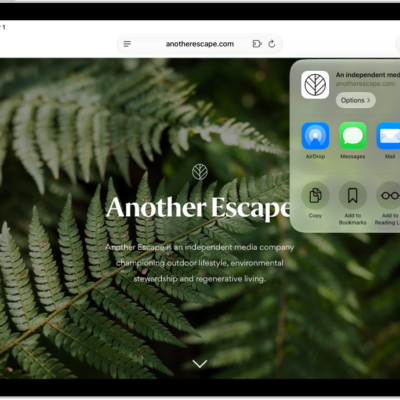
An open webpage. The Share button has been tapped, showing options for AirDrop, Messages, Mail, Notes, Copy, Add to Bookmarks, Add to Reading List, and More.

How to turn a website into an app in Safari on iPad

You can turn a website into an app in Safari on iPad, with its own Home Screen icon and notifications like any app.