









Chris Smith
Chris Smith's Articles

How to use VoiceOver on iPad with a pointer device
You can use VoiceOver on iPad with a pointer device, setting the pointer to ignore, follow, or move the VoiceOver cursor.
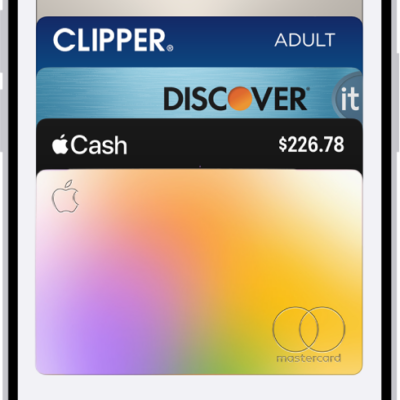
How to make purchases with Apple Pay on iPad
You can make purchases with Apple Pay on iPad in apps, App Clips, and online, and use it in third-party browsers.
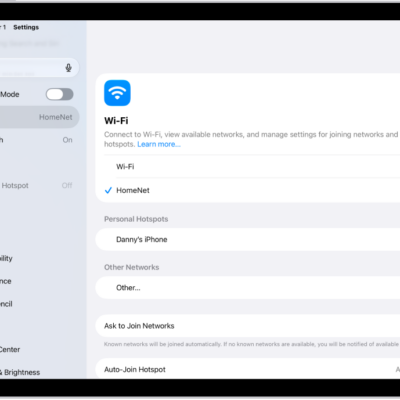
How to manage Wi-Fi settings on iPad
You can manage Wi-Fi settings on iPad, use Low Data Mode or a private Wi-Fi address, forget a network, and share a Wi-Fi password.

How to get notified when a friend’s location changes in Find My on iPad
You can get notified when a friend's location changes in Find My on iPad, when they arrive, leave, or aren't at a location.
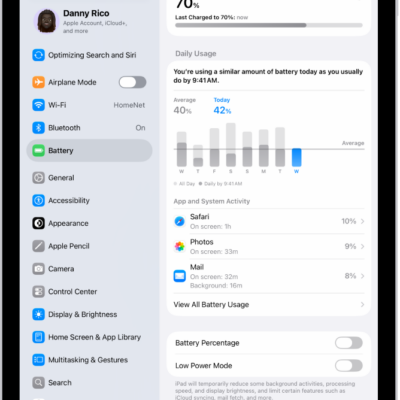
How to show the iPad battery percentage
You can show the iPad battery percentage in the status bar, check it in Control Center, and add a Batteries widget.
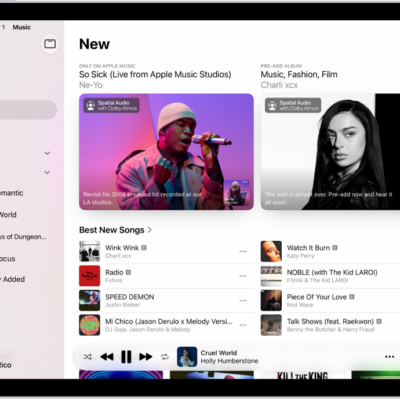
How to find new music with Apple Music on iPad
You can find new music with Apple Music on iPad, browse new releases and playlists by music experts, and discover your most-played music.
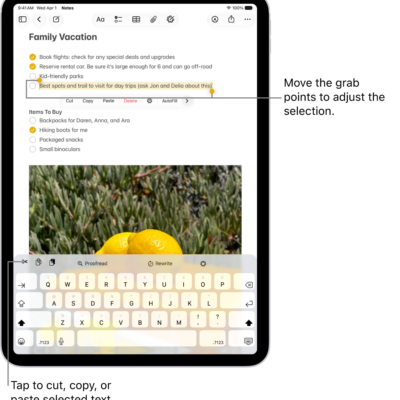
How to select, edit, and move text on iPad
You can select, edit, and move text on iPad with gestures, fix mistakes, use proofreading features, and place the insertion point.

How to move the iPad onscreen keyboard
You can move the iPad onscreen keyboard, use a floating keyboard, or split or undock the keyboard, depending on your model.
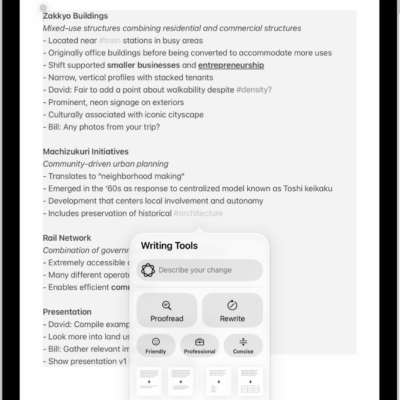
How to turn on ChatGPT on iPad
You can turn on ChatGPT on iPad so Apple Intelligence can work with ChatGPT from OpenAI, and choose when requests are sent.
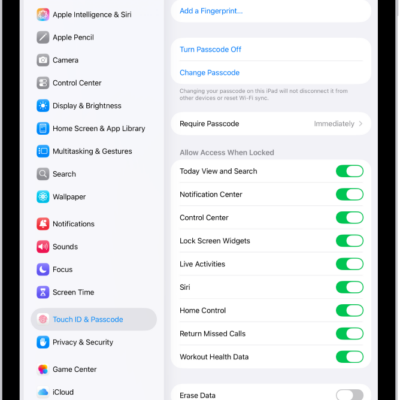
How to turn on Lock Screen features on iPad
You can turn on Lock Screen features on iPad, like Control Center, widgets, and media playback controls, for easy access when locked.