Got a tip for us?

Chris Smith

Chris Smith is a senior editor at GeeksModo based in Canada. He likes to think of himself as a jack of all trades (and a master of at least a few), though he mainly focuses on iPhones and Macs. Often covering both at the same time. When not surrounded by various Apple devices while putting them through their paces, Chris can be found streaming the latest movies or series, gaming on his PS5, or getting fresh air on a hike in the beautiful wilderness of British Columbia.

Chris Smith's Articles

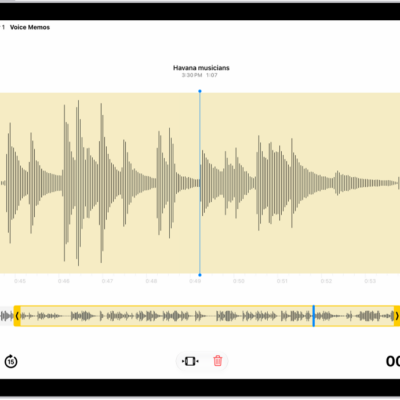
A recording is being edited, with the yellow trim handles enclosing a portion of the audio waveform at the bottom of the screen. To the left of the Playback controls are the Trim button (for deleting the part of the recording outside the handles) and the Delete button (for deleting the part of the recording outside the handles).

How to edit or delete a recording in Voice Memos on iPad

You can edit or delete a recording in Voice Memos on iPad, trim or replace parts, and recover a deleted recording.
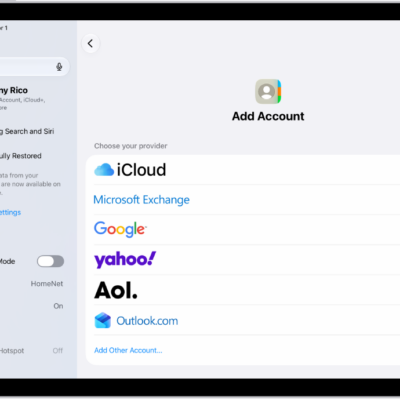
The Add Account screen showing different contacts services.

How to add or remove accounts in Contacts on iPad

You can add or remove accounts in Contacts on iPad, from iCloud and Exchange to Google and Yahoo, and choose a default account.
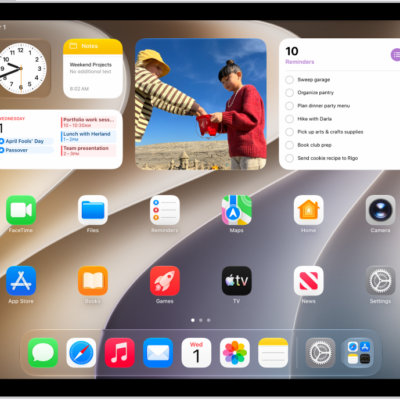
The Home Screen with the Dock showing six favorite apps on the left and three suggested apps to the right. The rightmost icon in the Dock opens App Library.

How to add, edit, and remove widgets on iPad

You can add, edit, and remove widgets on iPad, turn an app icon into a widget, and use a Smart Stack on your Home Screen.

The iPad Control Center. Controls for Airplane Mode, cellular data, Wi-Fi, and Bluetooth are in the top-left group in Control Center for Wi-Fi + Cellular iPad models. The Camera control is at the bottom right of Control Center. The screen on the right shows the quick menu of options that appear when you touch and hold the Camera control.

How to view or change cellular data settings on iPad (Wi-Fi + Cellular models)

You can view or change cellular data settings on iPad (Wi-Fi + Cellular models), manage roaming, and control which apps use cellular data.
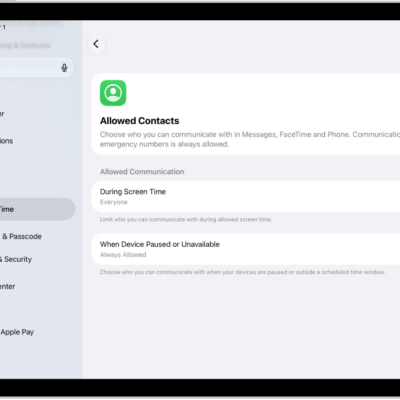
The Allowed Contacts screen in Screen Time showing communication allowed during Screen Time and when devices are paused.

How to choose who you can communicate with at certain times with Screen Time on iPad

You can choose who you can communicate with at certain times with Screen Time on iPad, for calls, FaceTime, and messages.
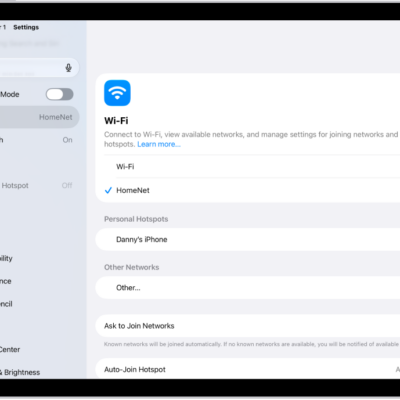
The Settings screen showing available Wi-Fi networks.

How to share your internet connection from your iPad (Wi-Fi + Cellular) with Personal Hotspot

You can share your iPad internet connection with Personal Hotspot on Wi-Fi + Cellular models, and turn it on or off.
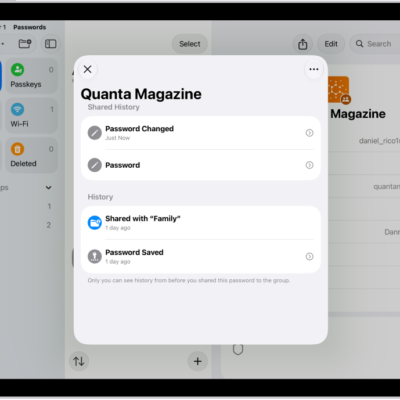
The history of password changes for an account. The password was originally saved a month ago, and it was also changed a month ago.

How to use passwords on iPad

You can use passwords on iPad in the Passwords app to find all your passwords, passkeys, and verification codes in one place.
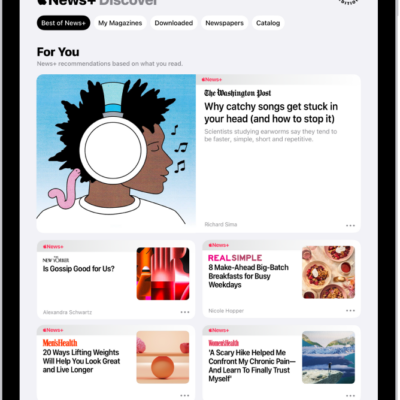
The Discover page in Apple News+. In the tab bar, News+ is selected, and below that, the Best of News+ category is selected.

How to subscribe to Apple News+ on iPad

You can subscribe to Apple News+ on iPad, or to Apple One Premier, to access magazines, newspapers, puzzles, and more.
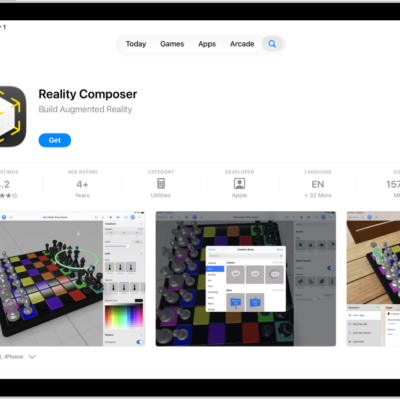
The information page for an app in the App Store. The page shows the Get button, ratings, age ratings, the developer, screenshots, and more. At the top center, from left to right, are the following buttons: Today, Games, Apps, Arcade, and Search.

How to get apps in the App Store on iPad

You can get apps in the App Store on iPad, discover and find apps, get app information, buy and download apps, and share them.
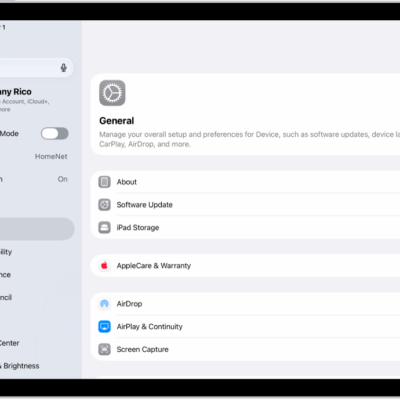
The iPad Home Screen with several app icons, including the Settings app icon, which you can tap to change your iPad sound volume, screen brightness, and more.

How to change iPad sounds

You can change iPad sounds, turn Silent Mode on or off, change your ringtone, and set separate volumes for alerts and alarms.