









Chris Smith
Chris Smith's Articles
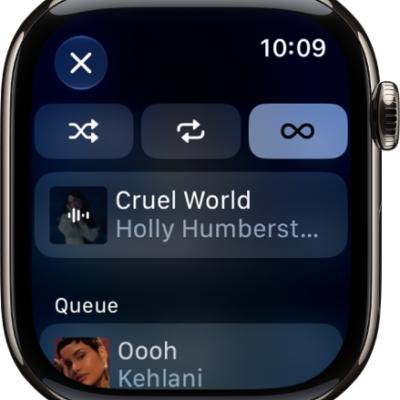
How to do more with Music on Apple Watch
You can do more with Music on Apple Watch, add songs to your library, share music, and view Made for You playlists and downloads.
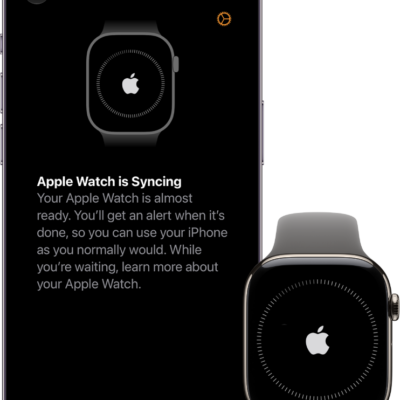
How to get started with Apple Watch
You can get started with Apple Watch in minutes: pair it with iPhone, choose a watch face, open apps, and change settings in Control Center.
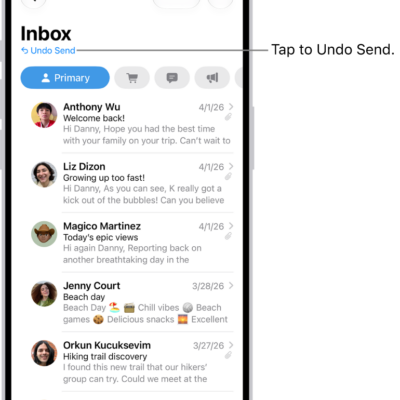
How to use Mail Privacy Protection on iPhone
You can use Mail Privacy Protection on iPhone to hide your IP address from senders and keep them from seeing whether you opened their email.
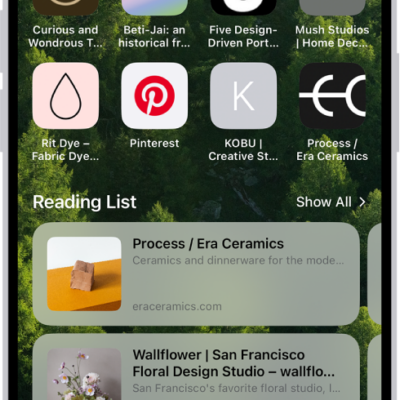
How to get started with Safari on iPhone
You can use Safari on iPhone to browse the web, bookmark websites, browse privately, and customize your start page.
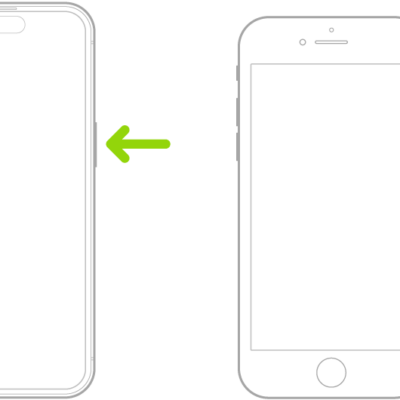
How to turn on and set up iPhone
You can turn on and set up a new iPhone with an internet connection or your computer, and move your data from another device.
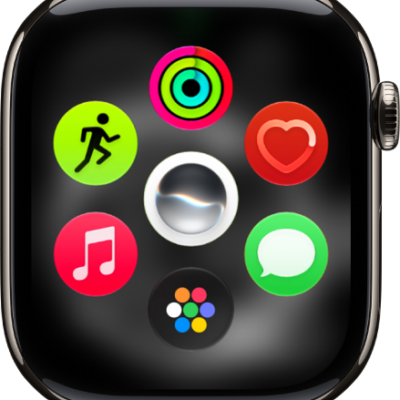
How to use apps on Apple Watch
You can use apps on Apple Watch, open them from the Home Screen, see the apps included with your watch, and quit an app that isn't responding.
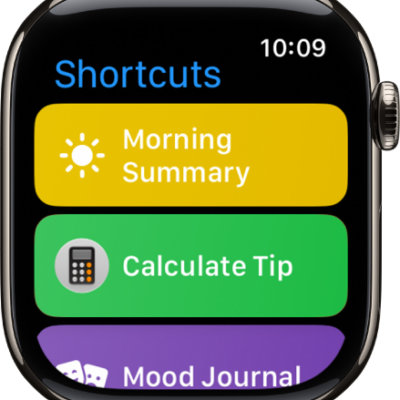
How to use shortcuts on Apple Watch
You can use shortcuts on Apple Watch to automate tasks with a tap or Siri, run shortcuts from your iPhone, and add more shortcuts.
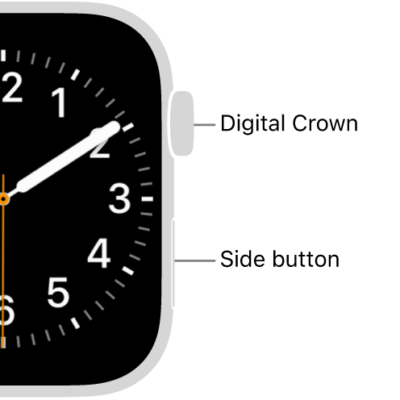
How to restart Apple Watch
You can restart Apple Watch and its paired iPhone, and force Apple Watch to restart if something isn't working right.
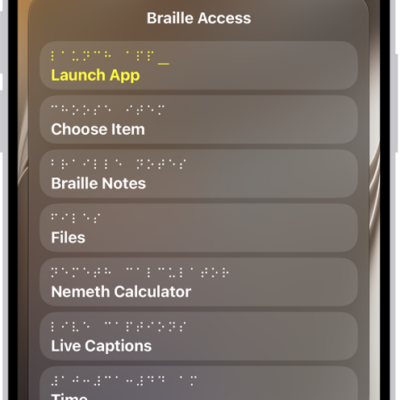
How to use a braille display with VoiceOver on Apple Watch
You can use a braille display with VoiceOver on Apple Watch to read output, edit text, and control your watch with input keys.
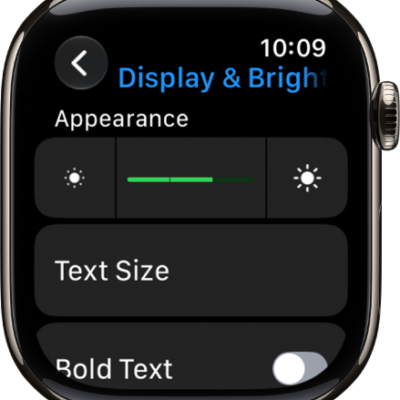
How to adjust text and display settings on Apple Watch
You can adjust text and display settings on Apple Watch, including text size, bold text, color filters, transparency, and animation.