Got a tip for us?

Chris Smith

Chris Smith is a senior editor at GeeksModo based in Canada. He likes to think of himself as a jack of all trades (and a master of at least a few), though he mainly focuses on iPhones and Macs. Often covering both at the same time. When not surrounded by various Apple devices while putting them through their paces, Chris can be found streaming the latest movies or series, gaming on his PS5, or getting fresh air on a hike in the beautiful wilderness of British Columbia.

Chris Smith's Articles

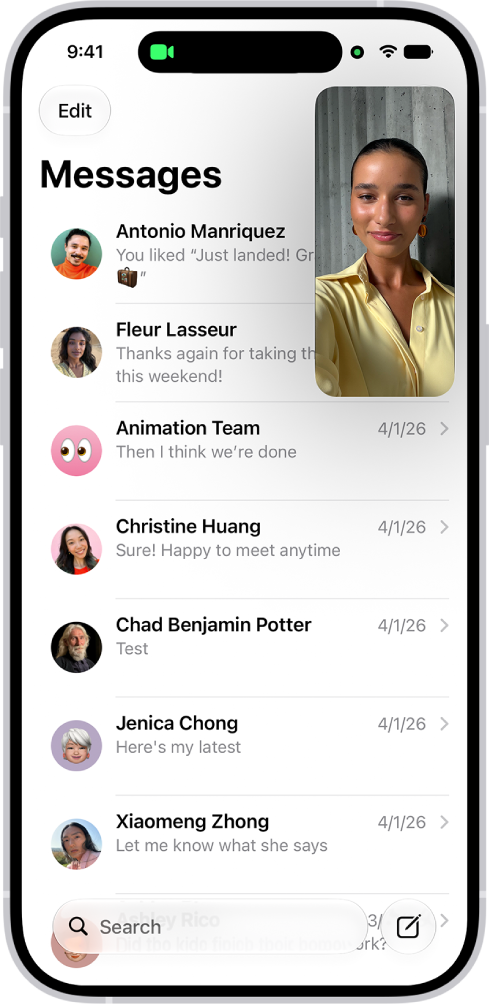
A FaceTime conversation taking place, while a note about kitchen decorating fills the rest of the screen.

How to collaborate on a document in FaceTime on iPhone

You can collaborate on a shared document during a FaceTime call on iPhone, starting from the call or from the app the document is in.
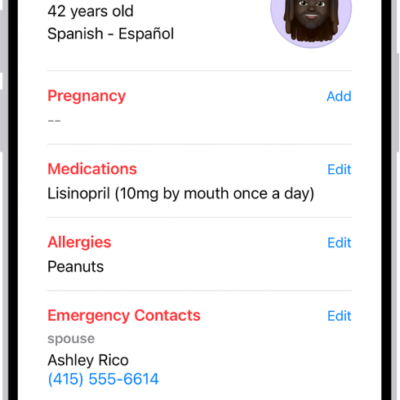
A Medical ID screen containing information including birth date, medications, allergies, emergency contacts, and medical conditions.

How to register as an organ donor in Health on iPhone (U.S. only)

You can register as an organ, eye, or tissue donor with Donate Life America from the Health app on iPhone in the U.S..
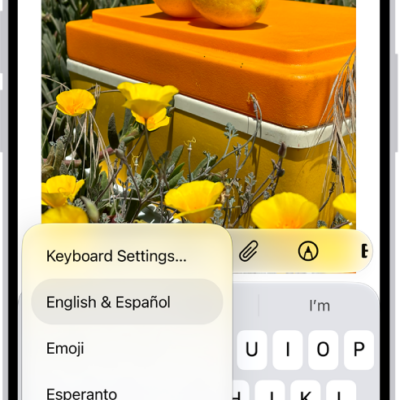
The Keyboard Settings menu is open, and shows multiple keyboard options: English & Spanish, Emoji, and Keyboard Feedback.

How to pair Magic Keyboard with iPhone

You can pair Magic Keyboard, including Magic Keyboard with Numeric Keypad, with iPhone over Bluetooth, and reconnect it later.

A group conversation including shared files.

What iMessage is and how it works on iPhone

You can use iMessage, Apple's end-to-end encrypted messaging service, to text on iPhone, iPad, Mac, Apple Watch, and Apple Vision Pro.

A news story in the News app. In the tabs across the bottom, Today is selected.

How to save stories in News on iPhone

You can save news stories in News on iPhone to read later, and Apple News+ subscribers can read them offline.
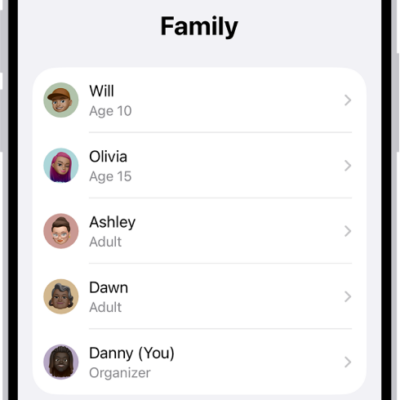
The Family Sharing screen in Settings. Five family members are listed with recommendations for the family.

How to share Apple and App Store subscriptions with family members on iPhone

You can share Apple subscriptions and eligible App Store subscriptions with family members in a Family Sharing group on iPhone.
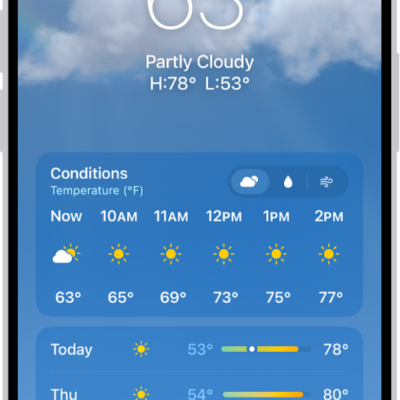
The Weather app showing, from top to bottom: the location, current temperature, the high and low temperatures for the day, hourly forecast, and the first few days of a 10-day forecast. A row of dots at the bottom center represent other locations in the location list. At the bottom-right corner is the Location List button and at the bottom-left corner is the Show Map button.

How to check the weather on iPhone

You can check the weather for your current location on iPhone, see hourly and 10-day forecasts and severe weather, and change weather units.
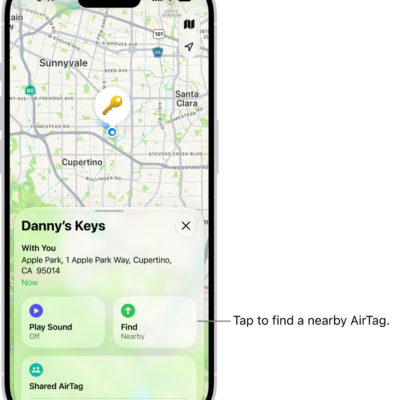
The Find My app open, showing Danny's keys in Golden Gate Park. Tap the Find button to locate a nearby AirTag.

How to mark an AirTag or other item as lost in Find My on iPhone

You can mark an AirTag or other item as lost in Find My on iPhone and add a message with your phone number or email address.
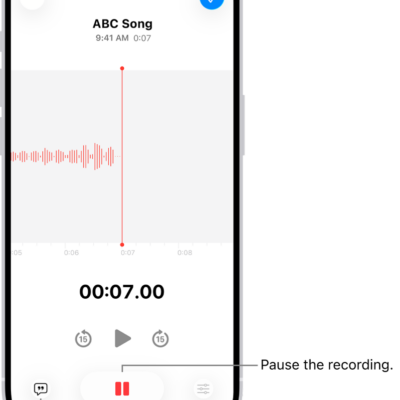
A Voice Memos recording, showing a waveform of the recording that’s in progress, along with a time indicator and a button to pause the recording.

How to view a Voice Memos transcription on iPhone

You can view a transcription of your Voice Memos recording on iPhone while you record or after, copy it, and search it.
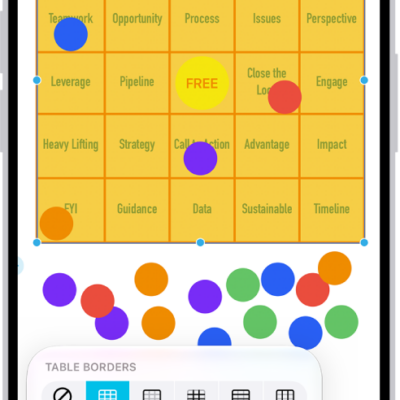
A table on a Freeform board, with its formatting tools visible and small blue dots on its edges for changing its shape.

How to add tables to a Freeform board on iPhone

You can add tables to a Freeform board on iPhone, then resize rows and columns, change the style, and format the text in each cell.