









Chris Smith
Chris Smith's Articles
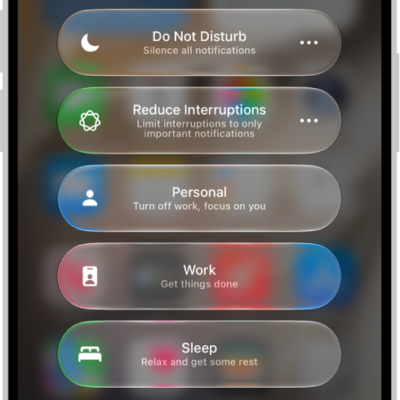
How to turn on or schedule a Focus on iPhone
You can turn on a Focus in Control Center or with Siri on iPhone, schedule it, and turn off or delete it.
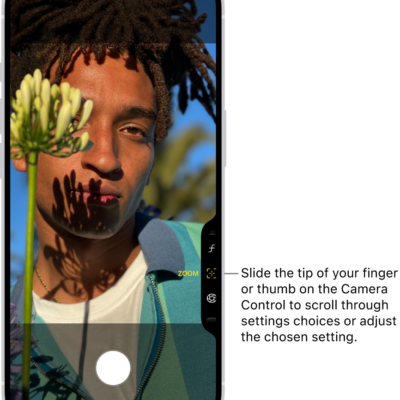
How to use the Camera Control to open another app on iPhone
You can set the Camera Control on supported iPhone models to open Magnifier, the Code Scanner, or another camera app, or turn it off.
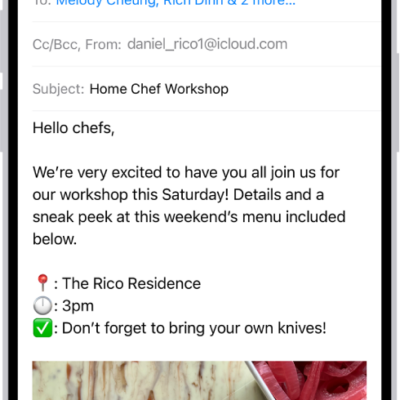
How to save a draft in Mail on iPhone
You can save an email as a draft in Mail on iPhone to finish later, and see draft emails from all your accounts.
How to customize controls in Magnifier on iPhone
You can choose which controls appear in Magnifier on iPhone, create custom activities, and change live scene description settings.

How to rearrange the icons on CarPlay Home
You can move, remove, or add back icons on CarPlay Home from the Settings app on iPhone when you're not driving.

How to use automations in Home on iPhone
You can run automations in the Home app on iPhone based on time, location, sensors, or accessories, or use preconfigured ones.
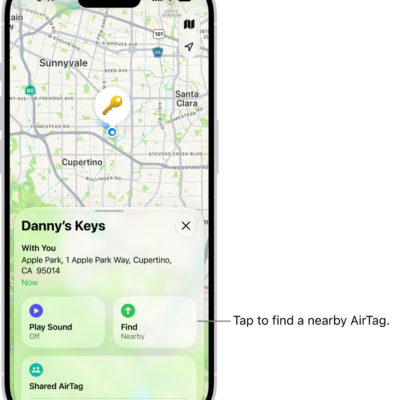
How to add an AirTag in Find My on iPhone
You can add an AirTag to Find My on iPhone, rename it, and check its serial number, firmware version, and battery status.
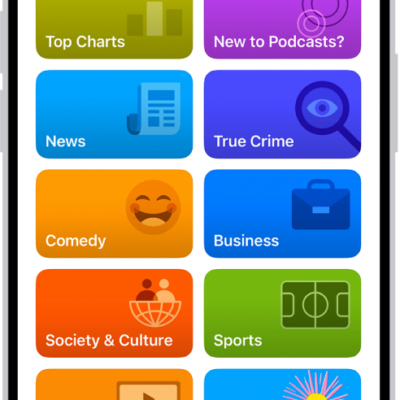
How to select your favorite Podcasts categories and channels on iPhone
You can choose favorite categories and channels in Podcasts on iPhone for better recommendations and easier access to your shows.
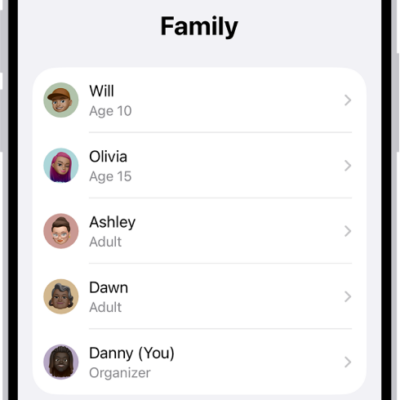
How to share App Store, Apple TV, and Apple Books purchases with Family Sharing on iPhone
You can share App Store, Apple TV, and Apple Books purchases with Family Sharing on iPhone when the organizer turns on Purchase Sharing.
How to play memory movies in Photos on iPhone
You can play memory movies in Photos on iPhone, watch albums and collections as movies, and create a custom memory movie with Apple Intelligence.