Got a tip for us?

Chris Smith

Chris Smith is a senior editor at GeeksModo based in Canada. He likes to think of himself as a jack of all trades (and a master of at least a few), though he mainly focuses on iPhones and Macs. Often covering both at the same time. When not surrounded by various Apple devices while putting them through their paces, Chris can be found streaming the latest movies or series, gaming on his PS5, or getting fresh air on a hike in the beautiful wilderness of British Columbia.

Chris Smith's Articles

The Camera in Video mode. The Camera Controls button is in the top-right corner and the video format buttons are in the top-left corner. The Photo and Video Viewer button is in the bottom-left corner. The Record button is at the bottom center, and the Camera Chooser Back-Facing button is in the bottom-right corner.

How to change video recording settings on iPhone

You can change iPhone video recording settings, including Auto FPS, Stereo or Spatial Audio, HDR video, and other default recording options.

The Accessibility screen in Settings showing the built-in features for Vision support.

How to control VoiceOver using the rotor on iPhone

You can use the VoiceOver rotor on iPhone to change volume and speaking rate, move between items, and choose input methods like Braille Screen Input.
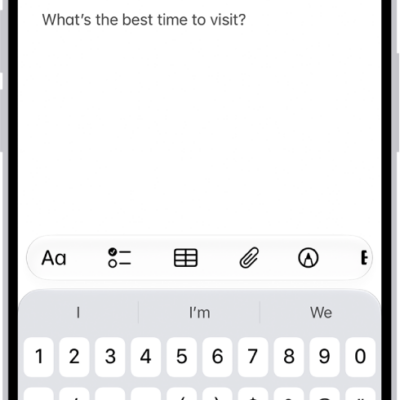
A Quick Note showing a link to a location in Maps and text underneath. The Save button is on the top left.

How to use Quick Notes on iPhone

You can use Quick Notes on iPhone to jot down information over any app, add links and images, and see your notes on iPad and Mac.
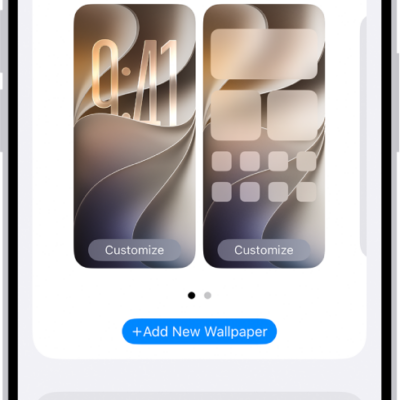
The Wallpaper Settings screen, with buttons for customizing the current wallpaper on the Home Screen and Lock Screen, and the Add New Wallpaper button for changing the wallpaper.

How to change the wallpaper on iPhone

You can change the wallpaper on your iPhone Lock Screen and Home Screen, design one from photos, emoji, or colors, and use it as a pair.
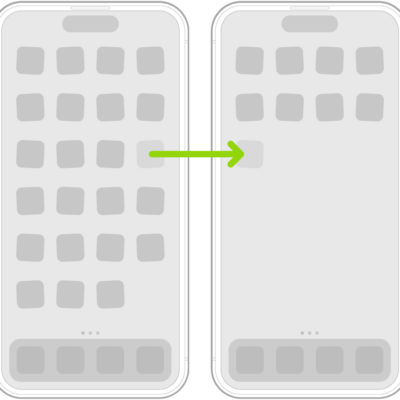
Jiggling apps on the Home Screen with an arrow showing one app being dragged to the next page.

How to remove or delete apps from iPhone

You can remove an app from your iPhone Home Screen and keep it in App Library, or delete it from iPhone and recover it later.
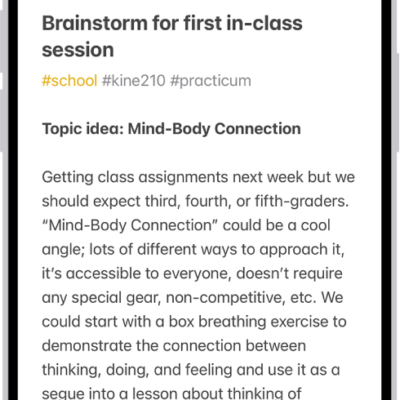
A note for a class brainstorm with tags such as #school and #kine210. The note features a hand-drawn diagram of a box breathing exercise, which illustrates a four-step breathing cycle.

How to create and format notes on iPhone

You can create notes on iPhone and format them with headings, checklists, tables, and divider lines, and organize them with sections.
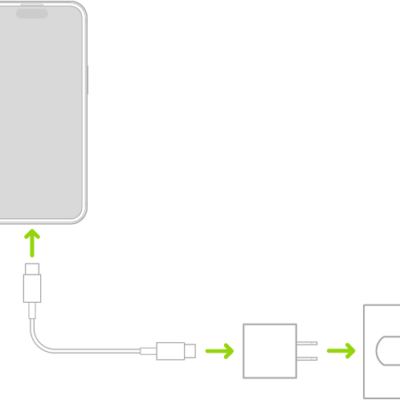
iPhone connected to the power adapter plugged into a power outlet.

iPhone charging cables: USB-C Cable and USB-C to Lightning Cable

You can charge your iPhone and connect it to your computer with its charging cable, either a USB-C Cable or a USB-C to Lightning Cable.
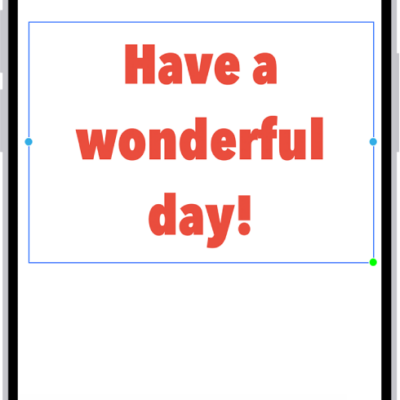
A Freeform board showing a text box selected and the text formatting tools below it.

How to apply consistent styles and formatting in Freeform on iPhone

You can copy, paste, and save styles in Freeform on iPhone so your text boxes, shapes, and sticky notes share the same font, size, and color.
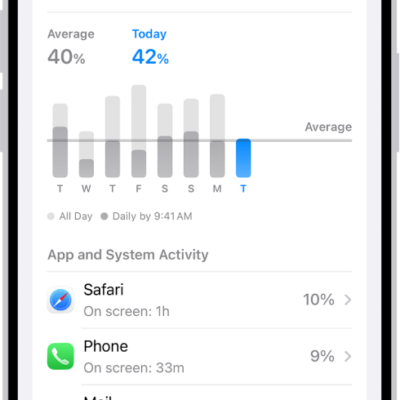
The Battery Usage screen in Settings on iPhone displays graphs and information about battery consumption. At the top, a bar graph shows battery usage over the last eight days. Below it, a second graph details the battery level throughout the current day, indicating periods of charging.

How to check iPhone battery usage and battery health

You can see your iPhone battery usage compared to previous days, app and system activity, when you last charged, and battery health.
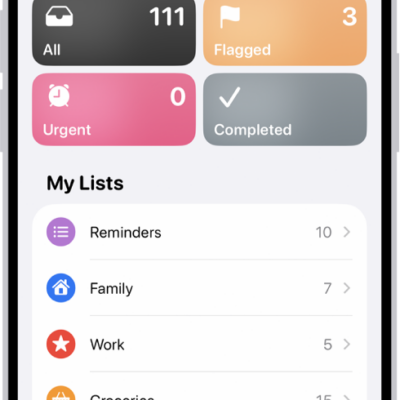
A Reminders screen showing a grid of Smart Lists, such as Today, Scheduled, and Flagged, each showing the number of items. Under the heading 'My Lists,' shows a list of custom reminder categories like Family, Work, and Camping Trip.

How to add or remove accounts in Reminders on iPhone

You can sync Reminders with iCloud on iPhone, update older iCloud reminders, add accounts like Microsoft Exchange, and remove accounts you don't use.