Got a tip for us?

Chris Smith

Chris Smith is a senior editor at GeeksModo based in Canada. He likes to think of himself as a jack of all trades (and a master of at least a few), though he mainly focuses on iPhones and Macs. Often covering both at the same time. When not surrounded by various Apple devices while putting them through their paces, Chris can be found streaming the latest movies or series, gaming on his PS5, or getting fresh air on a hike in the beautiful wilderness of British Columbia.

Chris Smith's Articles

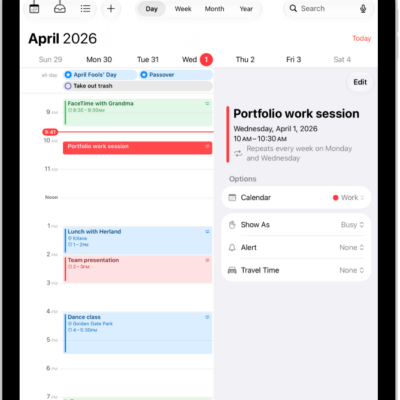
A calendar in Day view. The buttons at the top center let you change the view between Day, Week, Month, and Year. The Calendars button is at the top left of the screen, and the Inbox button is near the top left.

How to change how you view events in Calendar on iPad

You can change how you view events in Calendar on iPad, by day, week, month, or year, or as a list of upcoming events.
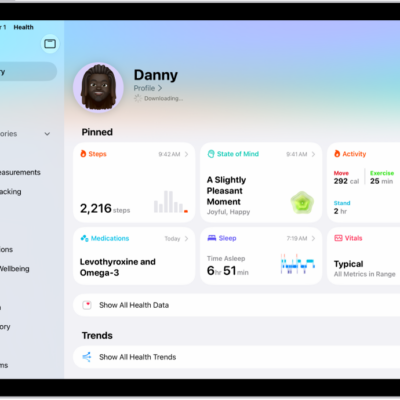
The Summary screen in Health. Information about steps, state of mind, activity, medications, sleep, and vitals appears below Pinned.

Where Health app data comes from on iPad

You can learn how Health data on iPad works, from data your iPad stores automatically to data from other apps and data you add manually.
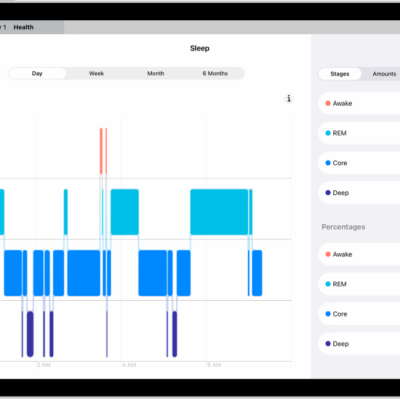
The Sleep screen in Health showing the estimated time spent awake and in REM, Core, and Deep sleep.

How to view your sleep history in Health on iPad

You can view your sleep history in Health on iPad, using data from a sleep tracker, iPhone, or entries you add manually.

A Settings screen showing Accessibility options such as VoiceOver, Live Recognition, and Audio Descriptions.

How to control several devices with one switch on iPad

You can control several devices with one switch on iPad using Platform Switching to navigate your iPhone, Apple TV 4K, or Mac.
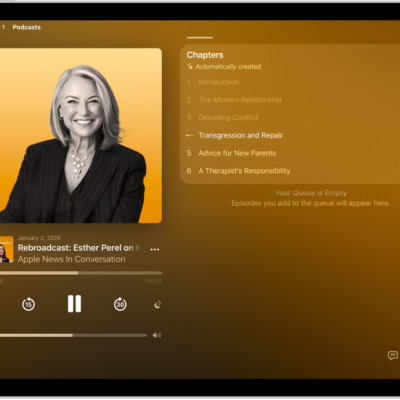
The Now Playing screen in the Podcasts app, showing the podcast artwork, the episode title, the playback controls, and the volume slider. At the right of the screen is a list of chapters. At the bottom of the screen is the AirPlay icon, the View Transcript button, and the Playing Next button.

How to play podcasts on iPad

You can play podcasts on iPad, change the playback speed, set a sleep timer, and navigate episodes by chapter.
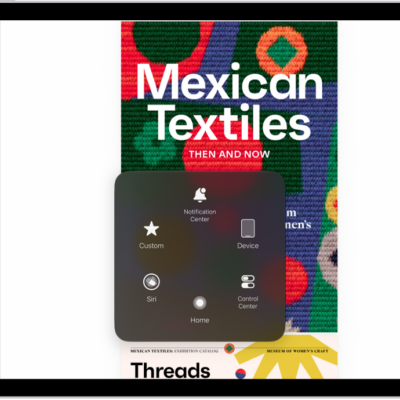
An iPad with the AssistiveTouch menu visible, showing controls for Notification Center, Device, Control Center, Home, Siri, and Custom.

How to control iPad with the movement of your head

You can control iPad with the movement of your head using Head Tracking, perform actions by dwelling, and set Head Tracking options.
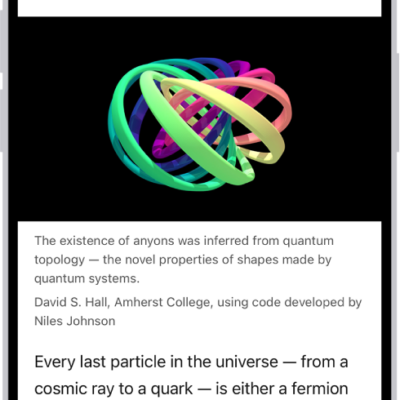
A website is open in Safari, with the address field showing that Reader is available for the website.

How to hide distractions when reading articles in Safari on iPad

You can hide distractions when reading articles in Safari on iPad with Reader, and use Reader automatically for websites.
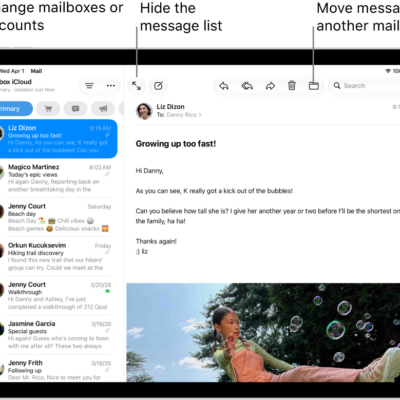
The Mail Inbox, with the list of emails on the left and an open email on the right.

How to use keyboard shortcuts in Mail on iPad

You can use keyboard shortcuts in Mail on iPad to quickly accomplish many tasks with an Apple external keyboard.
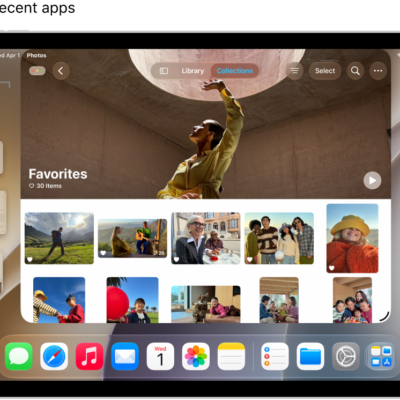
An iPad display with Stage Manager turned on. The current window is in the front, and other recent apps are in a list on the left side of the screen.

How to organize windows with Stage Manager on iPad

You can organize windows with Stage Manager on iPad, group apps, switch between apps, and arrange and resize windows.
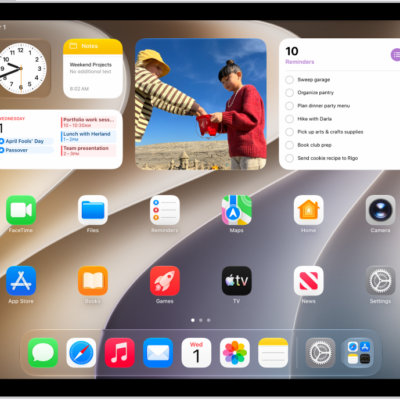
The Home Screen with the Dock showing six favorite apps on the left and three suggested apps to the right. The rightmost icon in the Dock opens App Library.

How to switch between apps on iPad

You can switch between apps on iPad with the Dock, Exposé, or a gesture, and pick up right where you left off.