









Chris Smith
Chris Smith's Articles
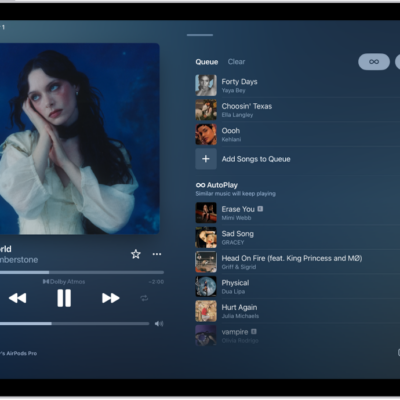
How to queue up your music on iPad
You can queue up your music on iPad, add songs to play next or at the end, reorder the queue, and use AutoPlay.
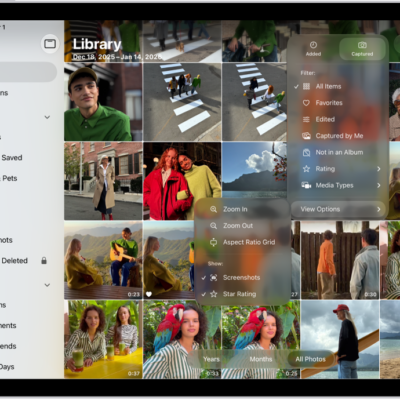
How to sort and filter the photo library on iPad
You can sort and filter the photo library on iPad by date or category, and hide screenshots and other items to reduce clutter.
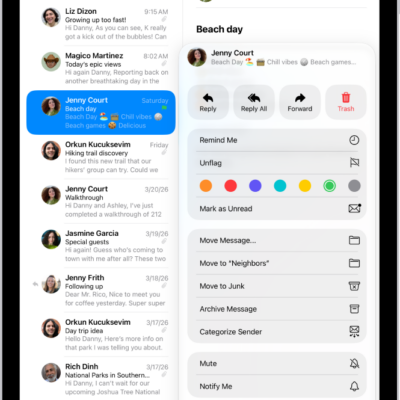
How to flag or block emails in Mail on iPad
You can flag or block emails in Mail on iPad, create a Flagged mailbox, flag emails from VIPs, and block senders.
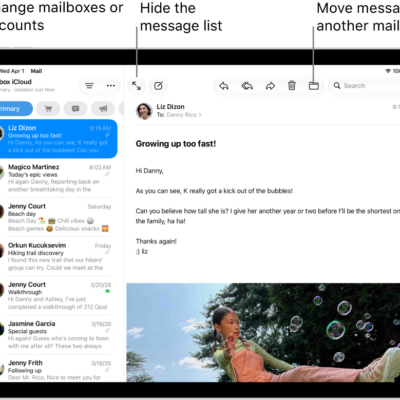
How to set email notifications on iPad
You can set email notifications on iPad, mute notifications from a thread, and get notified about replies.

How to request or give remote control in a FaceTime call on iPad
You can request or give remote control in a FaceTime call on iPad, and accept or decline a remote control request.
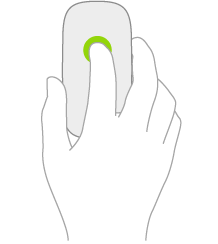
How to use a mouse with iPad: actions and gestures
You can learn mouse actions and gestures for iPad, open apps, go to the Home Screen, and share a mouse with your Mac.
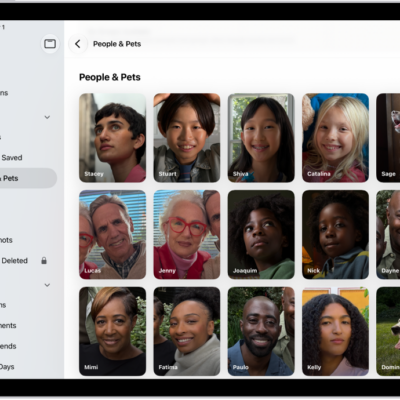
How to find and name people and pets in Photos on iPad
You can find and name people and pets in Photos on iPad, from a photo or the People & Pets collection.
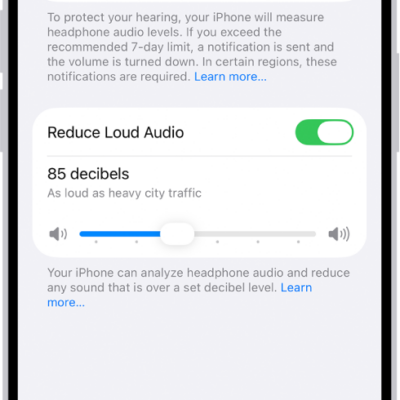
How to check your headphone audio levels on iPad
You can check your headphone audio levels on iPad in Control Center, review your listening history in Health, and reduce loud sounds.
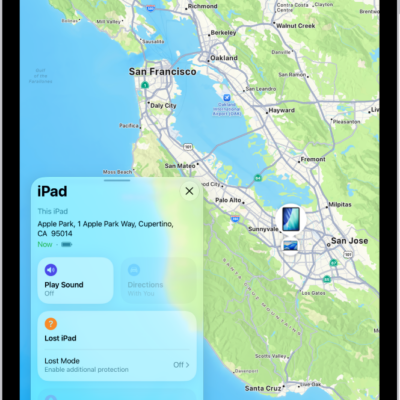
How to add your iPad to Find My
You can add your iPad to Find My to locate it if it's lost, get notified if you leave it behind, and add your Apple Pencil Pro.
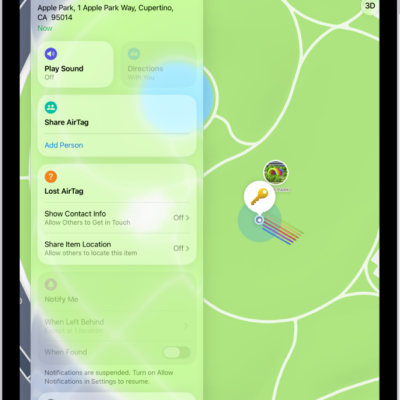
How to set separation alerts in case you leave an AirTag or item behind in Find My on iPad
You can set separation alerts in Find My on iPad for an AirTag or item you leave behind, and add Trusted Locations.