Got a tip for us?

Chris Smith

Chris Smith is a senior editor at GeeksModo based in Canada. He likes to think of himself as a jack of all trades (and a master of at least a few), though he mainly focuses on iPhones and Macs. Often covering both at the same time. When not surrounded by various Apple devices while putting them through their paces, Chris can be found streaming the latest movies or series, gaming on his PS5, or getting fresh air on a hike in the beautiful wilderness of British Columbia.

Chris Smith's Articles

A Group FaceTime call showing four participants in individual tiles at the top of the screen. Two additional participants appear together in a tile at the bottom left. At the bottom right are FaceTime controls: the Video, Microphone, More, and End Call buttons.

How to play with friends in the Apple Games app on iPad

You can play with friends in the Apple Games app on iPad, challenge them on leaderboards, and play together during FaceTime calls.
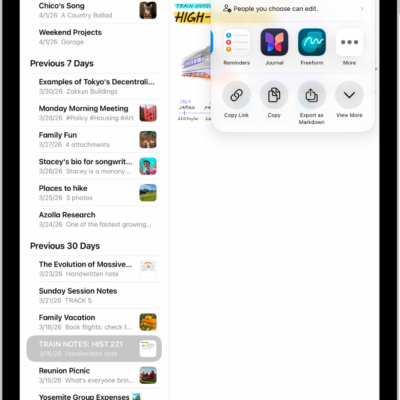
The screen for sharing a photo, with the sharing options immediately below the open photo, including the More button for editing sharing options.

How to customize sharing options in an iPad app

You can customize sharing options in an iPad app, show or hide Share options, and reorder your Favorites.

The USB-C Charge Cable.

How to connect iPad to a display with a cable

You can connect iPad to a display with a cable, like Studio Display, a TV, or a projector, and view the iPad screen there.
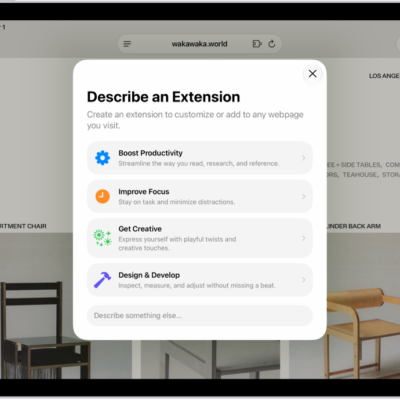
Safari window showing Describe an Extension options.

How to use Apple Intelligence to stay organized and get things done on iPad

You can use Apple Intelligence to stay organized and get things done on iPad, with summaries, shortcuts, events, and reminders.
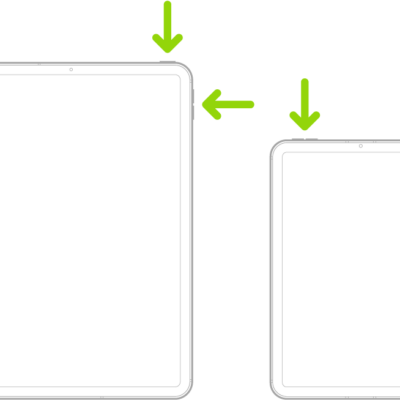
Two iPad models, each with a top button. One model has volume buttons on the side; the other has volume buttons at the top.

How to get information about your iPad

You can get information about your iPad, like its serial number, IMEI, and model, and view its cellular data usage.
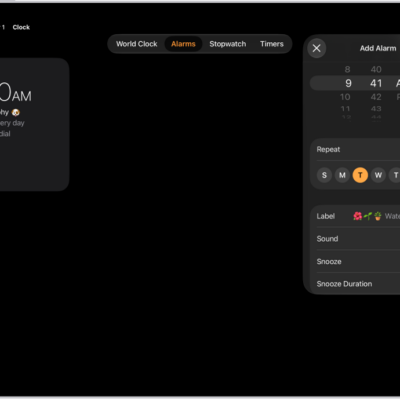
The Alarms tab in the Clock app, with settings to change the time of the alarm, choose whether the alarm repeats, add an alarm label, select an alarm sound, turn on snooze, and change the snooze duration.

How to set an alarm in Clock on iPad

You can set an alarm in Clock on iPad, repeat it on certain days, change its volume and sound, and turn off or remove it.
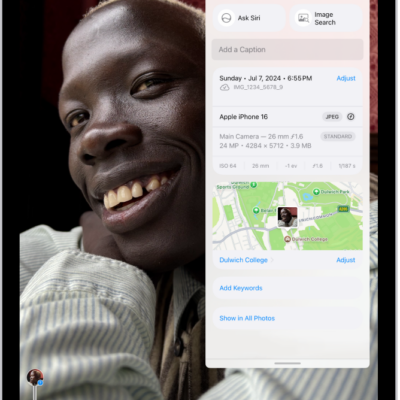
A photo is open in the Photos app. Metadata information appears over the photo including, from top to bottom, the date and time the photo was taken, the filename, the iPhone model and camera settings, and a map of the location where the photo was taken.

How to see photo and video information on iPad

You can see photo and video information on iPad, view metadata like people and captions, and change the date, time, or location.
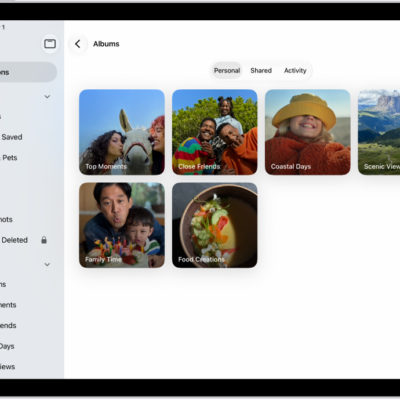
The Photos app is open to Albums. Personal is selected. The rest of the iPad screen shows thumbnails for albums in a grid.

How to create and work with photo albums on iPad

You can create and work with photo albums on iPad, sort and filter them, share photos, and organize albums in folders.
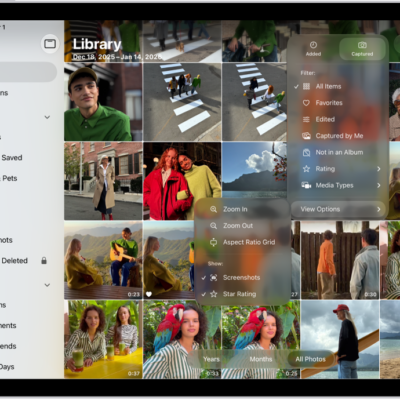
The Photos app is open and the Library tab is selected in the sidebar. The Sort and Filter button at the top of the screen is selected, showing Sort and Filter options for viewing the library contents.

How to filter and sort photos and videos in albums on iPad

You can filter and sort photos and videos in albums on iPad, show only photos, videos, or favorites, and sort by date or custom order.
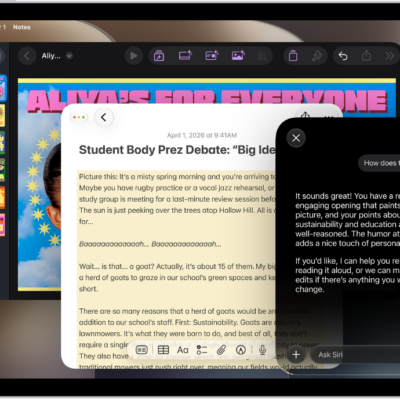
An iPad showing Siri proofreading and giving feedback on text.

How to use Apple Intelligence to communicate with ease on iPad

You can use Apple Intelligence to communicate with ease on iPad, with Write with Siri, Live Translation, and more.